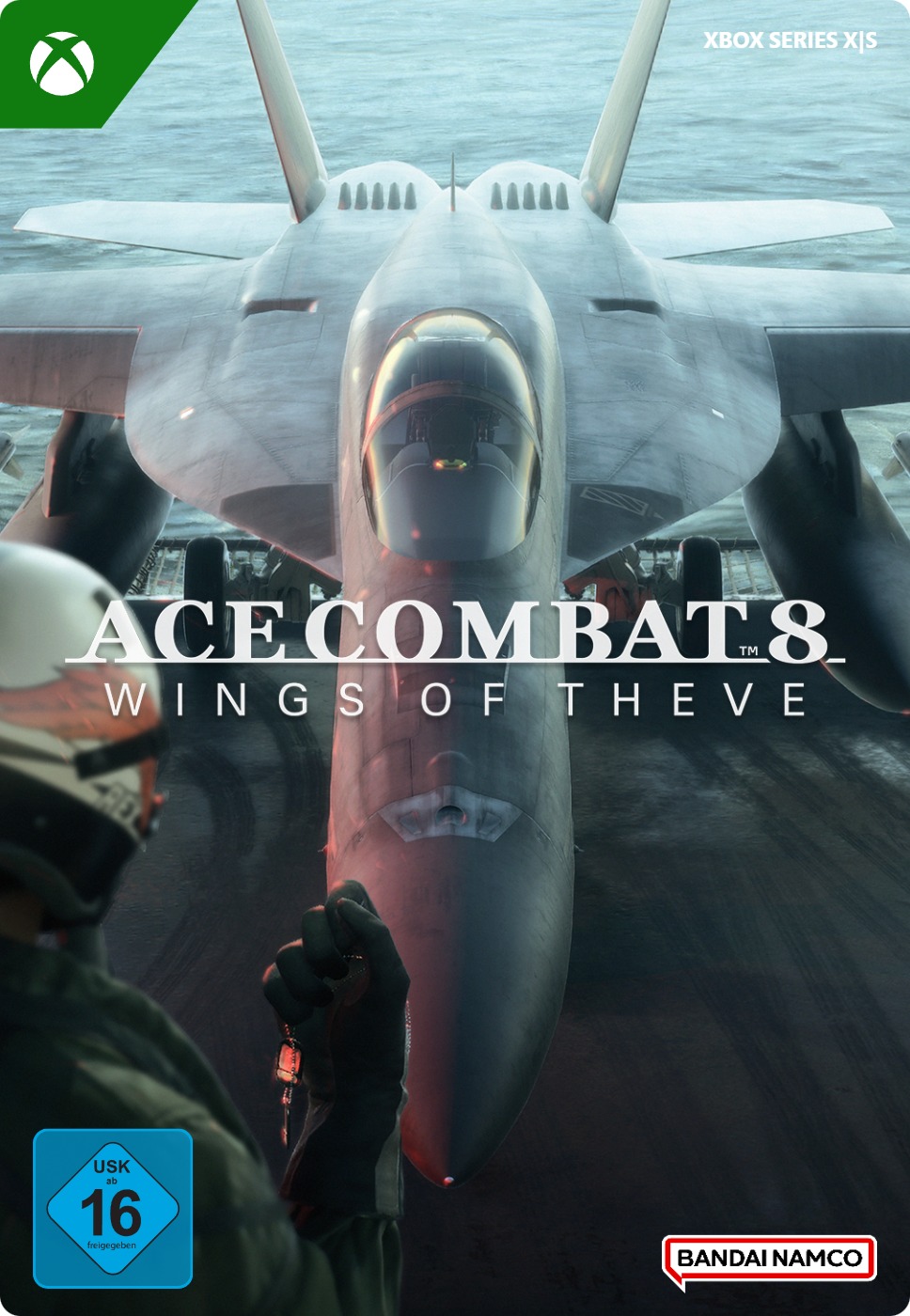

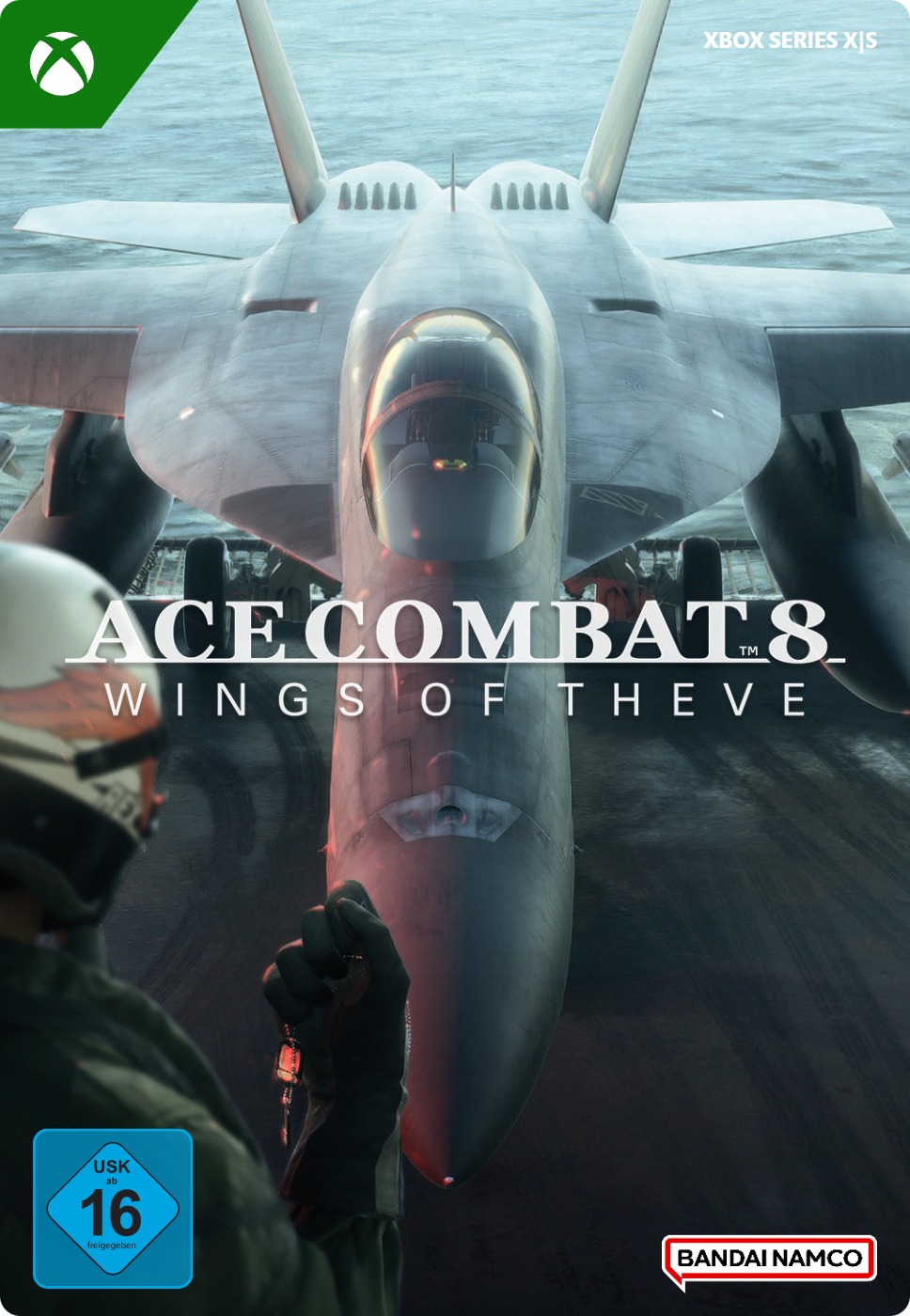


ACE COMBAT 8: WINGS OF THEVE, Standard Edition
- Download this game directly to your Xbox Series X/S console and start playing straight away.
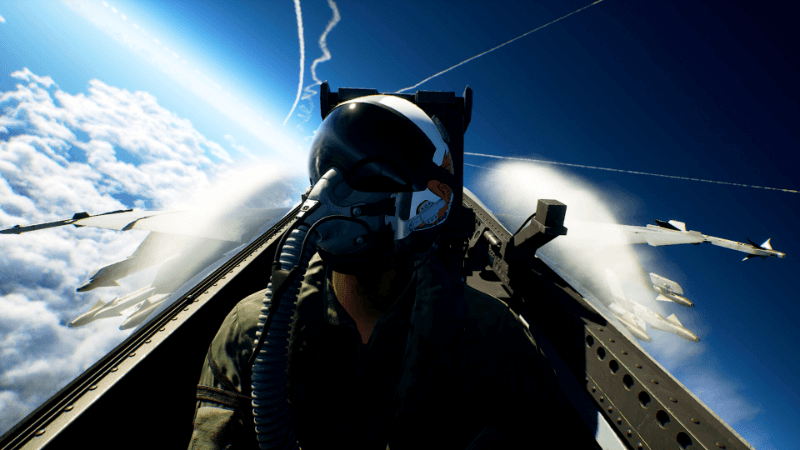
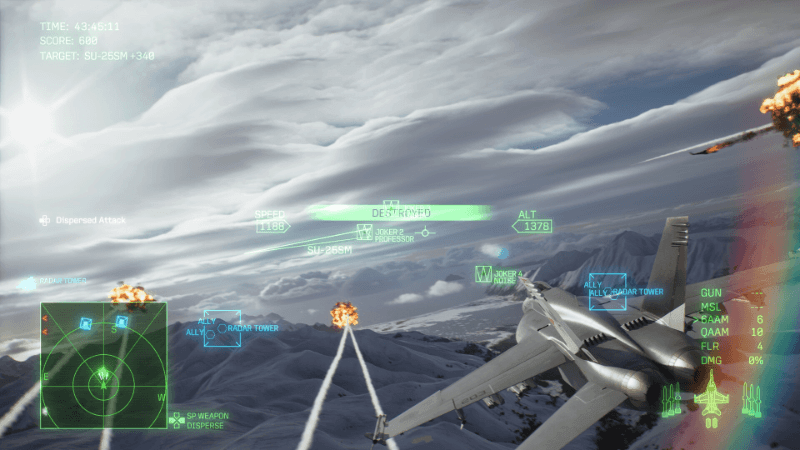
- Fly through dynamic skies with weather conditions that actually change.
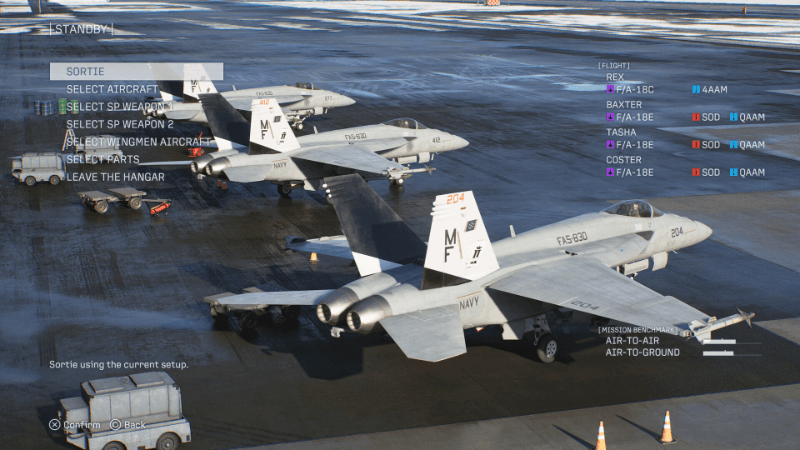
- Lead your squadron in the air by giving commands and guiding your team to victory.
Information
What is ACE COMBAT 8: WINGS OF THEVE?
ACE COMBAT 8: WINGS OF THEVE is an aerial combat game for Xbox Series X/S. You play as an elite pilot in dynamic aerial battles set in a world where war is escalating. In this game, you will take part in fast-paced dogfights, complete exciting missions and be drawn into a story in which all your decisions play an important role. This ACE COMBAT game features impressive graphics, changing weather conditions and cloud formations that look almost real. In short, this title has everything you would expect from a great aerial combat game!
The story
It is July 2029 when the Republic of Sotoa unexpectedly attacks the Federation of Central Usea. Most of your country's navy has been destroyed and you, together with your fighter aircraft, are your country's only hope under the name “Wings of Theve”. Together with your squadron, you fight the enemy to reclaim your homeland.
Play solo or fight online as a team
In the single-player mode of this title, you will have to fight your way through hordes of enemies in the air, with combat interspersed with cinematic first-person cutscenes. You are the leader of a squadron in the air; you build a special bond with your team, because your decisions are extremely important in ACE COMBAT 8. This mode offers challenges for both rookies and experienced gamers.
You can also play this game in an online multiplayer mode with up to 8 players. You can play both in co-op mode and against each other. The multiplayer mode supports play across different platforms. To use the online multiplayer features of this game title, you need an Xbox Game Pass subscription, which we also sell in our webshop.
Pre-order this game and receive extra content
Pre-order ACE COMBAT 8 and receive the following extra content.
- Fly the F-14A fighter aircraft.
- Receive the bonus game “ACE COMBAT ZERO: THE BELKAN WAR” for Xbox Series X/S.
Why you really need to get this game title!
If you love action, fighter aircraft and challenging aerial combat, then ACE COMBAT 8: WINGS OF THEVE is perfect for you.
- Take part in spectacular aerial battles with fast-paced combat in the skies.
- The clouds in this game look incredibly realistic and the environments are highly detailed.
- Play solo in an immersive story packed with action in the skies and cool cutscenes.
- Play as a skilled ace who has to earn their reputation in the skies.
- Take control of the most powerful aircraft and weapons.
- An online multiplayer mode that lets you play with up to eight players, both in co-op mode and against each other.
- Immerse yourself in 4K Ultra HD graphics, more than 60 frames per second and ray tracing on your Xbox Series X and S.
Order ACE COMBAT 8: WINGS OF THEVE from our webshop
You can purchase the Standard Edition of “ACE COMBAT 8: WINGS OF THEVE” easily, quickly and securely from the Gamecardsdirect webshop, after all, we are an official digital Xbox retailer. Shortly after your payment, you will receive a game code by email that you can use to redeem your game, so you can start playing straight away. Give this game to someone else as a gift, we can even wrap it digitally in festive packaging for you. Gamecardsdirect does not sell physical products, only digital products.
Description
Redeem instructions
How to redeem your new Xbox game?
So you got a code for a sparking new Xbox game, but don’t know how to use it? We’re here to help! You can proceed in any of the following ways, whichever is more convenient for you!
Redeeming your Xbox game on your Xbox Series X|S
To redeem your new Xbox game directly on your Xbox Series X|S console, just do as follows:
- Use the Xbox button to open the guide;
- Choose the Store option;
- Press the View button to open the side menu, and click on Redeem;
- Enter the 25-character code, click Next and confirm one last time.
- Have fun with your new game!
Redeeming your Xbox game on the Xbox One
To redeem your new Xbox game directly on your Xbox One console, just do as follows:
- Use the Xbox button to open the guide;
- Go to Home;
- Scroll to the Store tab;
- Select Use a code;
- Enter the code you received from us, click Next and confirm again.
- Enjoy your new game!
Redeeming your Xbox game via the Xbox website
Please follow these steps to redeem your code via the Xbox website.
- Go to Xbox.com and select Sign in;
- Open the Games drop-down menu in the top bar;
- Click on Redeem code;
- Enter your Game Pass code, click Next and confirm one last time.
- It’s done, you can now download your new Xbox game to your console.
Redeeming your Xbox game via the Microsoft Store app
If you instead prefer to use the Microsoft Store app on your PC, these are the steps to follow:
- Click the Start button to open the Microsoft Store;
- Choose Redeem code in the drop-down menu that appears when you click on your picture;
- Enter the code we sent you, click Next and confirm one last time.
- Download the game to your Xbox console and have fun!
- Instant email delivery
- Excellent customer service
- Telephone: +31(0)85 047 75 36
- E-mail support in the weekends
- 1.100.000+ satisfied customers
Limited customer service
during the holidays.
Due to the heat, this week our customer
service team will be available from 07:00 to 15:30.
We are currently experiencing delays in delivering emails to Microsoft email accounts. We are doing our best to have all codes delivered soon.
Contact
You might like this as well