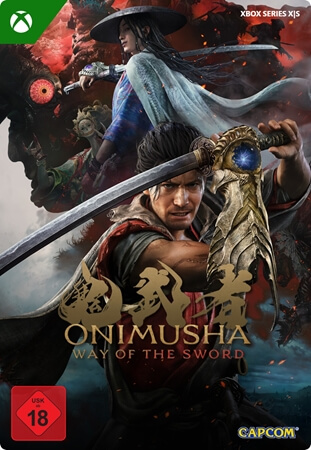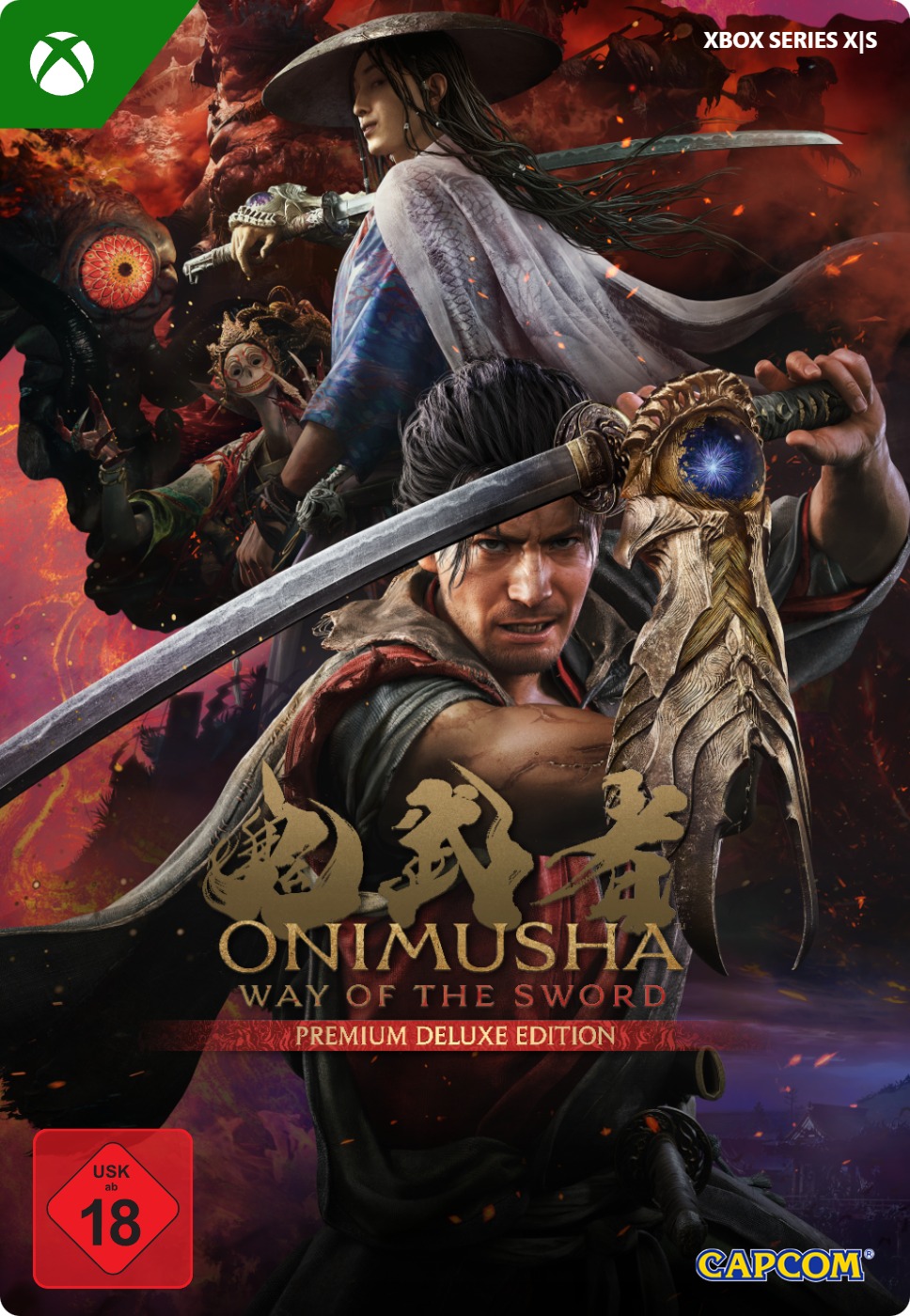



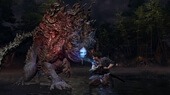
Onimusha: Way of the Sword, Deluxe Edition
- Play the base game and lots of extra content instantly on your Xbox X/S console.
- The new Issen system adds even more depth to battles with enemies.
- Improve your combat abilities by absorbing the souls of your opponents.
Information
What is Onimusha: Way of the Sword, Deluxe Edition?
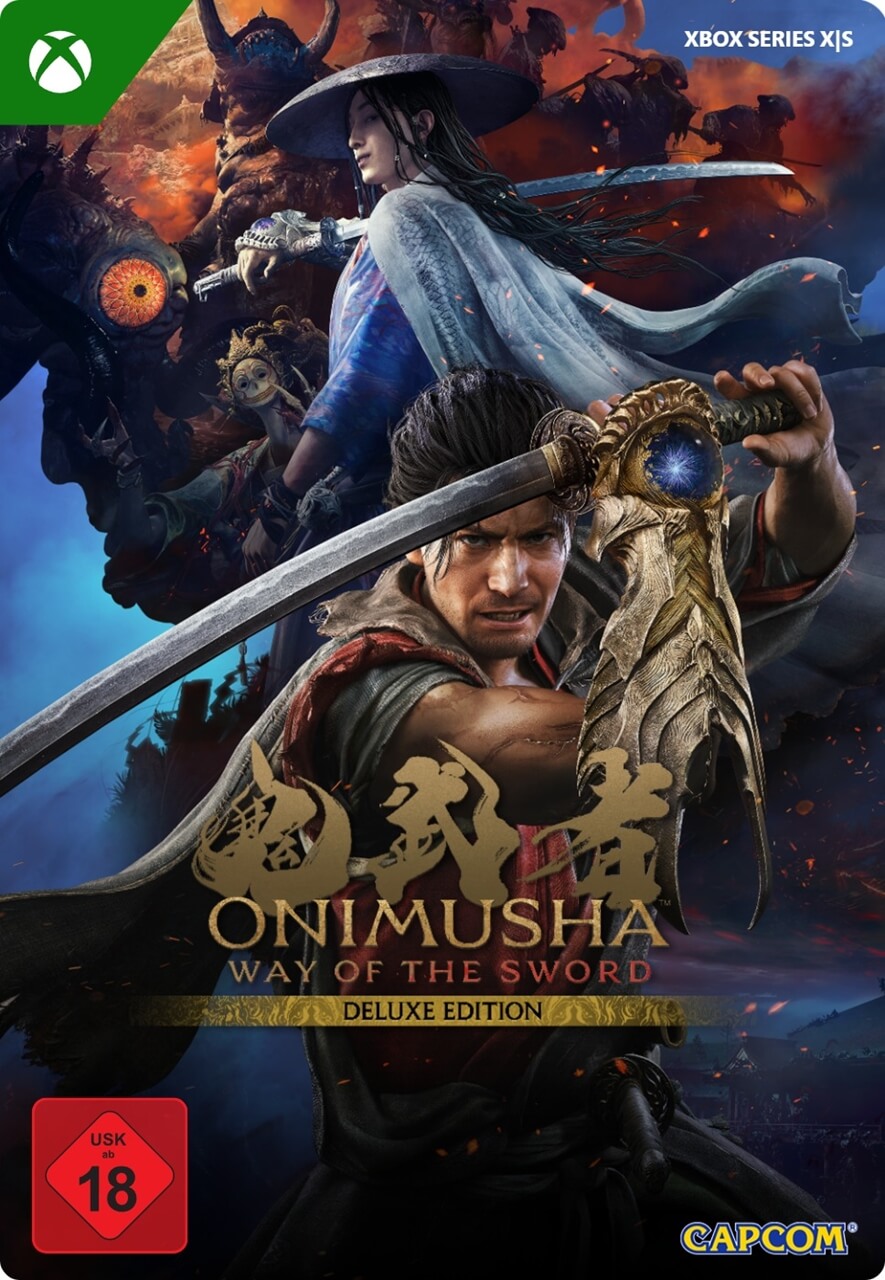
Onimusha: Way of the Sword, Deluxe Edition, for Xbox X/S is a challenging single-player action game from game developer CAPCOM that combines spectacular samurai battles with elements of the horror genre. This Onimusha is best described as a single-player action adventure game with melee combat.
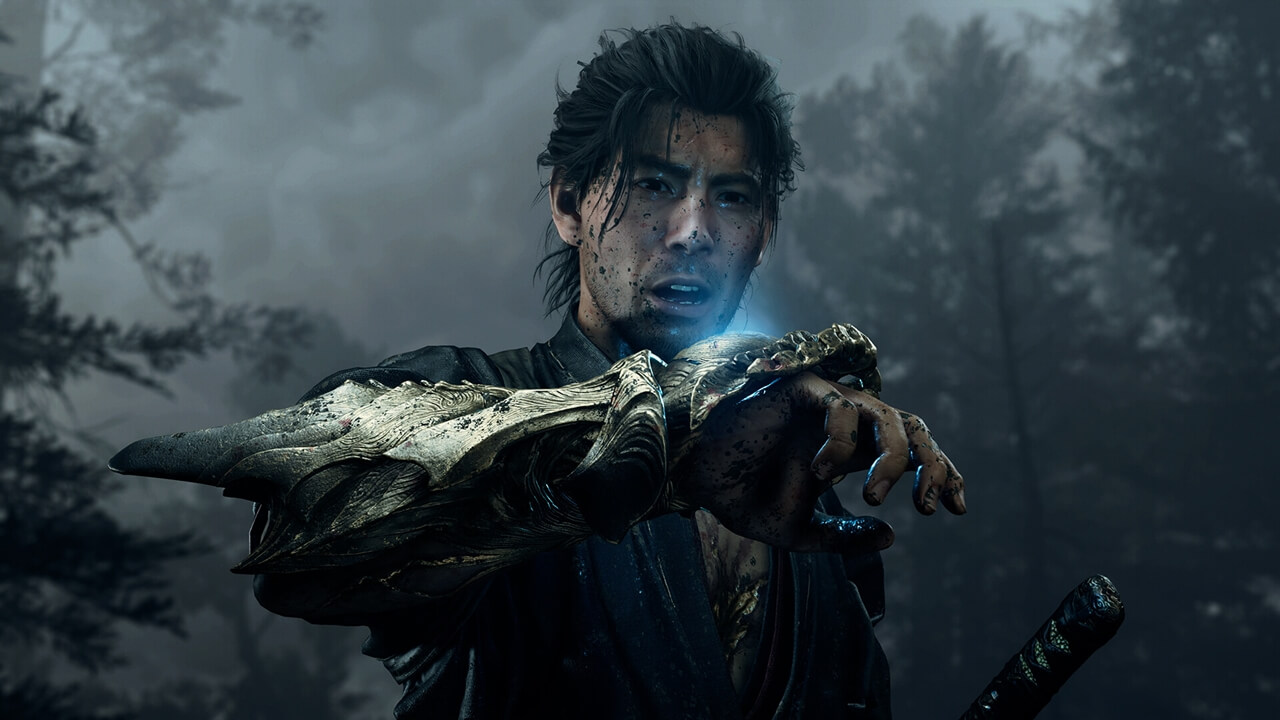
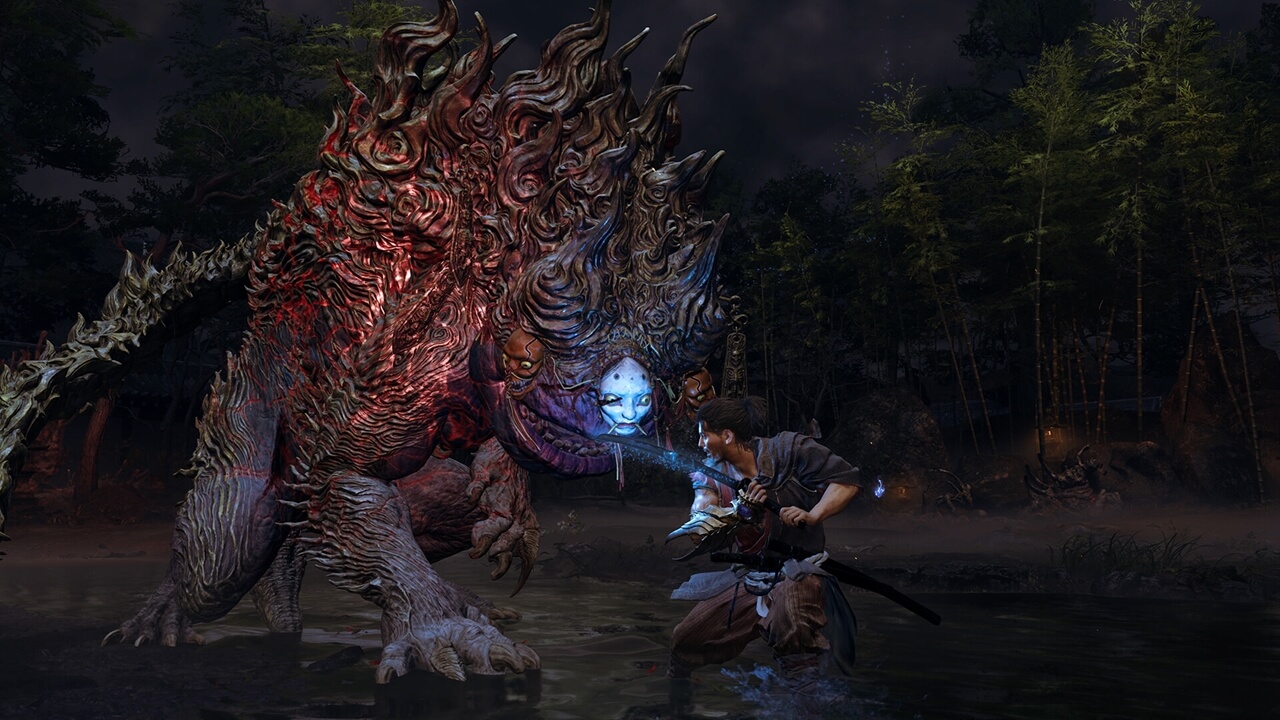
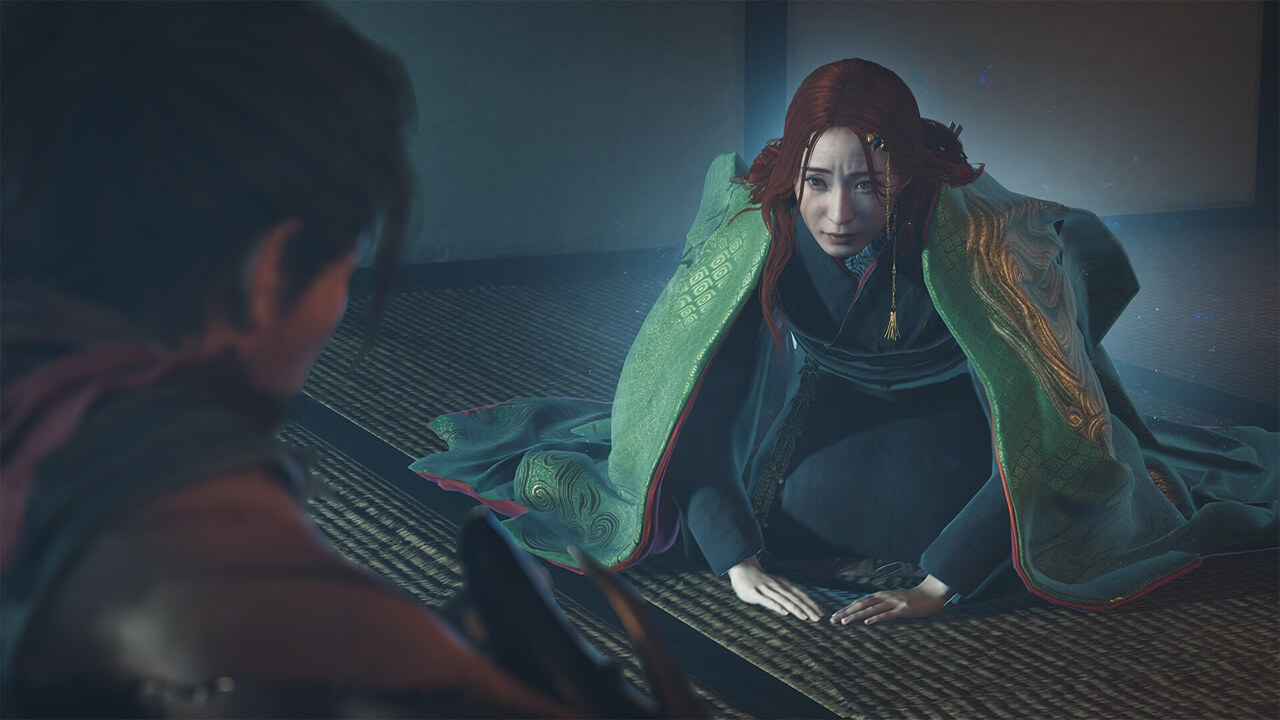
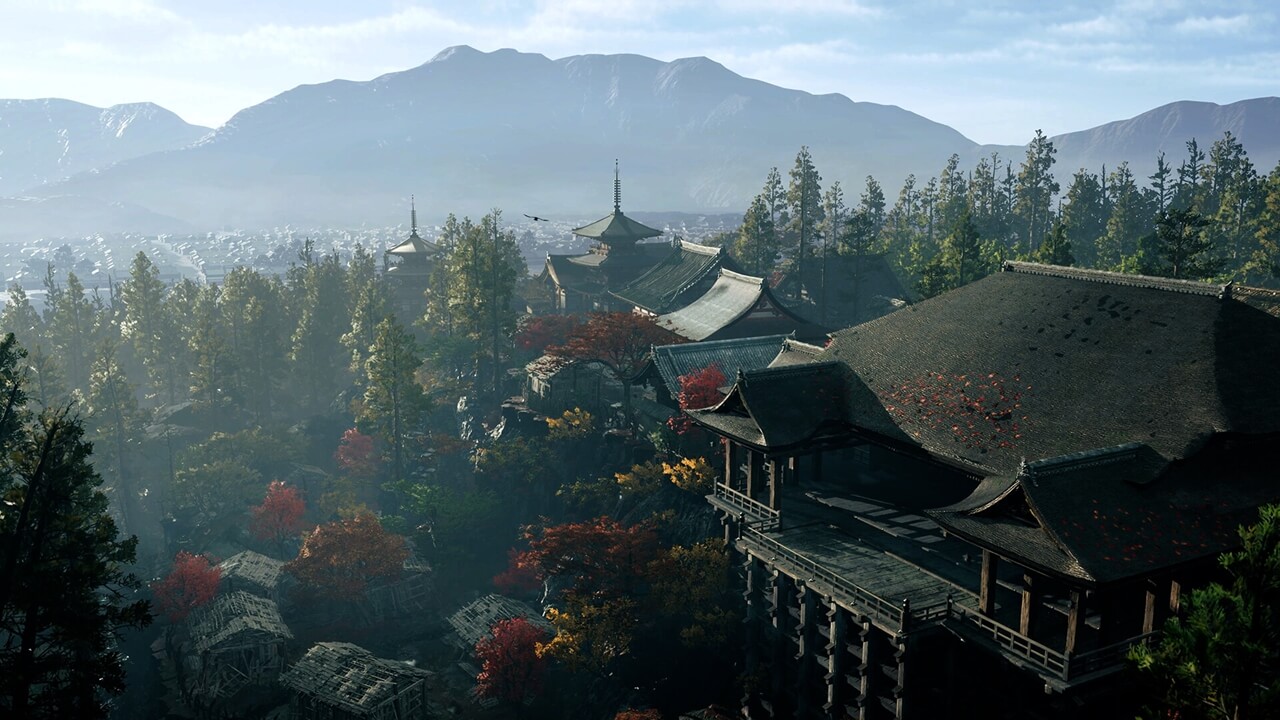
You play as the Japanese swordsman Miyamoto Musashi in Japan during the Edo period. You travel to the vast city of Kyoto, which has been overrun by the Genma. Use your samurai sword and your Oni Gauntlet to take on all kinds of evil enemies.
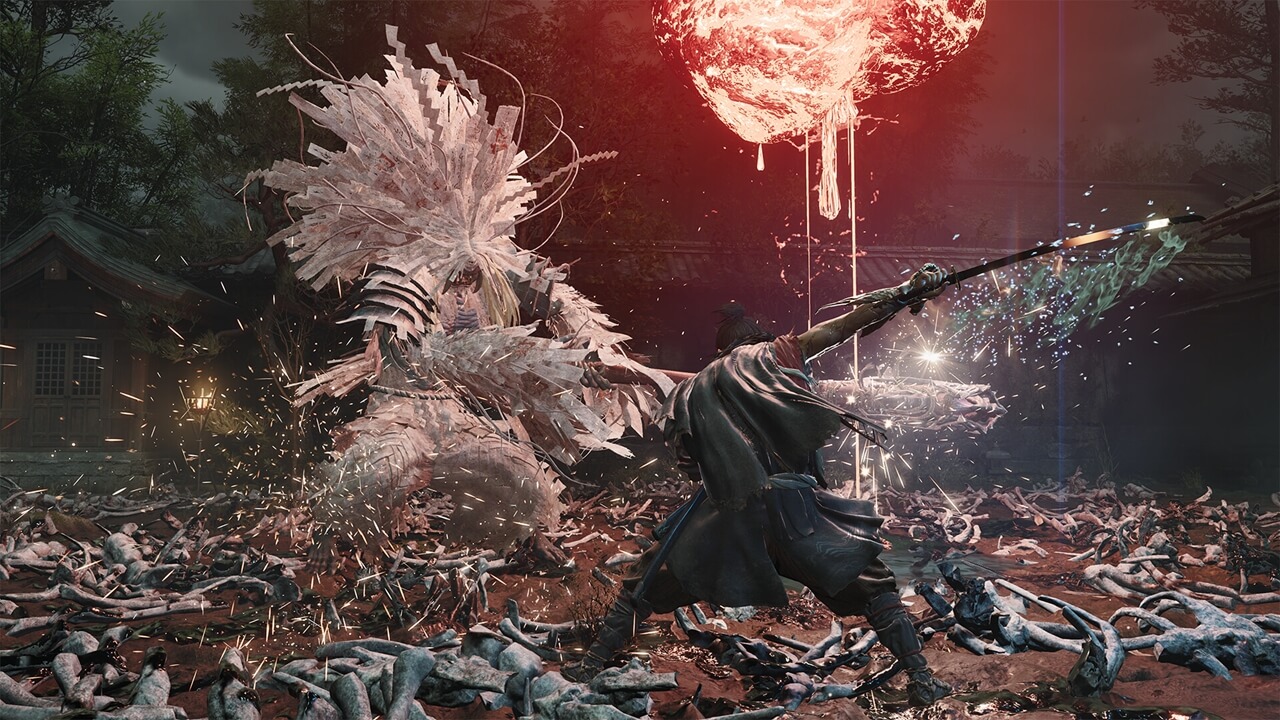
Experience intense sword fights, where the focus is not only on brute force, but also on strategically taking on your enemies with the right timing. You will need to use the Issen combat system, which allows you to strategically block attacks, but also counter them; in other games this is also known as a “parry”. Absorb the souls of your enemies to learn more and more abilities and become stronger.
In short: in this adventure you do not just fight, you are also drawn into an ancient story in which you will have to approach the battlefield strategically to emerge victorious.
What extra content do you get with the Deluxe Edition?
This Deluxe Edition of Onimusha: Way of the Sword gives you the complete base game, but with plenty of extra content.
- 3 Talismans - You get Oni Lady, Little Dancer and Mentor. Talismans give the main character Miyamoto Musashi new skills.
- 4 skins for the samurai sword - Bamboo & Panda, Whittled Oar, Raizan and Enryuu. Personalise Musashi’s samurai sword.
- 1 extra outfit - You receive the Red Armor for the main character.
- 1 skin for the Oni Gauntlet - You can choose the additional Crimson Lotus skin.
Why you really need to get this game!
This Onimusha is not a simple hack ’n slash game, it is a challenging game with a deep historical story and extensive gameplay. You fight strategically, for example by using the Issen combat system and the Oni Gauntlet. There are RPG elements, because you can upgrade Miyamoto Musashi by absorbing souls and using them to learn new skills. The detailed graphics complete the experience and allow you to become fully immersed in the story.
Buying the digital version of Onimusha: Way of the Sword Deluxe Edition online
Order Onimusha: Way of the Sword Deluxe Edition for Xbox Series X/S from Gamecardsdirect, because with us you can always order quickly, easily and completely securely. We are an official Xbox retailer. Once you have paid for your purchase, you will receive your game by email in no time in the form of a digital code, which you can use to redeem the game instantly. You can also give a game to someone else as a gift, we will even wrap it nicely for you digitally. At Gamecardsdirect we do not sell physical products, only digital ones.
Description
Redeem instructions
How to redeem your new Xbox game?
So you got a code for a sparking new Xbox game, but don’t know how to use it? We’re here to help! You can proceed in any of the following ways, whichever is more convenient for you!
Redeeming your Xbox game on your Xbox Series X|S
To redeem your new Xbox game directly on your Xbox Series X|S console, just do as follows:
- Use the Xbox button to open the guide;
- Choose the Store option;
- Press the View button to open the side menu, and click on Redeem;
- Enter the 25-character code, click Next and confirm one last time.
- Have fun with your new game!
Redeeming your Xbox game on the Xbox One
To redeem your new Xbox game directly on your Xbox One console, just do as follows:
- Use the Xbox button to open the guide;
- Go to Home;
- Scroll to the Store tab;
- Select Use a code;
- Enter the code you received from us, click Next and confirm again.
- Enjoy your new game!
Redeeming your Xbox game via the Xbox website
Please follow these steps to redeem your code via the Xbox website.
- Go to Xbox.com and select Sign in;
- Open the Games drop-down menu in the top bar;
- Click on Redeem code;
- Enter your Game Pass code, click Next and confirm one last time.
- It’s done, you can now download your new Xbox game to your console.
Redeeming your Xbox game via the Microsoft Store app
If you instead prefer to use the Microsoft Store app on your PC, these are the steps to follow:
- Click the Start button to open the Microsoft Store;
- Choose Redeem code in the drop-down menu that appears when you click on your picture;
- Enter the code we sent you, click Next and confirm one last time.
- Download the game to your Xbox console and have fun!
- Instant email delivery
- Excellent customer service
- Telephone: +31(0)85 047 75 36
- E-mail support in the weekends
- 1.100.000+ satisfied customers
Limited customer service
during the holidays.
Due to the heat, this week our customer
service team will be available from 07:00 to 15:30.
We are currently experiencing delays in delivering emails to Microsoft email accounts. We are doing our best to have all codes delivered soon.
Contact
You might like this as well