







Star Wars Zero Company - Deluxe Edition
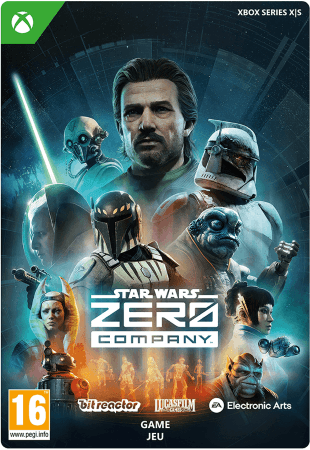
- Purchase Star Wars Zero Company Deluxe for Xbox X/S and play this title immediately.
- This is a tactical turn-based strategy game that you play solo.
- Discover new and familiar characters, settings and weapons in the Star Wars universe.
Information
The Deluxe Edition of Star Wars Zero Company
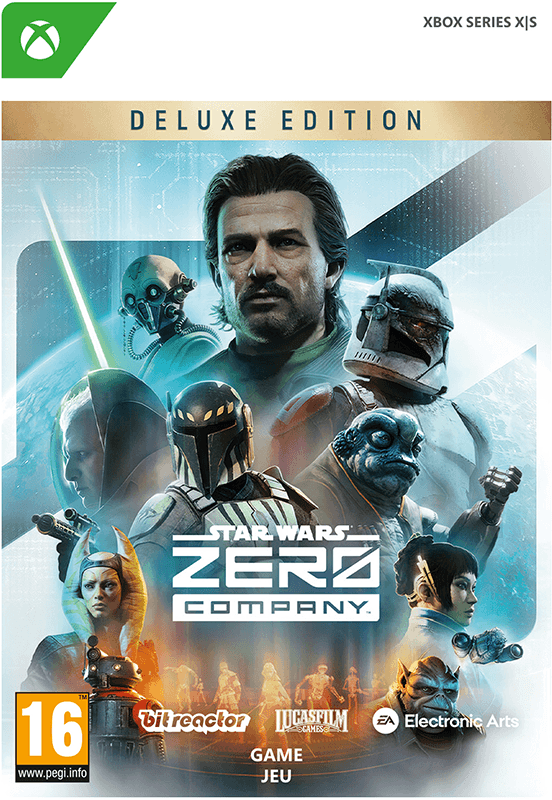
Star Wars Zero Company Deluxe Edition for Xbox Series X/S is a tactical turn-based strategy game in which you take command of an elite unit during the final days of the now well-known Clone Wars. In this brand-new Star Wars game, you decide the composition of your team, develop advanced tactics and carry out challenging missions in which every decision affects the course of the story.
You take on the role of Hawks, a former Republic officer, who is given command of Zero Company. This team consists of a group of specialists from a variety of backgrounds, including Clone Troopers, Jedi, astromechs and other unique characters from the Star Wars universe. By developing the strong bond between your team members, you unlock new abilities and improve your chances during the toughest battles.
The missions take place in familiar and completely new locations within the Star Wars universe. During each operation, you must make clever use of cover, special abilities and your team’s unique characteristics. Thanks to the extensive strategic gameplay, no two missions are the same.
Two versions of Star Wars Zero Company are available: the Standard Edition and the Deluxe Edition. Both are available for purchase from our online shop.
What additional content do you receive with the Deluxe Edition of Star Wars Zero Company?
- Star Wars Zero Company base game.
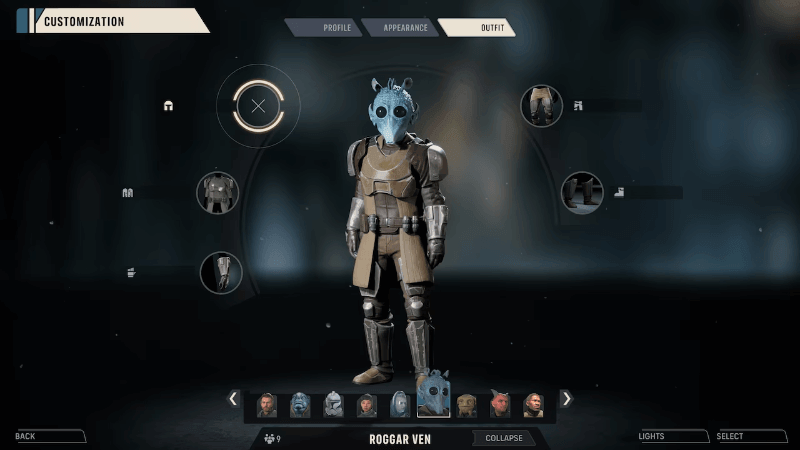
- Exclusive cosmetic content for your squad, such as the “Republic Officer” Uniform.
- Additional equipment and customisation items, including 5 cosmetic tattoos.
- Digital bonus content, such as: 5 painted weapon themes.
Key features of this Star Wars title
- Experience a completely new Star Wars story set during the Clone Wars.
- Take part in tactical turn-based battles in which every decision matters.
- Assemble your own elite unit with Clone Troopers, Jedi and other specialists.
- Strengthen the bond between team members to unlock powerful combinations and unique abilities.
- Explore both familiar and new locations within the Star Wars universe.
- Make clever use of strategic positioning, cover and special attacks to complete every mission successfully.
Order Star Wars Zero Company Deluxe Edition safely online
Gamecardsdirect is the right place to purchase Star Wars Zero Company Deluxe Edition for Xbox Series X/S. As an official Xbox retailer, you will receive your fully digital purchase quickly, easily and, above all, securely by email. After payment, you can activate the code immediately through your Microsoft Xbox account and begin this new Star Wars adventure. It is also possible to give the game to someone else as a gift, thanks to the digital gift options available in our online shop; we will even wrap your gift beautifully in a digital format. Gamecardsdirect sells digital products only and does not supply physical products.
Redeem instructions
How to redeem your new Xbox game?
So you got a code for a sparking new Xbox game, but don’t know how to use it? We’re here to help! You can proceed in any of the following ways, whichever is more convenient for you!
Redeeming your Xbox game on your Xbox Series X|S
To redeem your new Xbox game directly on your Xbox Series X|S console, just do as follows:
- Use the Xbox button to open the guide;
- Choose the Store option;
- Press the View button to open the side menu, and click on Redeem;
- Enter the 25-character code, click Next and confirm one last time.
- Have fun with your new game!
Redeeming your Xbox game on the Xbox One
To redeem your new Xbox game directly on your Xbox One console, just do as follows:
- Use the Xbox button to open the guide;
- Go to Home;
- Scroll to the Store tab;
- Select Use a code;
- Enter the code you received from us, click Next and confirm again.
- Enjoy your new game!
Redeeming your Xbox game via the Xbox website
Please follow these steps to redeem your code via the Xbox website.
- Go to Xbox.com and select Sign in;
- Open the Games drop-down menu in the top bar;
- Click on Redeem code;
- Enter your Game Pass code, click Next and confirm one last time.
- It’s done, you can now download your new Xbox game to your console.
Redeeming your Xbox game via the Microsoft Store app
If you instead prefer to use the Microsoft Store app on your PC, these are the steps to follow:
- Click the Start button to open the Microsoft Store;
- Choose Redeem code in the drop-down menu that appears when you click on your picture;
- Enter the code we sent you, click Next and confirm one last time.
- Download the game to your Xbox console and have fun!
- Instant email delivery
- Excellent customer service
- Telephone: +31(0)85 047 75 36
- E-mail support in the weekends
- 1.100.000+ satisfied customers
Limited customer service
during the holidays.
Due to the heat, this week our customer
service team will be available from 07:00 to 15:30.
We are currently experiencing delays in delivering emails to Microsoft email accounts. We are doing our best to have all codes delivered soon.
Contact
You might like this as well