




Destiny 2: Year Of Prophecy
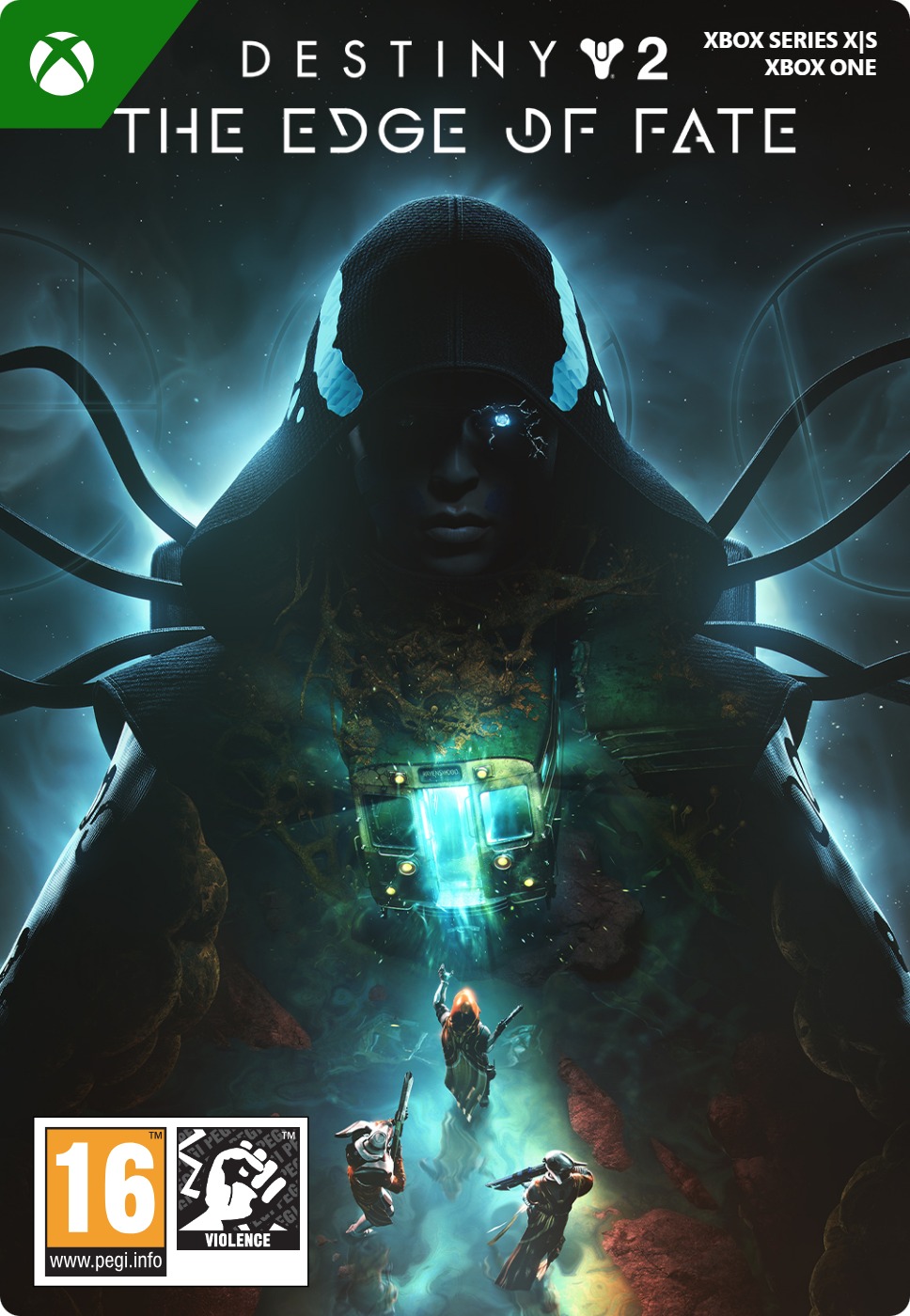
- Buy the Destiny 2: Year of Prophecy add-on for Xbox at Gamecardsdirect and play instantly.
- You get 2 new, adventurous add-ons, “The Edge of Fate” and “Renegades”.
- New campaigns, destinations, gear, and much more.
Information
What is Destiny 2: Year of Prophecy?
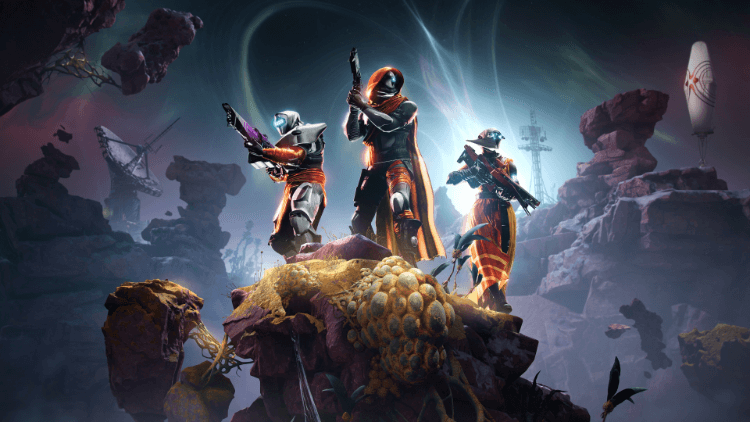
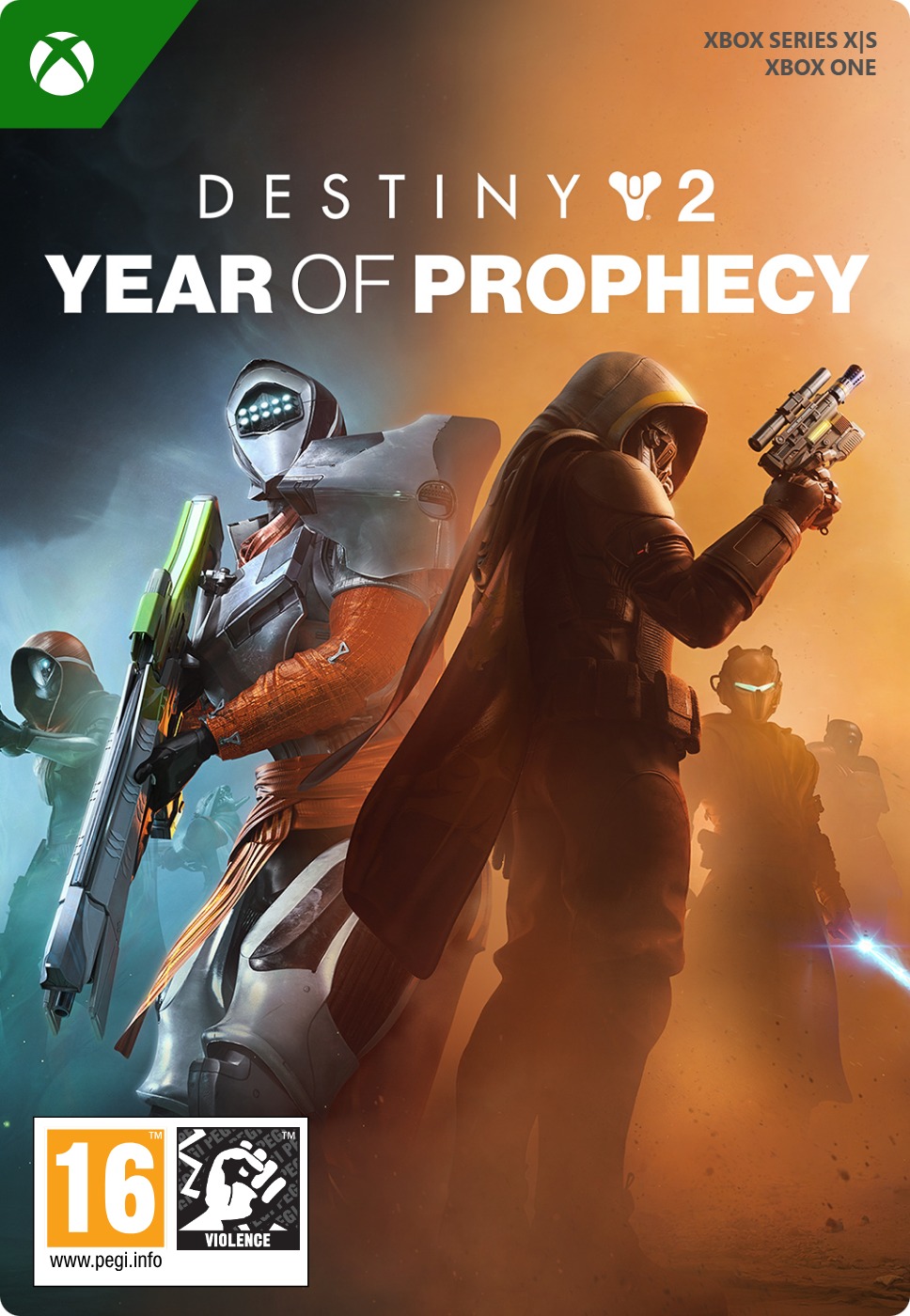
Destiny 2: Year of Prophecy is an add-on bundle for the game Destiny 2 for Xbox Series X/S and ONE. This bundle contains 2 DLCs: The Edge of Fate, Renegades, and more. In this DLC you will discover entirely new settings, two brand-new campaigns, new gear, and much more to explore.
The story of “The Edge of Fate” add-on follows the Guardians as they trace a strange signal to an unknown location on the edge of their solar system. At this location, they uncover a dark future they must stop before it is too late.
The “Renegades” DLC is about a Guardian on the planet Cimmeria who enters the underworld to bring down an evil empire. This Guardian also wants to hunt down a Dredgen. When this Dredgen is found, the shadow realm can be destroyed.
You cannot play this Destiny 2 DLC if you do not own the base version of Destiny 2.
Special features of this Destiny 2 DLC bundle
This Destiny 2 DLC bundle for Xbox Series X/S and ONE naturally includes special features:
- 2 New storylines, as well as new settings, gear, raid and dungeon, and many more extras to discover.
- In Edge of Fate, you can play in a new setting that turns out to be hidden deep in the Reef, on the planetoid Kepler. On this planet, there are traces of a human settlement and a secret force that influences all characters in this environment. There are also two completely new enemies you must defeat in this setting.
- Renegades gives you the option to choose between good or evil to complete your mission successfully; each side comes with new challenges. You explore a new planet and meet different factions. Fight against enemies you haven't encountered before. Discover new ways to approach and fight enemies. There are also new multiplayer maps.
- You get the Rewards Pass which gives you access to exclusive rewards and seasonal extras. Through a Premium rank track, you can unlock unique gear, shaders, exotics, cosmetics, and other rewards not available via the free version. You get exclusive access to special storylines, missions, mods, and challenges that are only made available during the relevant season. Rewards can even be claimed up to two seasons after their release.
Are there multiple add-ons for Destiny 2?
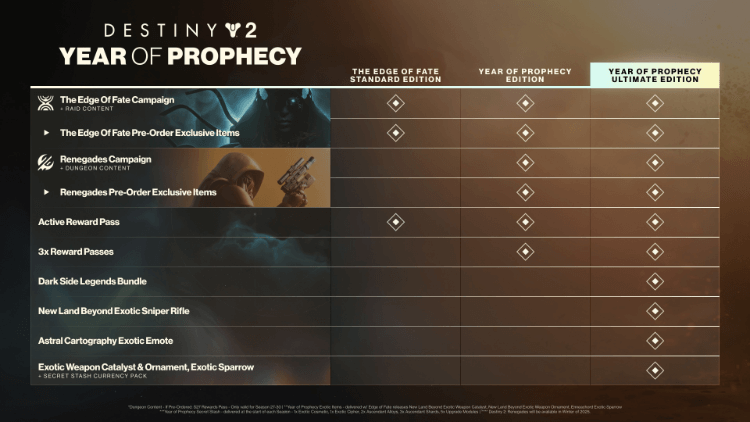
Yes, there are 3 different add-on versions for Destiny 2 for Xbox Series X/S and ONE; we sell all three at Gamecardsdirect.
- Destiny 2: The Edge of Fate
- Destiny 2: Year of Prophecy
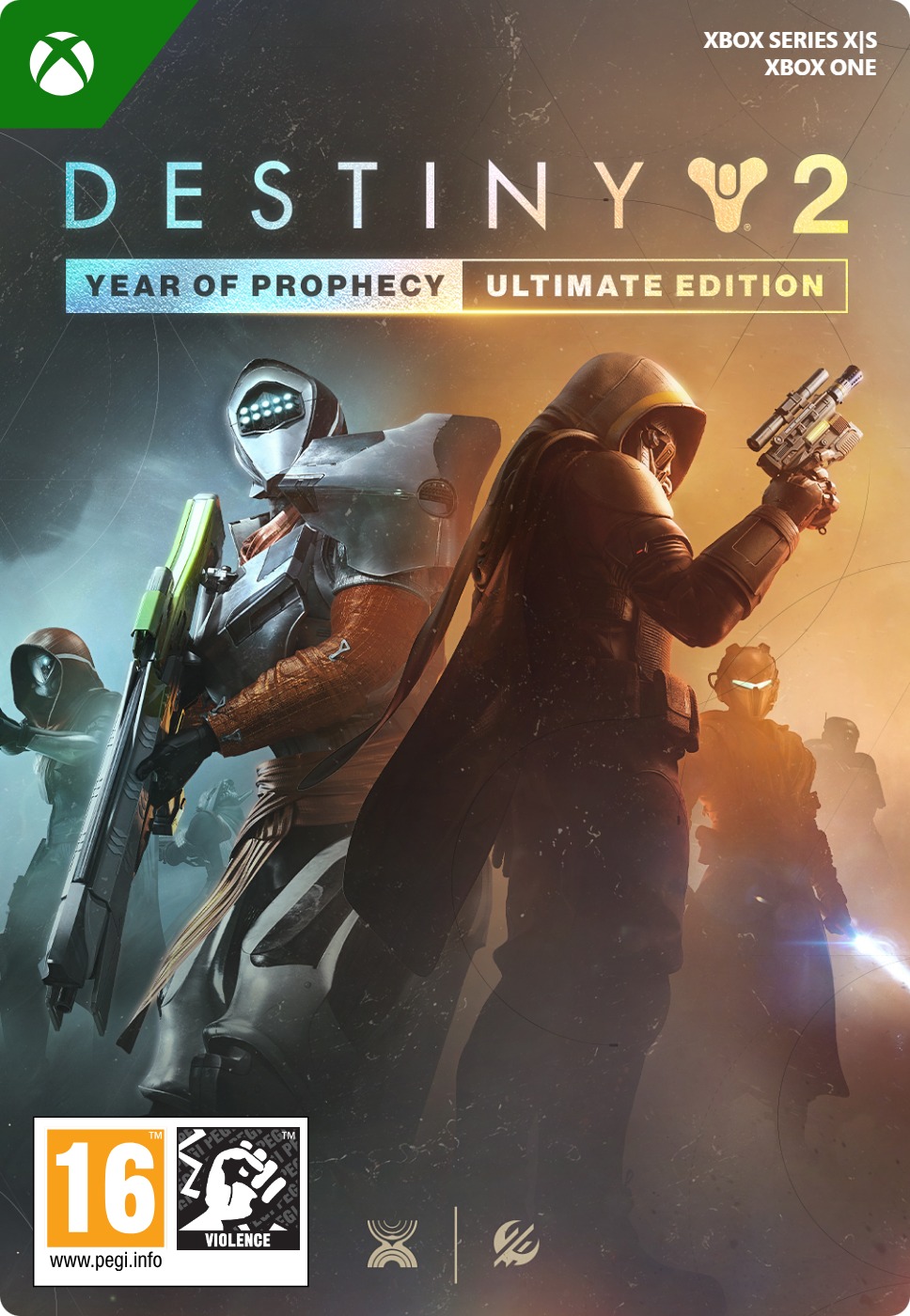
- Destiny 2: Year of Prophecy, Ultimate Edition
For Destiny 2 DLCs, you need the base version of the game. It is not possible to play these add-ons without the base version of Destiny 2.
Where can you buy the Destiny 2: Year of Prophecy add-on online?
You can buy the Destiny 2: Year of Prophecy add-on online very quickly, extremely easily, and securely at Gamecardsdirect. Pay with one of the many payment methods we offer in our webshop and within seconds you will receive the DLC in the form of a digital code in your email inbox. Want to give this DLC as a gift to someone else? That’s of course possible! You will be offered this option during the order process. We even digitally wrap your gift. At Gamecardsdirect we do not sell physical products, only digital versions.
Description
Your journey begins with a mysterious invitation. Uncover powerful new weapons and armor, master new abilities, and challenge yourself and your fireteam across two new destinations, plus an all-new raid and dungeon. The Guardian’s future is now as a new saga begins, setting the stage for conflicts and revelations ahead.
More information on the next expansion – Destiny 2: Renegades – coming soon!
Redeem instructions
How to redeem your new Xbox DLC?
So you got a code for a new shiny Xbox Downloadable content, but don’t know how to use it? Don’t worry, we’re here to help! You can proceed in any of the following ways, whichever is more convenient for you!
Redeeming your Xbox DLC on your Xbox Series X|S
When you want to redeem your new Xbox add-on directly on your Xbox Series X|S console, just do as follows:
- Click the Xbox button to open the guide;
- Select the Store option;
- Click the View button to open the side menu, and click on Redeem;
- Enter the code, click Next and confirm one last time.
- Have fun with your new DLC!
Redeeming your Xbox DLC on the Xbox One
When you want to redeem your new Xbox content directly on your Xbox One console, just do as follows:
- Click the Xbox button to open the guide;
- Go to Home;
- Scroll to the Store tab;
- Choose Use a code;
- Enter the 25-character code you received from us, click Next and confirm again.
- Enjoy your new DLC!
Redeeming your Xbox content via the Xbox website
Please follow these steps if you prefer to redeem your DLC code via the Xbox website.
- Visit Xbox.com and select Sign in;
- Click on the Games drop-down menu in the top bar;
- Select Redeem code;
- Enter your code, click Next and confirm one last time.
- It’s done, you can now download your new Xbox DLC to your console.
Redeeming your Xbox add-on via the Microsoft Store app
If you instead choose to use the Microsoft Store app on your PC, these are the steps to follow:
- Click the Start button to open the Microsoft Store;
- Select Redeem code in the drop-down menu that appears when you click on your picture;
- Enter the code you receives, click Next and confirm one last time.
- Download the add-on content to your Xbox console and have fun!
- Instant email delivery
- Excellent customer service
- Telephone: +31(0)85 047 75 36
- E-mail support in the weekends
- 1.100.000+ satisfied customers
Limited customer service
during the holidays.