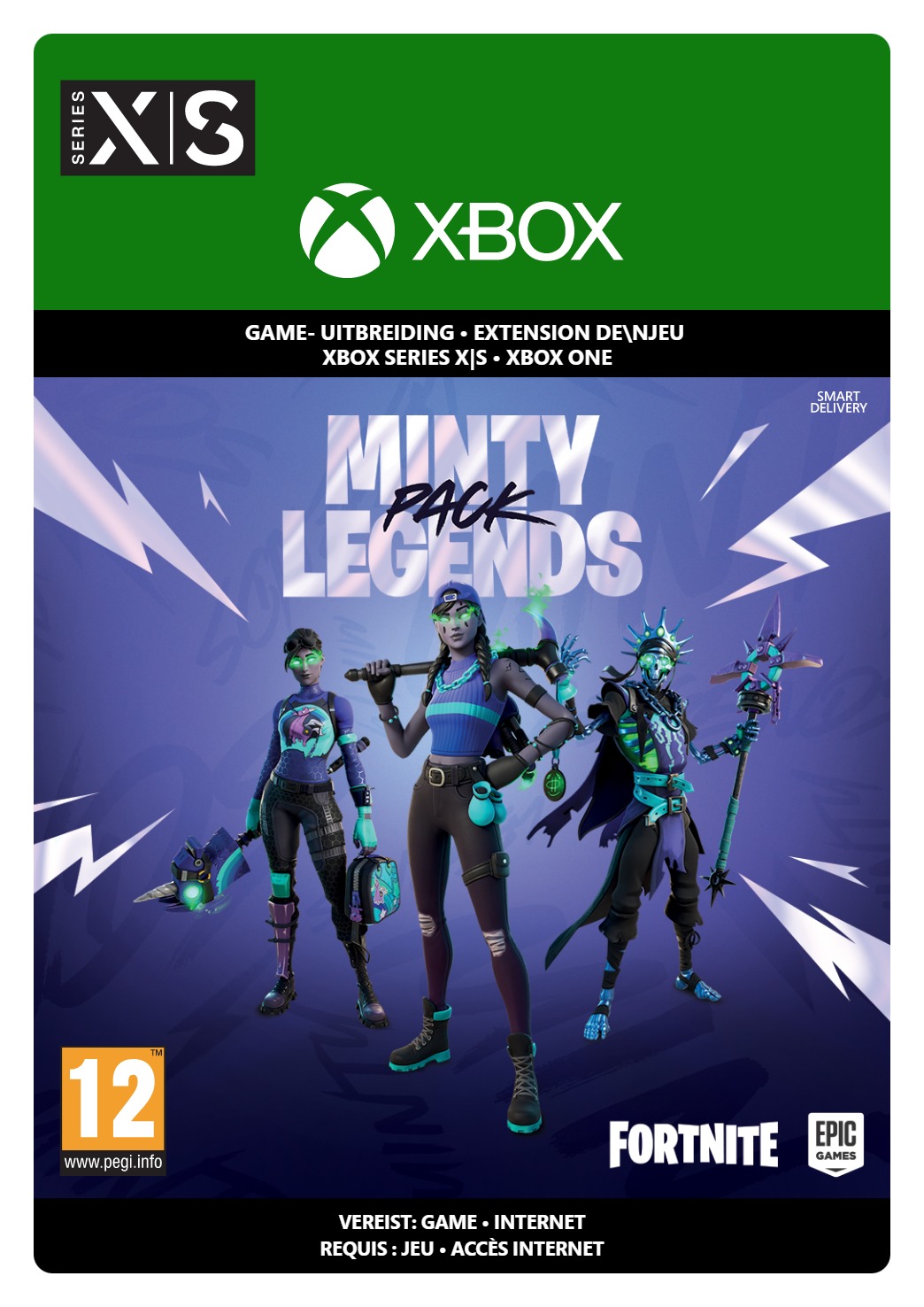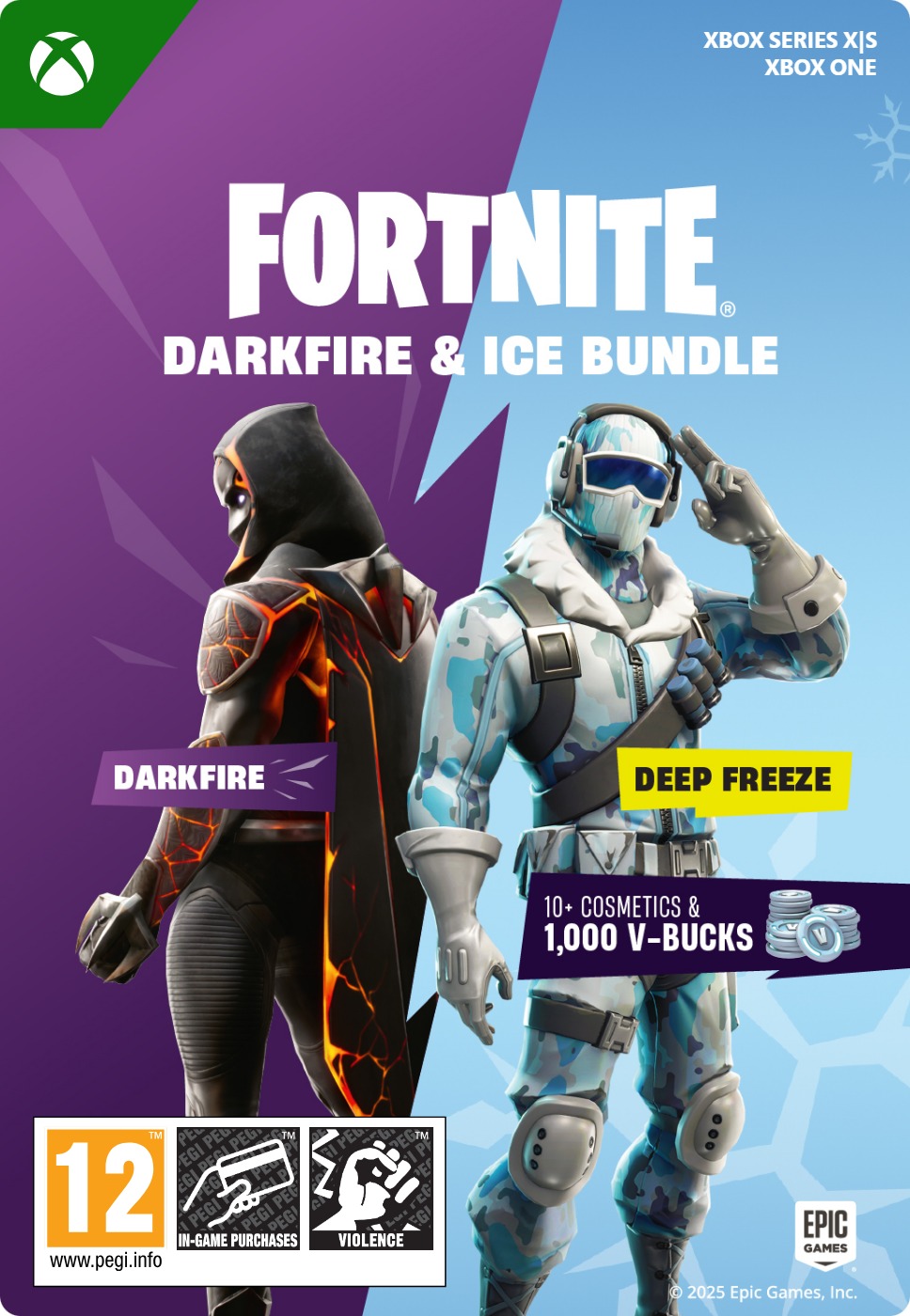
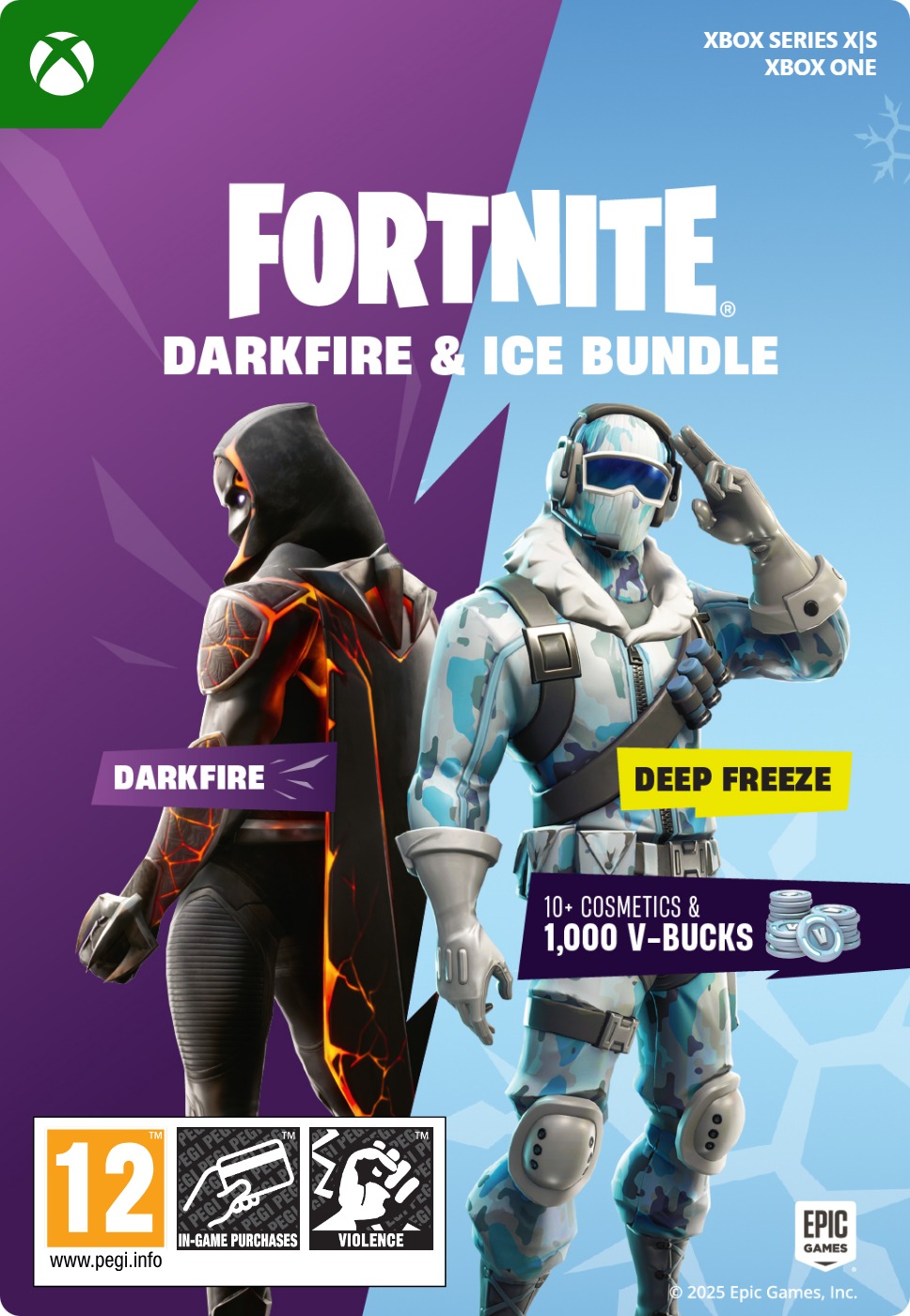
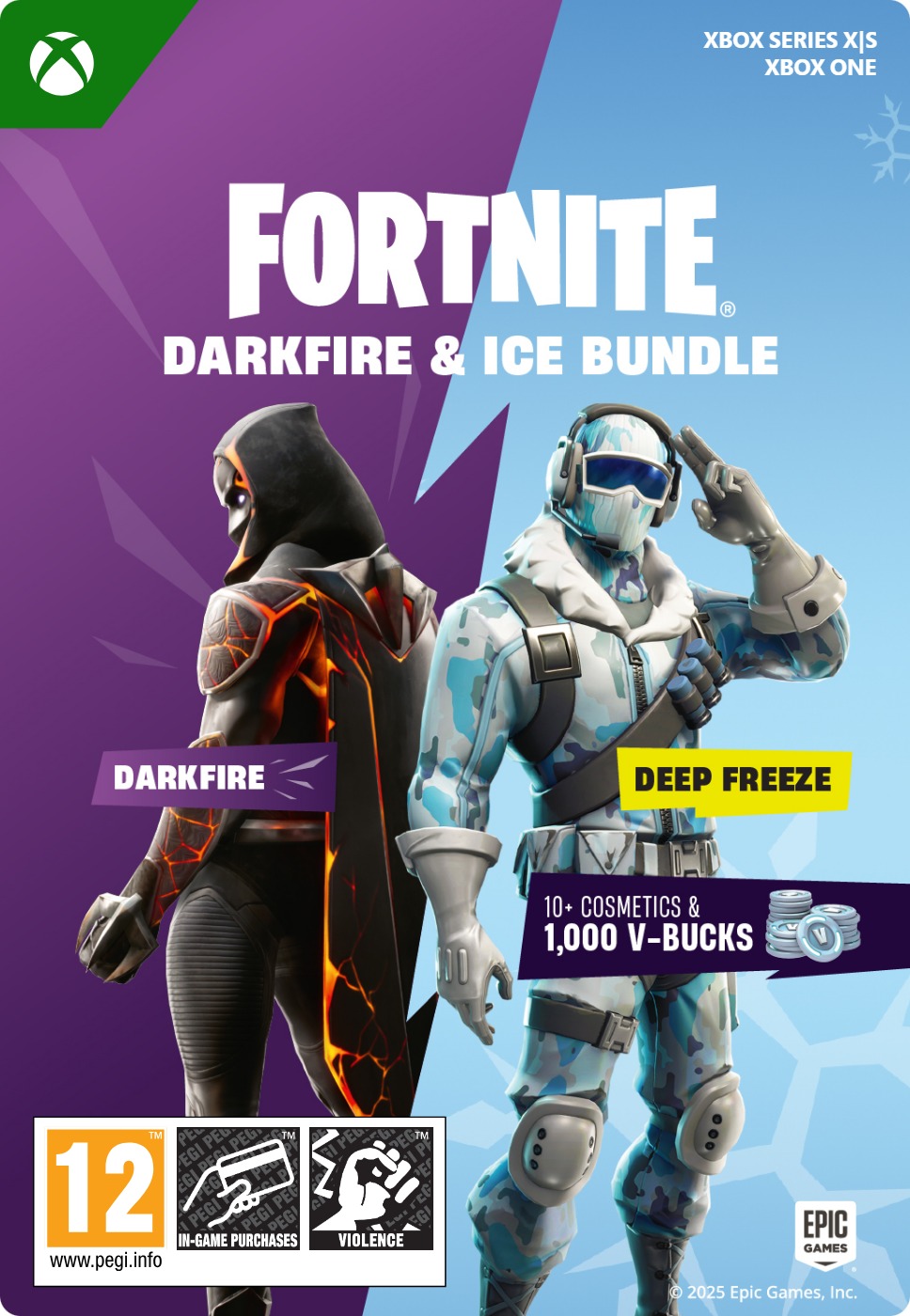
Fortnite Darkfire & Ice Bundle
- Includes 1000 V-Bucks
- Both Darkfire and Ice sets
- The hottest and coolest bundle for Xbox
Information
What is Fortnite?
Fortnite needs no introduction, really. It’s the phenomenon Battle Royale game that took the world by storm and even now, several years after the initial release, draws in players by the millions. Part of the huge success was the extensive inclusion of skins, often in collaboration with famous brands and people. Where else can players have Scooby-Doo face Homer Simpson while Superman takes on Darth Vader? And the best part is that the game is free, players only pay for the extra skins they want.
What do I get with the Darkfire & Ice Bundle for Xbox?
This bundle includes 2 different sets of outfits and items, plus a nice amount of V-Bucks, Fortnite’s premium currency used to purchase skins and items within the game. Here’s what the bundle includes:
Darkfire Bundle
- 3 Outfits (featuring LEGO® Styles): Dark Power Chord, Molten Omen, and Shadow Ark
- 3 Back Blings: Dark Six String, Molten Battle Shroud, and Shadow Ark Wings
- 3 Wraps to customize your weapons and vehicles
- 3 Dual-Wielding Pickaxes
- One Emote
Deep Freeze Bundle
- Frostbite Outfit (with LEGO® Style)
- Freezing Point Back Bling
- Chill-Axe Pickaxe
- Cold Front Glider
1,000 V-Bucks to purchase your favorite Item Shop items
Fire or Ice, the choice is yours!
What do you prefer? The burning vibes of the black and purple hues in the Darkfire set? The cool, icy-blue feeling of the Deep Freeze set? With this bundle you can have both, so it will be easy to switch your gear to match your mood. And don’t forget that you get 1000 V-Bucks on top, so you have the option to add even more outfits to your wardrobe. Should you want even more, don’t forget we also have a vast selection of Epic gift cards, usable on Fortnite and other games by Epic.
Where can I buy the Darkfire & Ice Bundle for Xbox?
You can safely buy it at Gamecardsdirect, the one-stop gift card shop. We are official retailers of digital Xbox products, and we bring you only the best and most popular products. To buy this Fortnite bundle, simply add it to the cart, enter your email address and complete the purchase using any payment method you like. It’s also possible to send the code to someone else as a present using the gift-wrap option at checkout. Please note that we only sell digital codes, we are not sending a physical item.
Description
Redeem instructions
How to redeem your new Xbox DLC?
So you got a code for a new shiny Xbox Downloadable content, but don’t know how to use it? Don’t worry, we’re here to help! You can proceed in any of the following ways, whichever is more convenient for you!
Redeeming your Xbox DLC on your Xbox Series X|S
When you want to redeem your new Xbox add-on directly on your Xbox Series X|S console, just do as follows:
- Click the Xbox button to open the guide;
- Select the Store option;
- Click the View button to open the side menu, and click on Redeem;
- Enter the code, click Next and confirm one last time.
- Have fun with your new DLC!
Redeeming your Xbox DLC on the Xbox One
When you want to redeem your new Xbox content directly on your Xbox One console, just do as follows:
- Click the Xbox button to open the guide;
- Go to Home;
- Scroll to the Store tab;
- Choose Use a code;
- Enter the 25-character code you received from us, click Next and confirm again.
- Enjoy your new DLC!
Redeeming your Xbox content via the Xbox website
Please follow these steps if you prefer to redeem your DLC code via the Xbox website.
- Visit Xbox.com and select Sign in;
- Click on the Games drop-down menu in the top bar;
- Select Redeem code;
- Enter your code, click Next and confirm one last time.
- It’s done, you can now download your new Xbox DLC to your console.
Redeeming your Xbox add-on via the Microsoft Store app
If you instead choose to use the Microsoft Store app on your PC, these are the steps to follow:
- Click the Start button to open the Microsoft Store;
- Select Redeem code in the drop-down menu that appears when you click on your picture;
- Enter the code you receives, click Next and confirm one last time.
- Download the add-on content to your Xbox console and have fun!
- Instant email delivery
- Excellent customer service
- Telephone: +31(0)85 047 75 36
- E-mail support in the weekends
- 1.100.000+ satisfied customers
Limited customer service
during the holidays.
You might like this as well