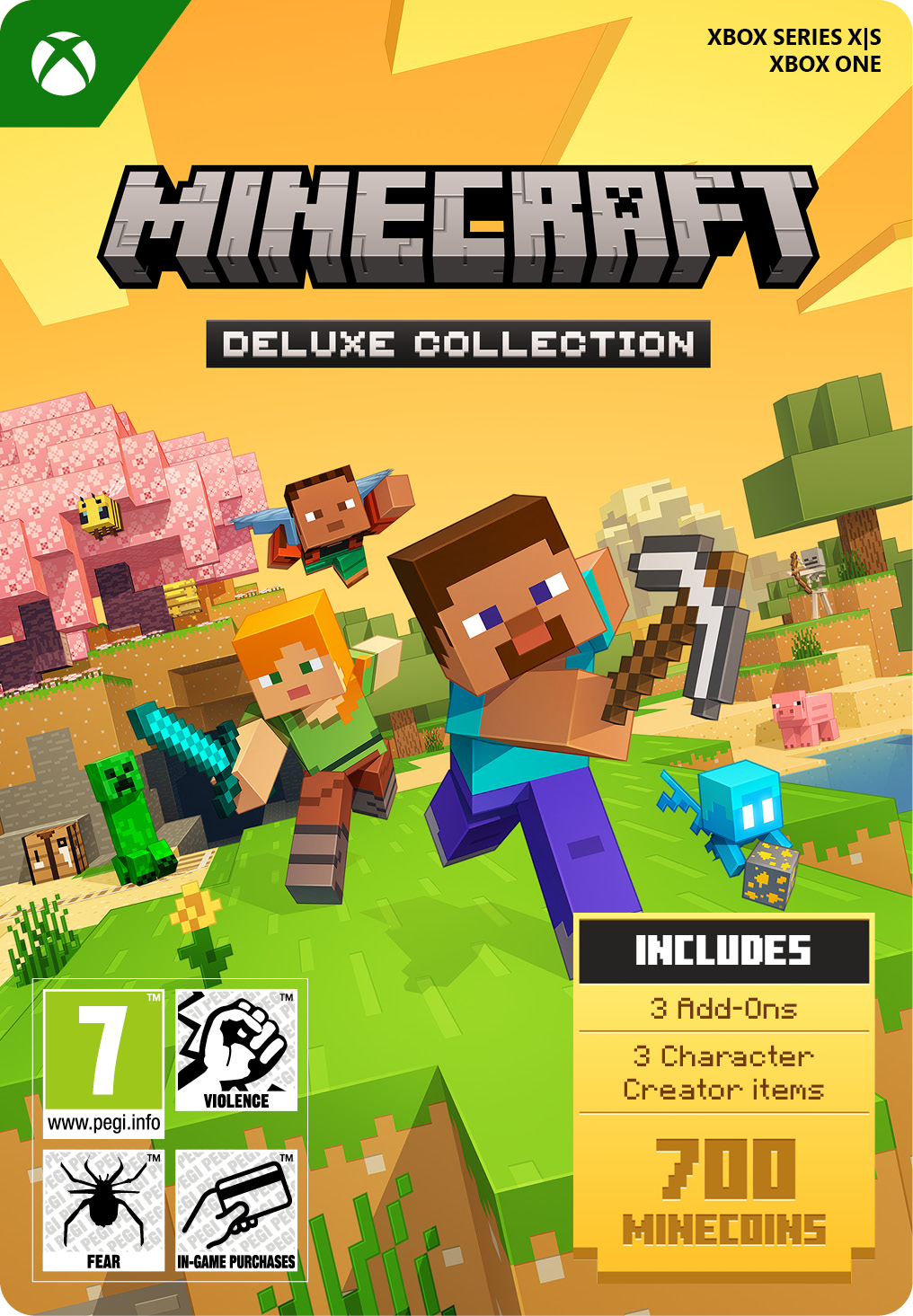
Minecraft Deluxe Collection 2 Xbox
- Explore a fascinating blocky world
- Includes Minecoins and additional items
- Only compatible with Xbox One and Series X|S
Information
What is Minecraft and why is it so popular?
Minecraft is the best selling video game of all time, with hundreds of millions of copies sold and a massive global player base. It is more than just a game, it is a creative sandbox where players can build, explore and survive in a block based world. In survival mode, you gather resources, craft tools and defend yourself against enemies. In creative mode, you are free to build anything you can imagine, from cities and monuments to complex machines and even digital computers.
What is included in the Minecraft Deluxe Collection 2?
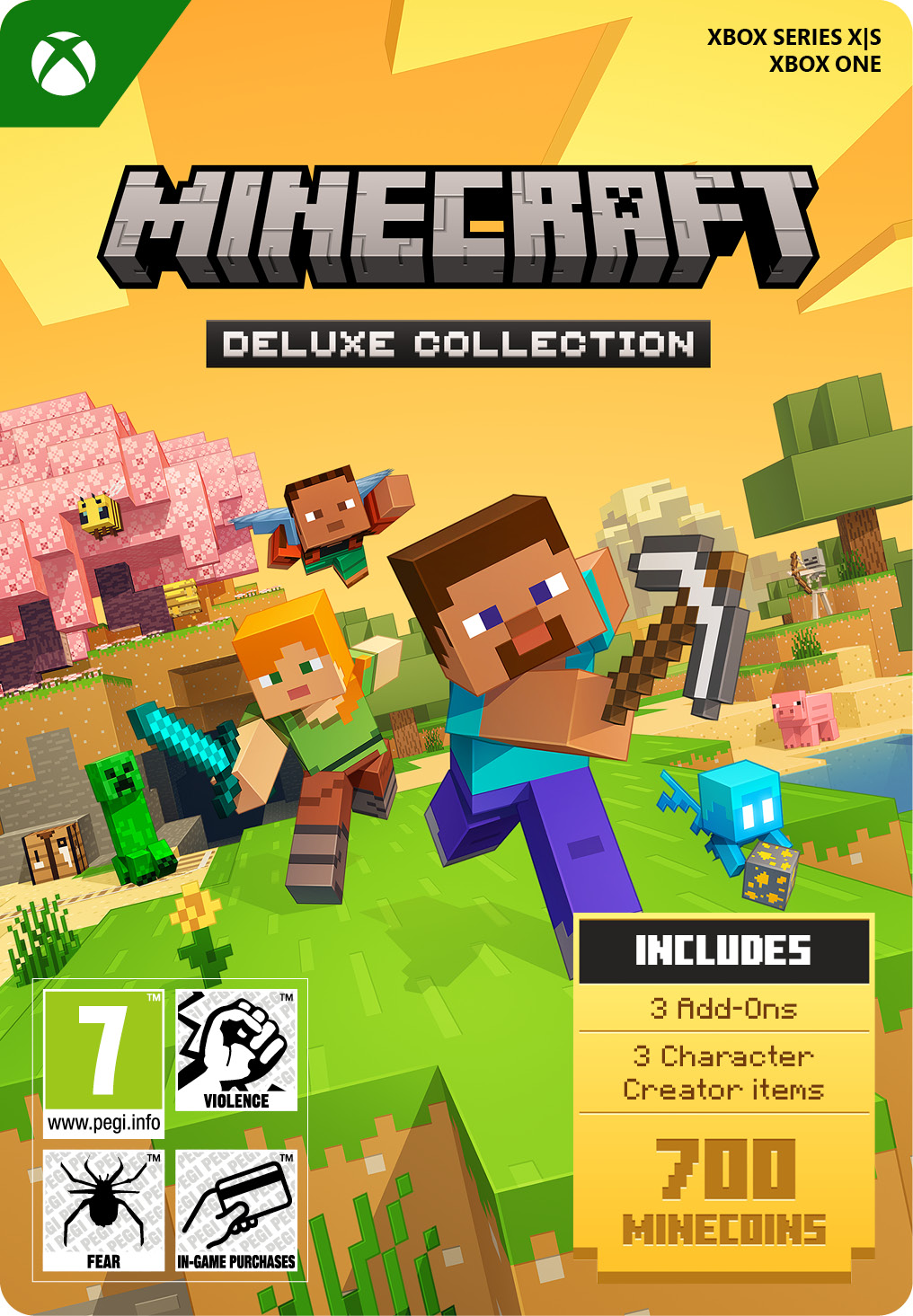
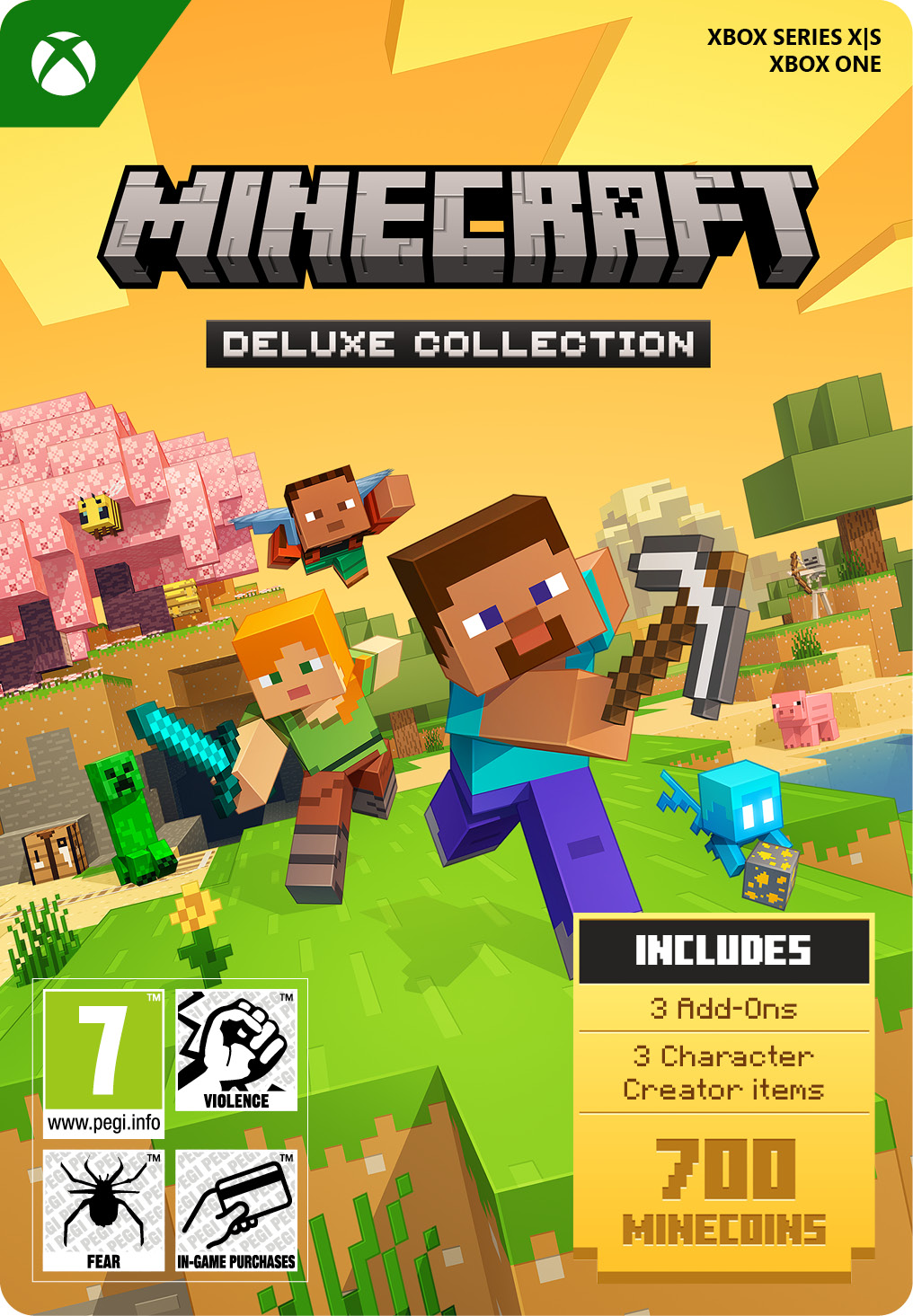
The Minecraft Deluxe Collection 2 for Xbox One and Series X and S includes the base game along with extra digital content:
- 700 Minecoins
- Three Bedrock Edition add ons: Celebration Food, Rescue Dogs and Plenty O’ Blocks
- Three Character Creator items
If you prefer, we also have the standard version of Minecraft with only the base game, and the Ultimate Collection which includes even more additional content.
What makes Minecraft a worldwide success?
Minecraft’s popularity comes from its limitless freedom. Players can shape the world however they like, whether they want to survive, explore or build without restrictions. The community has created incredible projects, including detailed cities, massive statues and even fully functional virtual systems, showing just how flexible the game truly is.
Can you use Minecoins on Xbox?
Yes, Minecoins are fully supported in Minecraft for Xbox. They can be used in the in game marketplace to purchase skins, texture packs and much more. You can also buy add ons that introduce new gameplay elements such as vehicles, creatures or complete adventure maps created by other players.
Do you need Game Pass for online features?
Yes, an active Game Pass subscription is required to play Minecraft online and access multiplayer features. You can buy or renew your Game Pass at Gamecardsdirect, the one-stop gift card shop.
Can you send Minecraft as a gift?
Yes, you can easily gift Minecraft using the digital gift wrap option at checkout. This allows you to include a personal message, which will be sent together with the game code to the recipient. You will still receive the purchase confirmation in your own email.
Where can you buy Minecraft Deluxe Collection 2 for Xbox online?
You can purchase the Minecraft Deluxe Collection 2 for Xbox at Gamecardsdirect, the one-stop gift card shop. As an official supplier of Xbox digital products, we offer a safe purchase process and fast delivery. Simply add the game to your cart, enter your email address and choose your preferred payment method. Your digital code will be sent to your inbox within minutes and can be redeemed on the Xbox Store to download the game immediately. Please note that only digital codes are sold, no physical copies are shipped.
Description
Build whatever you can imagine in your own infinite world that’s unique in every playthrough. <br><br>
EXPLORE
Discover biomes, resources and mobs, and craft your way through a world filled with surprises in the ultimate sandbox game.
SURVIVE
Experience unforgettable adventures as you face mysterious foes, traverse exciting landscapes, and travel to perilous dimensions.
PLAY TOGETHER
Have a blast with friends, whether you’re sitting on the same couch in split screen or miles apart in cross-platform play for console, mobile and PC. Connect with millions of players on community servers or subscribe to Realms Plus to play with up to 10 friends on your own private server*.
EXPERIENCE MORE
Get creator-made add-ons, thrilling worlds, and stylish cosmetics on the Minecraft Store. Subscribe to Marketplace Pass (or Realms Plus), sold separately, to access 150+ worlds, skin & textures packs, and more – refreshed monthly.
The Deluxe Collection includes this added content in addition to Minecraft:
Three add-ons: Celebration Food, Rescue Dogs, and Plenty O’ Blocks; 3 exclusive Character Creator items; and 700 Minecoins*.
* Online console multiplayer requires a platform-specific online subscription (sold separately).
**Spend Minecoins on epic adventure worlds, skins, and other imaginative content, crafted by creators at Minecraft Marketplace.
Includes: 3 add-ons (Celebration Food, Rescue Dogs, and Plenty O’ Blocks); 3 exclusive Character Creator items; and 700 Minecoins*
Create and shape an infinite world, explore varied biomes filled with creatures and surprises, and go on thrilling adventures to perilous places and face mysterious foes
Play with friends across devices or in local multiplayer
Connect with millions of players on community servers, or subscribe to Realms Plus to play with up to 10 friends on your own private server*
Get creator-made add-ons, thrilling worlds, and stylish cosmetics on Minecraft Marketplace; subscribe to Marketplace Pass (or Realms Plus), sold separately, to access a wide variety of worlds, skin & textures packs, and more – refreshed monthly
DISCLAIMERS:
Microsoft account required. Online console multiplayer: Requires platform-specific subscriptions, sold separately. Minecoins: Purchase epic adventure worlds, skins, and other imaginative content, crafted by creators at Minecraft Marketplace.
Redeem instructions
How to redeem your new Xbox game?
So you got a code for a sparking new Xbox game, but don’t know how to use it? We’re here to help! You can proceed in any of the following ways, whichever is more convenient for you!
Redeeming your Xbox game on your Xbox Series X|S
To redeem your new Xbox game directly on your Xbox Series X|S console, just do as follows:
- Use the Xbox button to open the guide;
- Choose the Store option;
- Press the View button to open the side menu, and click on Redeem;
- Enter the 25-character code, click Next and confirm one last time.
- Have fun with your new game!
Redeeming your Xbox game on the Xbox One
To redeem your new Xbox game directly on your Xbox One console, just do as follows:
- Use the Xbox button to open the guide;
- Go to Home;
- Scroll to the Store tab;
- Select Use a code;
- Enter the code you received from us, click Next and confirm again.
- Enjoy your new game!
Redeeming your Xbox game via the Xbox website
Please follow these steps to redeem your code via the Xbox website.
- Go to Xbox.com and select Sign in;
- Open the Games drop-down menu in the top bar;
- Click on Redeem code;
- Enter your Game Pass code, click Next and confirm one last time.
- It’s done, you can now download your new Xbox game to your console.
Redeeming your Xbox game via the Microsoft Store app
If you instead prefer to use the Microsoft Store app on your PC, these are the steps to follow:
- Click the Start button to open the Microsoft Store;
- Choose Redeem code in the drop-down menu that appears when you click on your picture;
- Enter the code we sent you, click Next and confirm one last time.
- Download the game to your Xbox console and have fun!
- Instant email delivery
- Excellent customer service
- Telephone: +31(0)85 047 75 36
- E-mail support in the weekends
- 1.100.000+ satisfied customers
Limited customer service
during the holidays.
You might like this as well