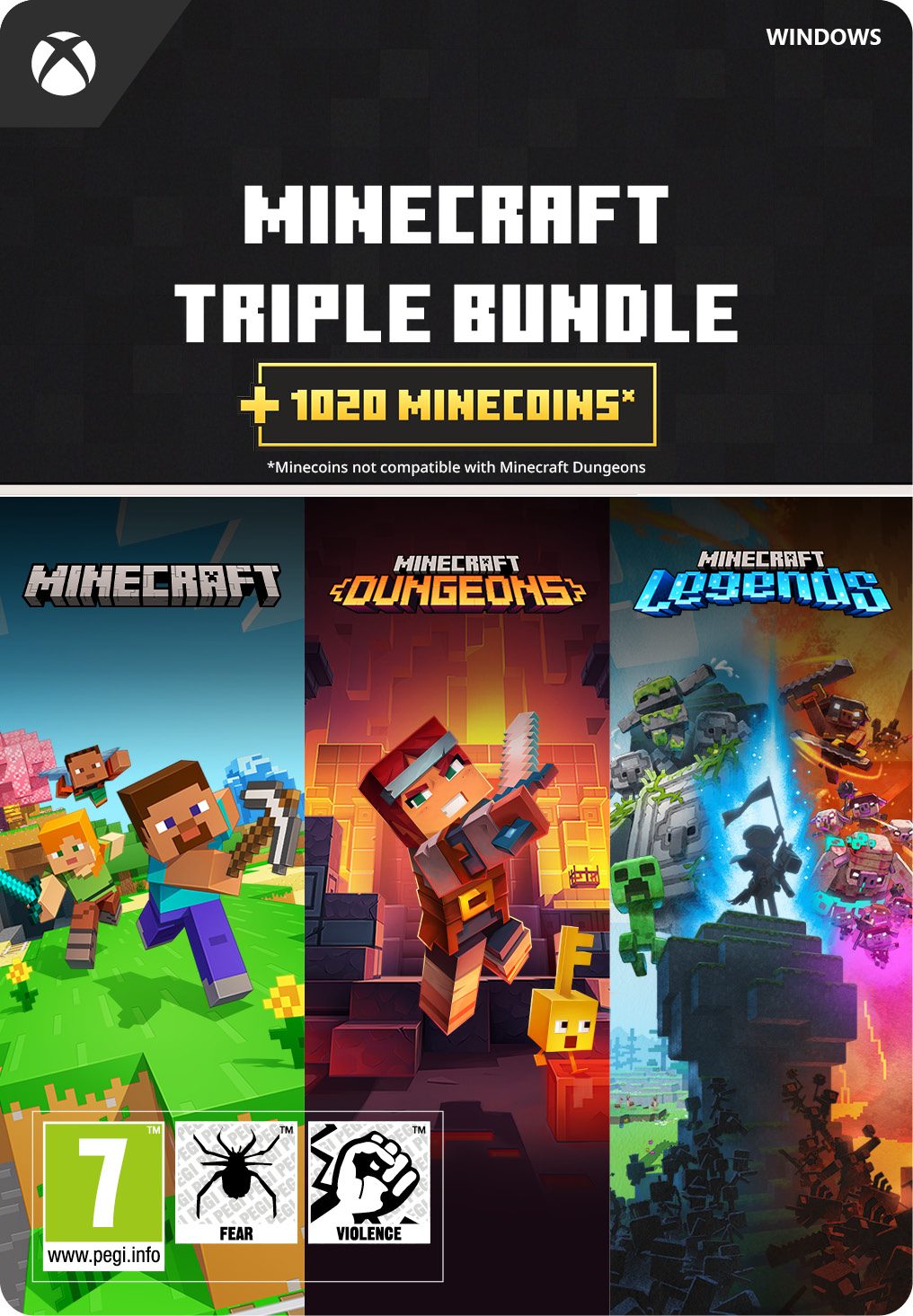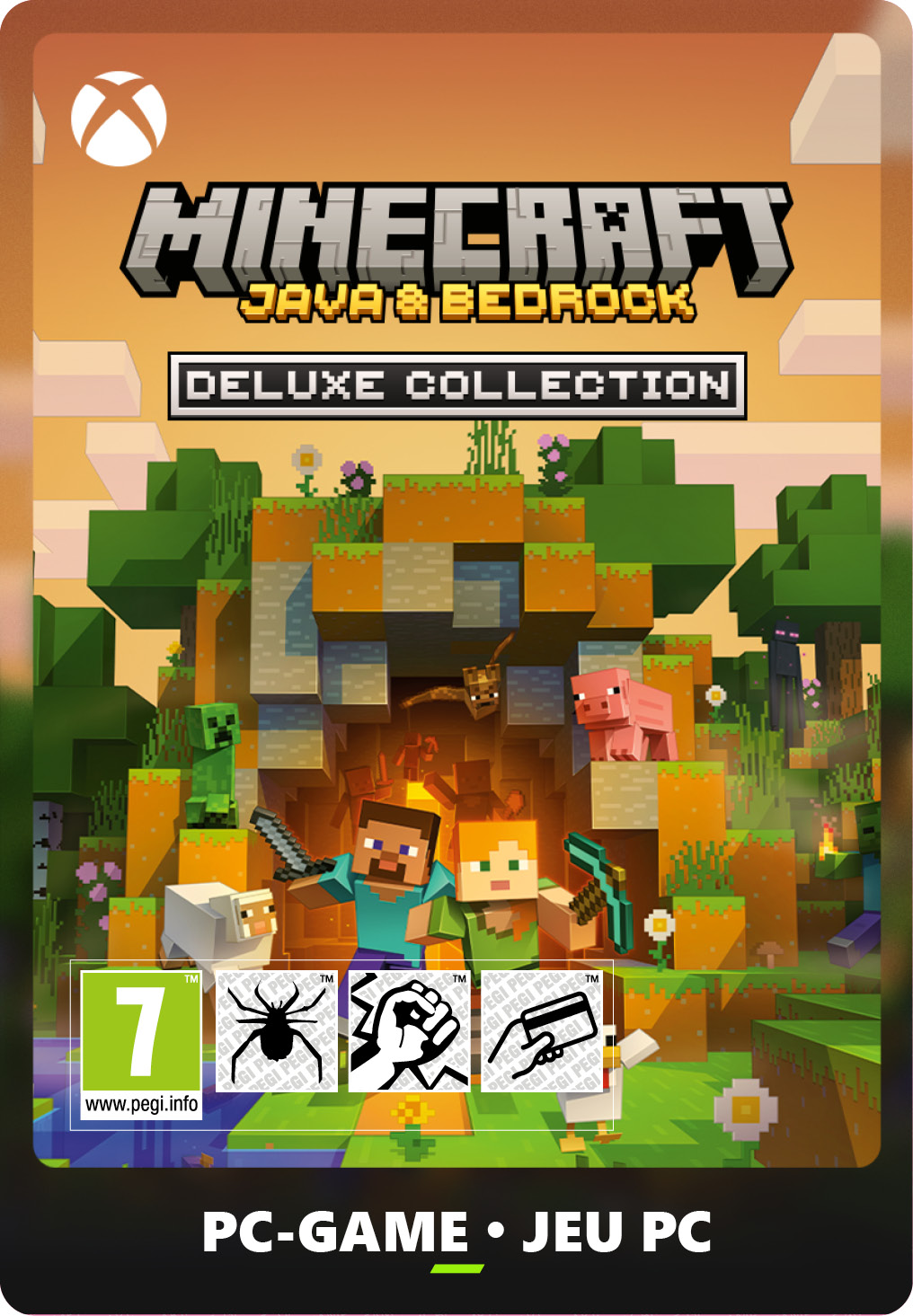
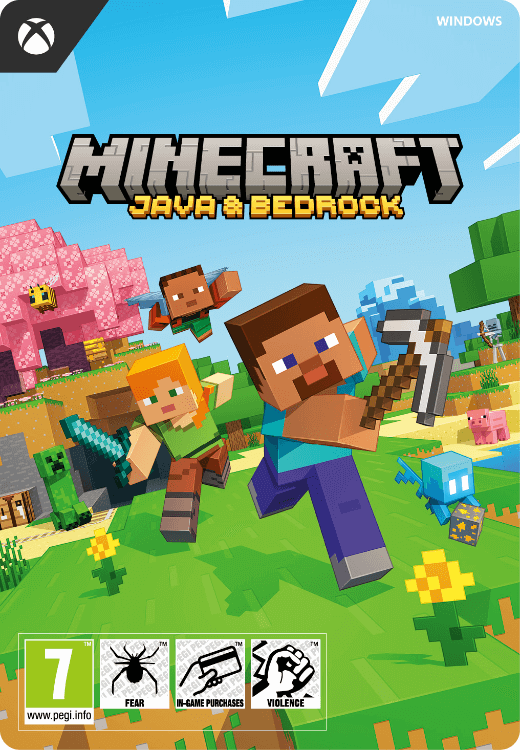
Minecraft Java & Bedrock Edition
- Explore a fascinating blocky world
- Learn to survive and thrive
- Only compatible with a Windows PC
Information
Discover The Best-Selling Game of All Time
Minecraft is a game that needs little introduction. Created by a single man, it is the best-selling video game of all time and is universally beloved for its addictive mining and crafting gameplay. In Minecraft’s survival mode, the player is thrust into a world made of cubes in which they must learn to survive and defeat the monsters that come out in the night. Alternatively in creative mode, players build whatever they want and just have fun.
Create and Explore Your Own Worlds
One of the most unique things about Minecraft is that every time the player launches a new game they find themselves in a totally original randomly generated world. This means that Minecraft is virtually limitless. There is literally no end to the number of things to explore, as you could keep going forever. From lush caves to steep mountains, all of Minecraft’s game worlds are full of fascinating landmarks, secrets and mobs.
Play Online With Your Friends
Minecraft Realms makes it so creating a Minecraft server is as easy as clicking a few buttons! Gone are the days when players had to download server clients and jump through hoops just to play with friends. Minecraft Realms makes it simple. Minecraft is a game that is better played with friends than alone. What is the point of building your Minecraft worlds if there is nobody there to visit them?
What Happened to Minecraft Java Edition?
The differences between Minecraft Java and Bedrock edition may not be clear to newcomers to the series. Basically, Java edition is the original version of the game, and it has much greater modding support. Bedrock edition is the modern version and it was designed to work on consoles, mobile devices and so on. It has some features that the original version of the game doesn’t have, such as the ability to buy maps and skins. By purchasing this game, you will get access to both editions. It is no longer possible to buy either one alone.
Buy Minecraft With Ease at Gamecardsdirect!
To play Minecraft as soon as possible on your Windows 10 PC, simply purchase this gift card here at Gamecardcardsdirect.com and then redeem it whenever you want on www.minecraft.net!
Description
Create, explore, survive, repeat. Play Minecraft: Java Edition and Minecraft: Bedrock Edition for Windows, and cross-play with any Minecrafter by simply switching to the edition your friends have!
Redeem your Minecraft: Java Edition and Minecraft: Bedrock Edition via the Minecraft.net website. Follow the steps below to download the game:
- Go to https://www.minecraft.net/en-us/redeem
- Log in to your account or create a new one;
- Go to 'redeem Minecraft: Java Edition and Minecraft: Bedrock Edition for PC';
- Enter your code and press 'SUBMIT'.
You will need an active Microsoft account to redeem the code.
Redeem instructions
Check the game information to see which platform the game is for.
Some of the codes on this page are for Steam, while others are for the Microsoft store. You can find the relevant info in the product information. The code you receive will only work on the right platform.
Redeeming your Minecraft key:
Minecraft Java & Bedrock Edition needs a special procedure:
- Go to: https://www.minecraft.net/nl-nl/redeem
- Enter your code in the yellow “REDEEM MINECRAFT: JAVA & BEDROCK EDITION FOR PC” box
Redeeming Windows keys via the Microsoft store:
- Open the Microsoft Store.
- Click on your icon at the top right of the app and then select ‘Redeem code or gift cards’.
- Enter the 25-character code we sent you, and then click on Redeem. The system will place the hyphens automatically, you don’t need to type them.
Redeeming Steam keys via client:
- Launch the Steam client and log in;
- Click 'Games' in the upper left corner;
- Choose 'Activate a Product on Steam';
- Follow the on-screen instructions;
- The game is redeemed and you can download it!
Redeeming your Steam keys via web browser:
- Go to https://store.steampowered.com/account/registerkey;
- Enter the key you received from us;
- Tick the “I agree to the terms…” box;
- Click 'Continue';
- The game is now available for download.
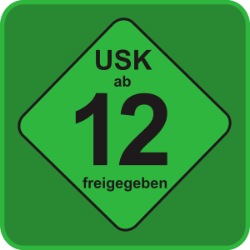
Age verification

- Instant email delivery
- Excellent customer service
- Telephone: +31(0)85 047 75 36
- E-mail support in the weekends
- 1.100.000+ satisfied customers
Limited customer service
during the holidays.