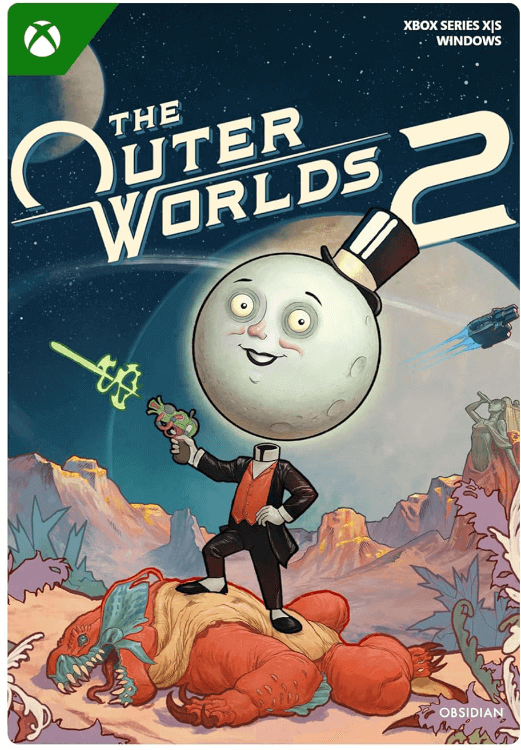

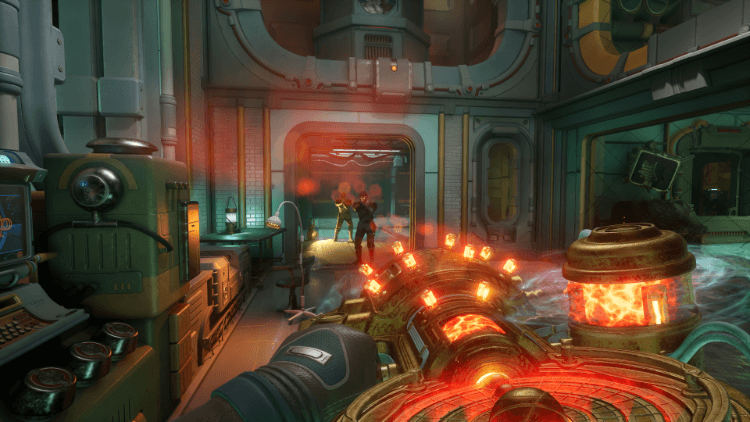






The Outer Worlds 2: Standard Edition
- Save the world from destruction in the second part of this sci-fi RPG.
- As a player, you can control many aspects of the main character you play.
- Recruit your team members and set their goals.
Information
About the game The Outer Worlds 2
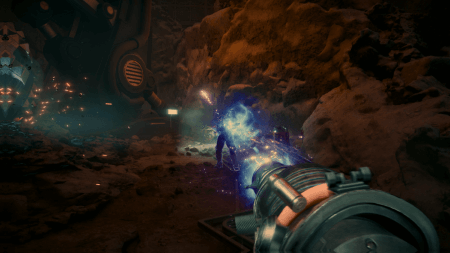
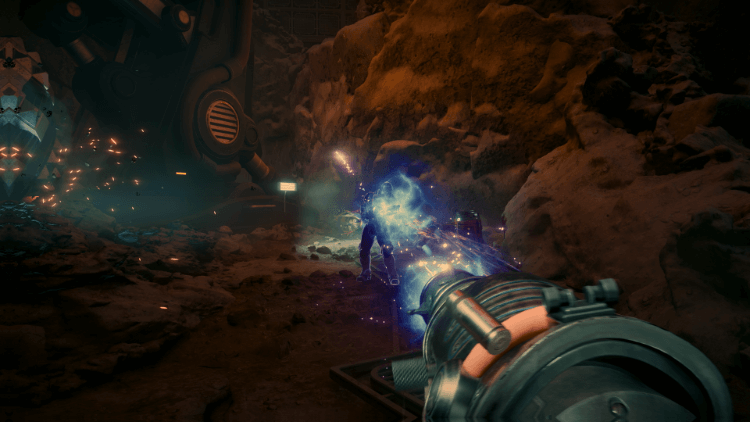
The Outer Worlds 2 is the sequel to the successful first installment of this game. You can play this second part on Xbox Series X/S and Windows 10, or PC. Fully immerse yourself in the game world of this first-person science fiction role-playing game, where you can decide all kinds of things to save the world of Arcadia from destruction. This game is also about exploring your surroundings and making the right choices, so strategy also plays a role in The Outer Worlds 2.
The story of this game
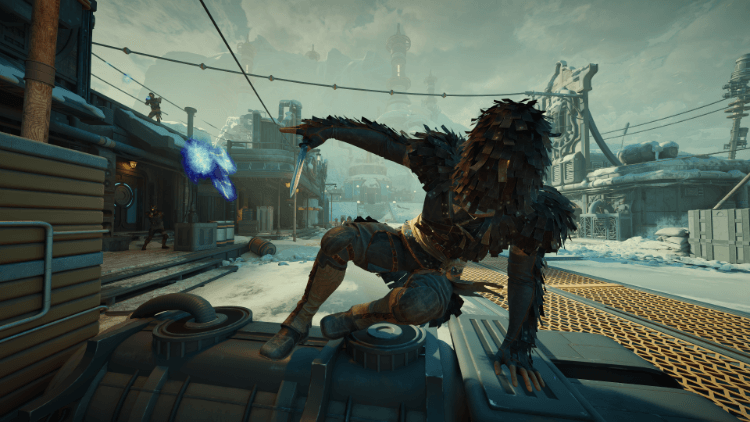
You play as a clever, brave Earth Directorate. You travel to Arcadia, the place where mysterious skip drive technology rules life. The fate of Arcadia, the colony that lives there, and even the galaxy lies in your hands. Fight your way together with your faction through hostile companies and (religious) organizations that want to destroy Arcadia and seize power. You are Arcadia’s one and only last hope, as strange rifts divide this region and slowly but surely push it toward war.
What makes The Outer Worlds 2 special?
In the previous Outer Worlds game, you already had a lot of influence, but in this second part, you are in even more control. Decide what your game character looks like and what their traits will be. Your choices will determine the course of the game. Your commander, your story. In The Outer Worlds 2, you recruit your own faction. You can fully tailor and command it as you see fit. You define your team’s goals.
What is the content of this second part of The Outer Worlds?
With the Standard Edition of The Outer Worlds 2, you only receive the complete base version of this video game. This version does not include any extras.
A challenging solo experience
The Outer Worlds 2 is a game that you play completely solo, there is no multiplayer option. You play and decide everything on your own.
Are there more versions of this game available at Gamecardsdirect?
Yes, there is another version and a Premium Upgrade Pack available for this game, both of which we sell in our webshop:
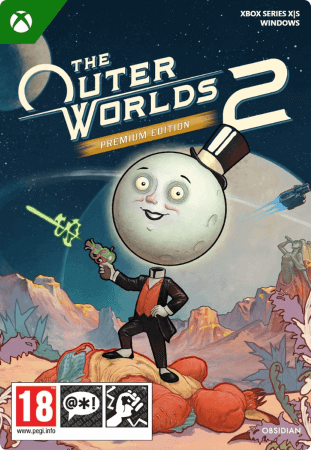
- The Outer Worlds 2 - Premium Edition (base game with lots of extra content)
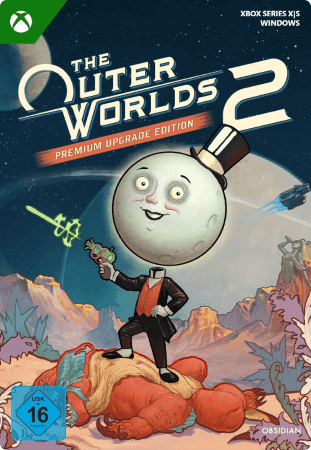
- The Outer Worlds 2 - Premium Upgrade Pack (in case you already bought the Standard Edition, but still want all the extra content from the Premium Edition.)
Where can you buy The Outer Worlds 2 Standard Edition for Xbox/Win10?
You can buy the Standard Edition of The Outer Worlds 2 quickly, easily, and very securely at Gamecardsdirect, we are an official Xbox retailer for a reason! Pay for your purchase and you’ll have it in your email inbox within moments, in the form of a digital code. You can also very easily give this game as a gift, this option is available during the checkout process. We even wrap your gift digitally for you. In our webshop, you’ll only find digital products, no physical ones.
Description
The Outer Worlds 2 is the eagerly-awaited sequel to the award-winning first-person sci-fi RPG from Obsidian Entertainment (just look at the exciting number of dashes in this sentence!). Time to clear your calendar – get ready for an action-packed adventure with a new crew, new weapons, and new enemies in a new colony! So much newness!
As a daring and most likely good-looking Earth Directorate agent, you must uncover the source of devastating rifts threatening to destroy all of humanity. Your investigation leads to Arcadia, home of skip drive technology, where the fate of the colony, and ultimately the entire galaxy, rests on your decisions - your strengths, your flaws, your crew, and the factions you choose to trust.
Explore a New Frontier
The Arcadia colony is engulfed in a factional war, as the Protectorate’s so-called benevolent rule is challenged by the rebellion of their religious order and a corporate invasion. As destructive rifts spread across the colony, each faction fights to control or close them for their own ends. Navigate diverse zones, uncover hidden lore, and shape the fate of a system on the brink!
Your Commander, Your Way
Build your character with the abilities and choices that reflect your playstyle. The colony reacts to your every move, crafting a narrative that’s yours to own -whether you’re a disciple of diplomacy, an astute strategist, a crusader for chaos, or something different altogether. And yes, you can dumb!
Enlist Your Companions
Recruit companions with unique traits, backgrounds and goals. Whether you choose to help them achieve their ambitions or steer them toward your own objectives, your influence shapes their growth (or death), making them an integral part of the immersive story you create together.
Redeem instructions
How to redeem your new Xbox game?
So you got a code for a sparking new Xbox game, but don’t know how to use it? We’re here to help! You can proceed in any of the following ways, whichever is more convenient for you!
Redeeming your Xbox game on your Xbox Series X|S
To redeem your new Xbox game directly on your Xbox Series X|S console, just do as follows:
- Use the Xbox button to open the guide;
- Choose the Store option;
- Press the View button to open the side menu, and click on Redeem;
- Enter the 25-character code, click Next and confirm one last time.
- Have fun with your new game!
Redeeming your Xbox game on the Xbox One
To redeem your new Xbox game directly on your Xbox One console, just do as follows:
- Use the Xbox button to open the guide;
- Go to Home;
- Scroll to the Store tab;
- Select Use a code;
- Enter the code you received from us, click Next and confirm again.
- Enjoy your new game!
Redeeming your Xbox game via the Xbox website
Please follow these steps to redeem your code via the Xbox website.
- Go to Xbox.com and select Sign in;
- Open the Games drop-down menu in the top bar;
- Click on Redeem code;
- Enter your Game Pass code, click Next and confirm one last time.
- It’s done, you can now download your new Xbox game to your console.
Redeeming your Xbox game via the Microsoft Store app
If you instead prefer to use the Microsoft Store app on your PC, these are the steps to follow:
- Click the Start button to open the Microsoft Store;
- Choose Redeem code in the drop-down menu that appears when you click on your picture;
- Enter the code we sent you, click Next and confirm one last time.
- Download the game to your Xbox console and have fun!
- Instant email delivery
- Excellent customer service
- Telephone: +31(0)85 047 75 36
- E-mail support in the weekends
- 1.100.000+ satisfied customers
Limited customer service
during the holidays.