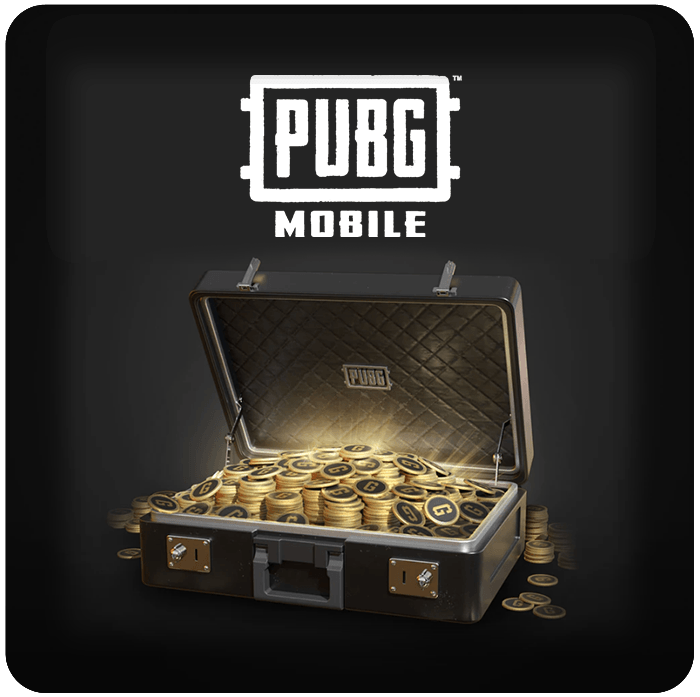

PUBG Mobile 60 UC
- Stand out from the crowd
- In-game currency for PUBG Mobile
- Buy skins, emotes and more with 60 UC
Information
What are PUBG Mobile UC credits?
UC (Unknown Cash) is a premium currency in the game PUBG Mobile. It is used to purchase items in game, like the Royale Pass or skins and accessories. Having UC credits helps having more fun in your PUBG Mobile game, because you can personalize your appearance and loadout to show unique flair.
What can I buy with PUBG Mobile credits?
There is no shortage of items waiting for you in the PUBG store when you have a PUBG Mobile UC card from Gamecardsdirect. The most common use is to obtain a Royal Pass Elite, which provides lots of rewards worth tens of thousands of UC, but you can also purchase items individually as you desire. Here’s a short overview of what you could buy:
- Treasures
- Outfits
- Weapon Skins
- Vehicle skins
- Parachute skins
- Companions
- Emotes
- Accessories
Is it possible to use UC bought in a different country?
In most cases, yes, especially within Europe. The UC codes available at Gamecardsdirect are compatible across most European countries. That means you can usually redeem a code even if it wasn’t bought in your home country, as long as your account is also based in Europe. That said, there are exceptions. Some regions like Japan or Korea do not support European codes at all. So while buying your UC from Gamecardsdirect is usually a reliable option for European users, it is still best to match the code to your account’s country to avoid any issues.
Can I buy PUBG Mobile 60UC online at Gamecardsdirect?
Yes, actually the best way to top up PUBG credits online is with a PUBG Mobile digital code from Gamecardsdirect, the one-stop gift card shop. We specialize in online gift cards and are well known for our reliability and our excellent customer service. When you buy a PUBG Mobile UC card from us you have a wide choice or payment methods, like Paypal or VISA/Mastercard. Just enter your email address, or maybe add a free digital gift-wrap if you are giving the UC to a friend, and you’re done.
Terms and conditions
Redeem instructions
How do I redeem my PUBG Mobile UCs?
Follow the next steps to redeem UC on PUBG Mobile:
- Visit the PUBG Mobile redeem page;
- Type in your Character ID;
- Enter the code you received in the 'Redemtion Code' field;
- Also type the verification code you see;
- Check that everything is correct and click 'Redeem'.
- Done! The Unknown Cash is now in your account.
- Instant email delivery
- Excellent customer service
- Telephone: +31(0)85 047 75 36
- E-mail support in the weekends
- 1.100.000+ satisfied customers
Limited customer service
during the holidays.