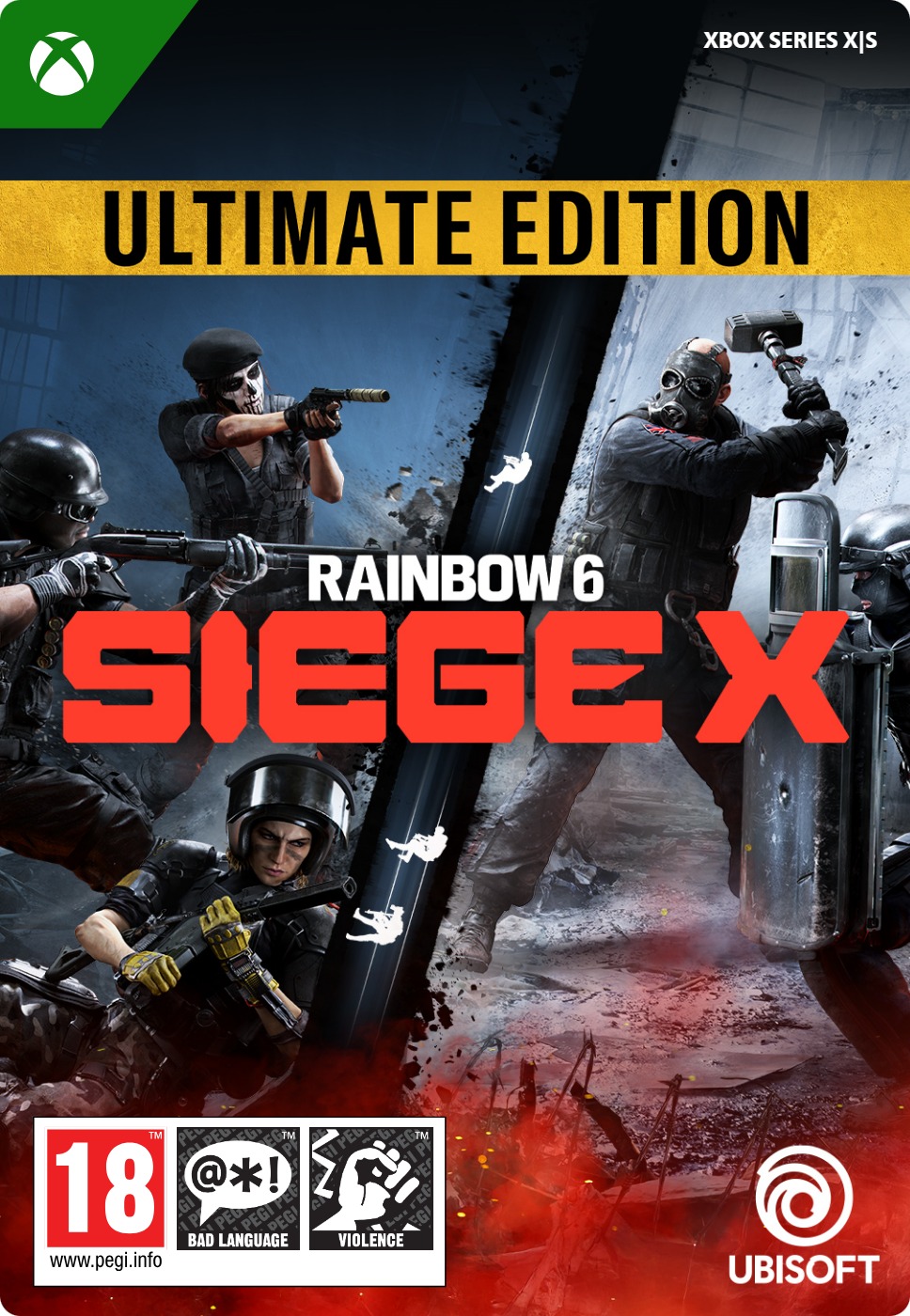
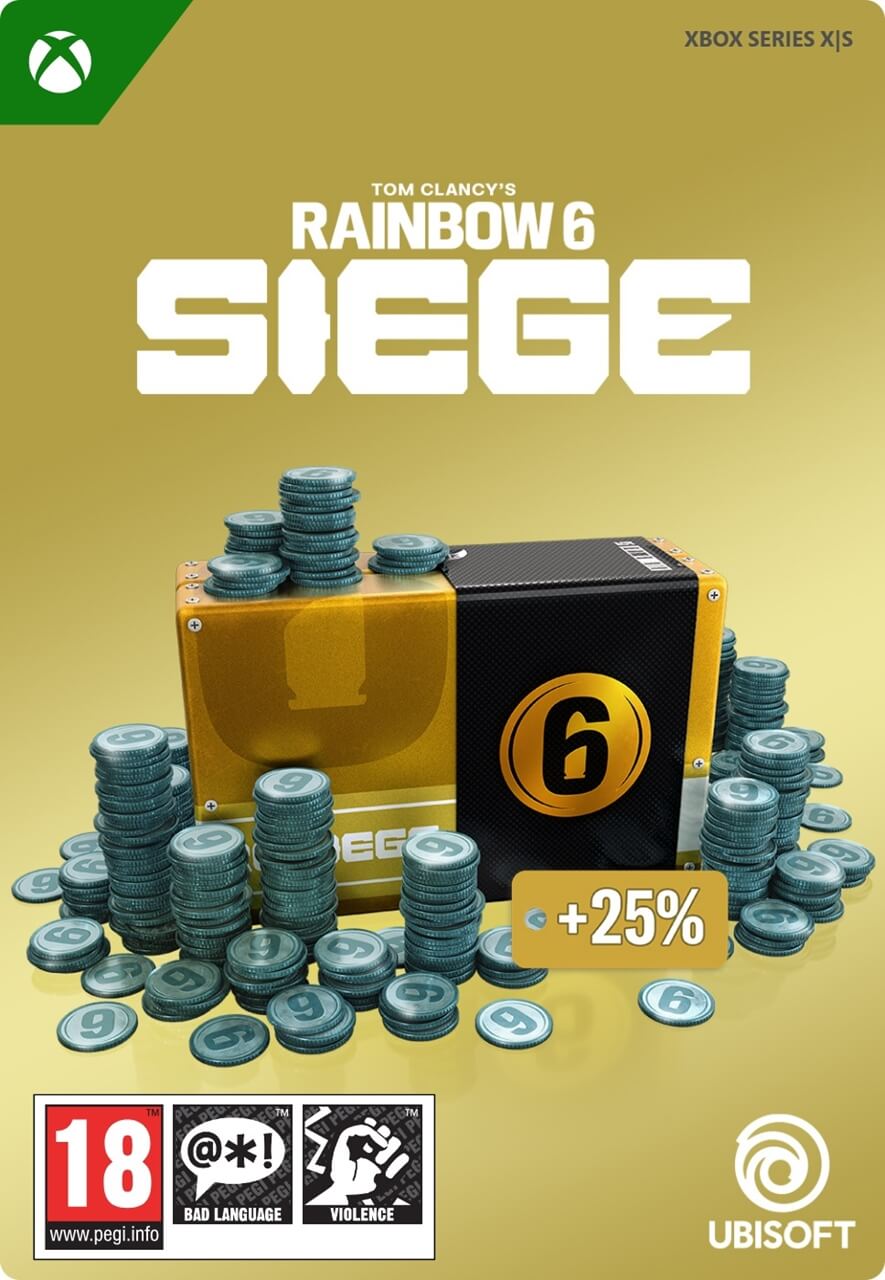
Tom Clancy's Rainbow Six Siege 15,000 R6 Credits
- 15,000 R6 credits for Rainbow SIx Siege
- Unlock operatives, Battle Passes and more
- To be redeemed on Xbox
Information
Understanding R6 Credits in Rainbow Six
Rainbow Six Credits, often referred to as R6 Credits, are the premium currency used across Rainbow Six titles. They allow players to unlock new operators, purchase cosmetic upgrades like weapon skins, and gain access to premium content such as the Battle Pass. You can also use R6 Credits to pick up exclusive items like themed uniforms, custom headgear, and seasonal bundles. Whether you are aiming for a tactical edge or just want to stand out, R6 Credits provide plenty of ways to customize your game.
Tactical gameplay with a modern edge
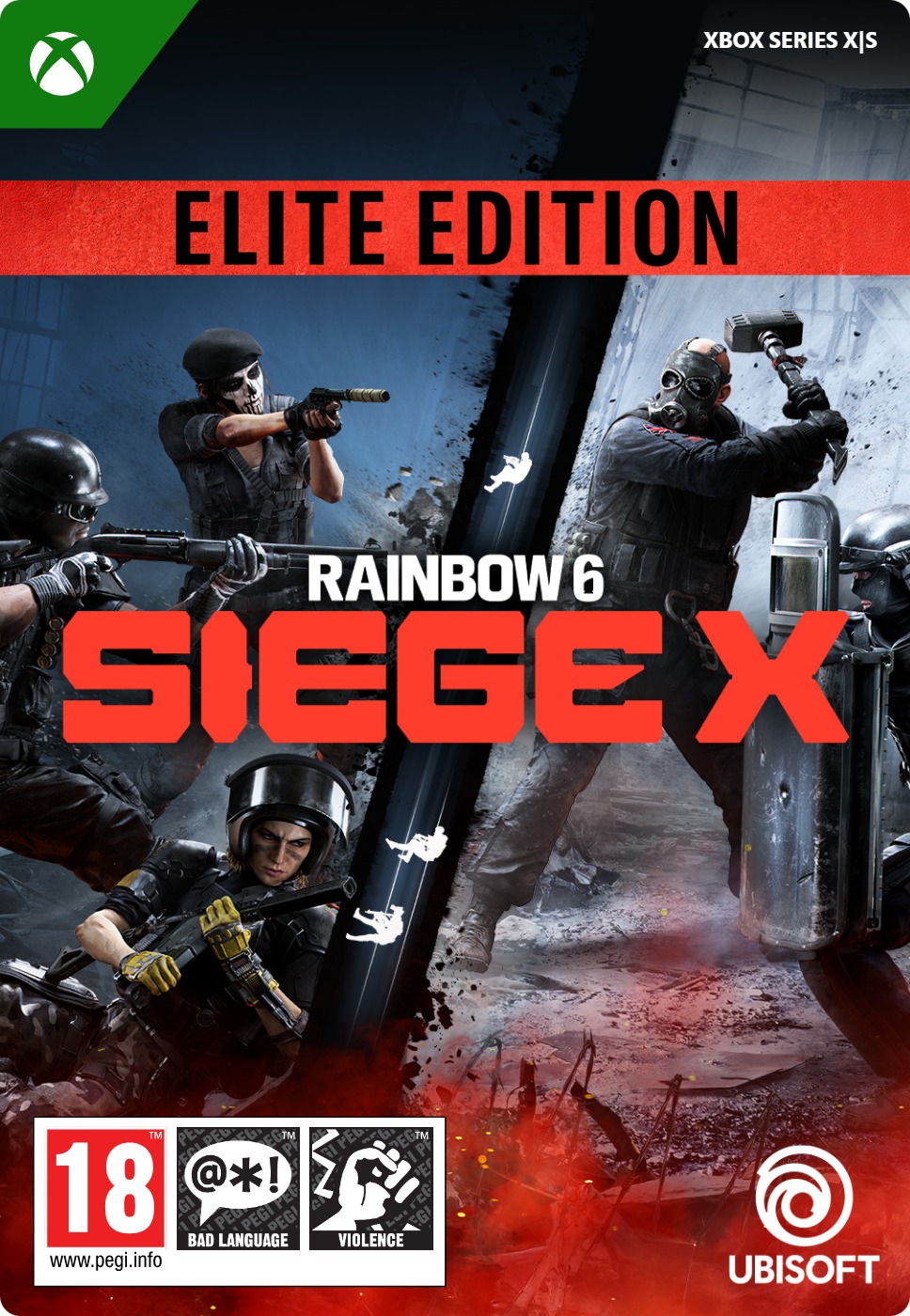
Tom Clancy’s Rainbow Six Siege is a tactical online shooter that has built its reputation on teamwork, strategy, and destructible environments. Every match requires players to think quickly, coordinate with teammates, and adjust to changing situations. On June 10, 2025, the game transitioned into Rainbow Six Siege X, introducing a more flexible access model, graphical improvements, and refined mechanics. Players who already owned the game retained full access, while newcomers can now play a large portion of the game for free, with optional upgrades for full competitive play.
Key changes introduced in Siege X
The biggest change in Siege X is the move to a semi-free-to-play structure. New players can dive into most of the core game modes without spending anything, including a new mode called Dual Front, where teams attack and defend zones at the same time. Alongside the content updates, the game received visual improvements, updated sound design, and more fluid movement controls. To recognize their support, long-time players were granted exclusive rewards tied to their account history.
Making the most of 15,000 R6 Credits
With 15,000 R6 Credits, you are well-equipped to unlock a variety of content. This amount easily covers the cost of the Battle Pass and still leaves you with plenty to spend on operators, cosmetic packs, or themed bundles. You could mix and match high-end weapon skins, unique uniforms, headgear, and charms to create a look that suits your style. It is a great option for players who want both functionality and flair in their loadout.
Is a Game Pass required to play Siege X?
Yes, you will need an active Game Pass subscription to play Rainbow Six Siege X online. While the game does offer a free access version, it is not classified as a fully free-to-play title. That means even players using the free version must have Game Pass to join online matches. The good news is that a Game Pass is easy to purchase at Gamecardsdirect.
Buying 15,000 R6 Credits at Gamecardsdirect
Yes, you can purchase 15,000 R6 Credits directly through Gamecardsdirect. Simply select the credit amount you want, provide your email address, and choose one of the available payment options. If you are buying R6 Credits as a gift, you can also add gift wrap at checkout. You will be prompted to write a short message, and we will send the code directly to your recipient by email.
Description
Contains 15,000 in-game credits for Tom Clancy’s Rainbow Six Siege.
R6 Credits are an in-game currency that can be used to obtain in-game content such as the seasonal Battle Pass, new Operators, and cosmetic items for weapons and Operators. Purchase higher denomination credit packs for more value.
Redeem instructions
How to redeem Rainbow Six Siege credits for Xbox?
Can’t wait to put your shining new R6 credits to good use? Here’s how you can redeem the code for your Xbox game!
Redeeming your credits on your Xbox Series X|S
To redeem your new credits directly on your Xbox Series X|S console, just do as follows:
- Use the Xbox button to open the guide;
- Choose the Store option;
- Press the View button to open the side menu, and click on Redeem;
- Enter the 25-character code, click Next and confirm one last time.
- You got credits now. Have fun!
Redeeming the R6 credits via the Xbox website
Please follow these steps to redeem your code via the Xbox website.
- Go to Xbox.com and select Sign in;
- Open the Games drop-down menu in the top bar;
- Click on Redeem code;
- Enter your code, click Next and confirm one last time.
- The credits are in your account, you can launch the game and spend them!
Redeeming Rainbow Six credits via the Microsoft Store app
If you instead prefer to use the Microsoft Store app on your PC, these are the steps to follow:
- Click the Start button to open the Microsoft Store;
- Choose Redeem code in the drop-down menu that appears when you click on your picture;
- Enter the code we sent you, click Next and confirm one last time.
- Launch Rainbow Six Siege and gear up with your new credits!
- Instant email delivery
- Excellent customer service
- Telephone: +31(0)85 047 75 36
- E-mail support in the weekends
- 1.100.000+ satisfied customers
Limited customer service
during the holidays.