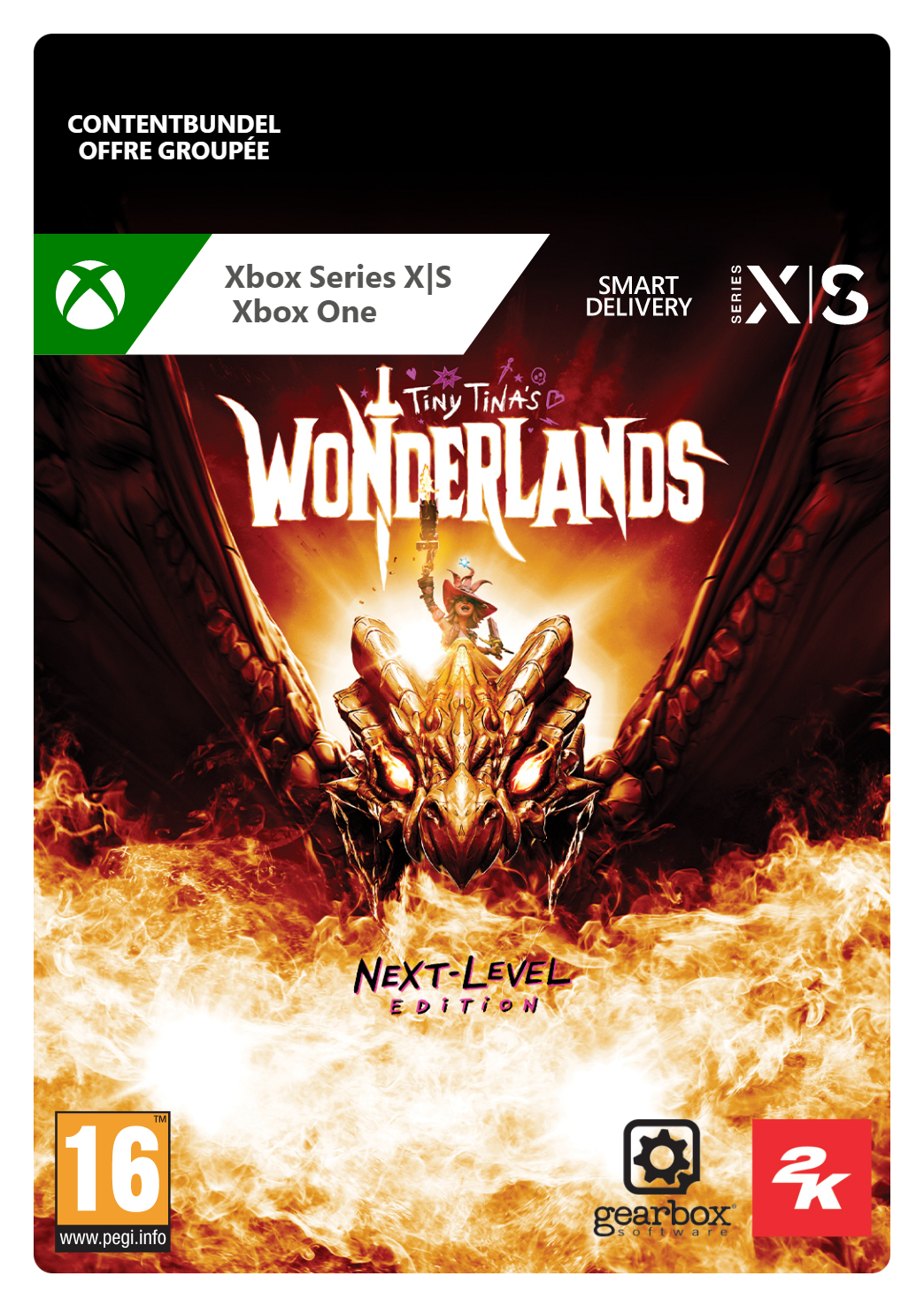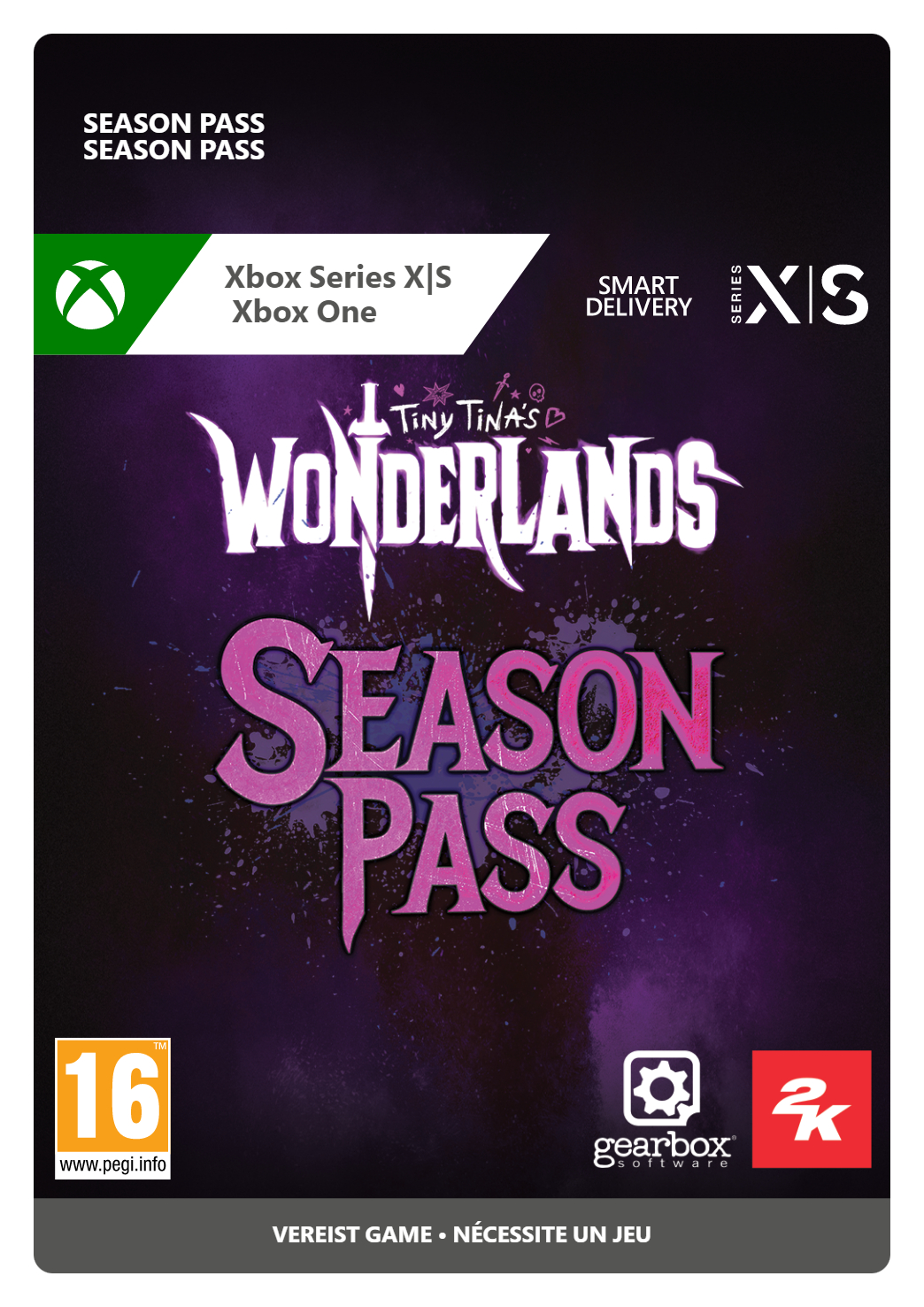
Tiny Tina's Wonderlands: Season Pass Xbox
- Play the acclaimed Borderlands spin-off game’s DLC
- Loot, shoot and slash your way through four new dungeons
- Enjoy a fun adventure alone or with friends
Information
Tiny Tina's Wonderlands: Season Pass for Xbox: An Expansive DLC
Tiny Tina's Wonderlands Season Pass offers players the chance to delve back into the Tiny Tina's Wonderlands experience with the Mirrors of Mystery, four new dungeons with challenging and iconic bosses. The all-new Blightcaller class has been introduced, an elementalist with unique talents and two fresh Action Skills, allowing for more multiclass combinations. The Season Pass also includes 100+ new Legendary weapons and gear, leading to many more combat options. If you've completed the main campaign of the game, the Season Pass is the perfect way to continue your adventure.
Includes Four New Dungeons
The DLC's four dungeons feature boss encounters with scaling difficulty and optional challenges. Players can now free 'Chums' the Old God in Coiled Captors, defeat Imelda the Sand Witch and her cauldron of culinary chaos in Glutton's Gamble, defeat Fyodor the Soul Warden's murderous mechanized defenses in Molten Mirrors, and bring down Redmourne the Trivern and help Vesper escape her past in Shattering Spectreglass. Completing a dungeon adds its contents to the pool of possibilities in the Chaos Chamber, the endlessly replayable endgame of Tiny Tina's Wonderlands.
Enjoy The Butt Stallion Pack
And on top of all this, the game also includes the Butt Stallion Pack, which will add a plethora of customisation options for your character! The Butt Stallion Pack's cosmetics include Diamond Guard Armor Presets, Crystal Glitter Makeup Pack, Adamant Throne Banner Set and Diamond Hero Statue Material. That’s over 10 bonus items for you to enjoy, and it all comes free with the season pass.
What is Tiny Tina's Wonderlands?
Before playing the season pass, you’ll need to have purchased the basic game! Tiny Tina's Wonderlands is a fantasy-themed spin-off of the Borderlands series that has been called “Gearbox Software's best game” by Game Informer. Although it's a spin-off, Wonderlands has the same whimsy, wonder and above all, weaponry as the Borderlands games. Tiny Tina will be your guide as you journey through the world of the Wonderlands, where you will battle fearsome and yet hilarious monsters, explore diverse locations spanning mushroom forests and foreboding fortresses, and maybe even learn some magic along the way! Not to mention, you'll be collecting endless, endless loot.
Defeat Legions of Outlandish Enemies with Varied Weapons
Are you tired of generic enemies and repetitive weaponry in shooting games? Tiny Tina's Wonderlands may be the game for you, then. In the course of your adventure, you'll have to face enemies as diverse as pirates, wyverns (dragon-like creatures), trolls, giant crabs, cyclopes (one-eyed giants) and walking mushrooms, and that's just scratching the surface. There are millions of guns to find and choose from in Tiny Tina's Wonderlands for Xbox Series X/S and Xbox One, thanks to its procedurally generated loot system. The fantasy setting of the game is a spoof on the classic tabletop RPG Dungeons and Dragons, and it's led to the most fun game in the Borderlands series yet. If you somehow tire of the gunplay, you can always try the game's melee combat and spellcasting.
Personalise your Adventure
Unlike previous games in the Borderlands series, Tiny Tina's Wonderlands contains its own character creator system and much greater customisation features, so the adventure will feel like your own. The game features six character classes, Stabbomancer, Clawbringer, Spellshot, Graveborn, Spore Warden and Brr-Zerker, which you will choose at the beginning before deciding your appearance down to the finest details. The game has an in-depth character designer, even including the ability to alter body type and voice quality. When you're done designing your appearance, you will be able to choose your character's personality, which will alter your combat attributes as well as your dialogue.
Play with Friends or Solo
Just like all Borderlands games, you can enjoy the game solo or start a party with up to three friends in seamless multiplayer. Share the spoils or rush to get the best loot—it's up to you how you play!
Where Can I Buy Tiny Tina's Wonderlands: Season Pass for Xbox Series X / S and Xbox One?
Tiny Tina's Wonderlands: Season Pass for Xbox One / Xbox Series X / S can be bought with a wide variety of payment methods right here at Gamecardsdirect, the one-stop gift card shop. We are an official supplier of 2K Games. A gift code will be emailed to you within seconds, which can be safely and securely redeemed or gifted to a friend or family member.
Description
- Four content drops featuring fantastical boss fights and whimsical new challenges, set to be released after the game launches.
- Pay tribute to your diamond-maned Queen with the Butt Stallion Pack Bonus Cosmetics, available on launch day.
Redeem instructions
How to redeem your new Xbox DLC?
So you got a code for a new shiny Xbox Downloadable content, but don’t know how to use it? Don’t worry, we’re here to help! You can proceed in any of the following ways, whichever is more convenient for you!
Redeeming your Xbox DLC on your Xbox Series X|S
When you want to redeem your new Xbox add-on directly on your Xbox Series X|S console, just do as follows:
- Click the Xbox button to open the guide;
- Select the Store option;
- Click the View button to open the side menu, and click on Redeem;
- Enter the code, click Next and confirm one last time.
- Have fun with your new DLC!
Redeeming your Xbox DLC on the Xbox One
When you want to redeem your new Xbox content directly on your Xbox One console, just do as follows:
- Click the Xbox button to open the guide;
- Go to Home;
- Scroll to the Store tab;
- Choose Use a code;
- Enter the 25-character code you received from us, click Next and confirm again.
- Enjoy your new DLC!
Redeeming your Xbox content via the Xbox website
Please follow these steps if you prefer to redeem your DLC code via the Xbox website.
- Visit Xbox.com and select Sign in;
- Click on the Games drop-down menu in the top bar;
- Select Redeem code;
- Enter your code, click Next and confirm one last time.
- It’s done, you can now download your new Xbox DLC to your console.
Redeeming your Xbox add-on via the Microsoft Store app
If you instead choose to use the Microsoft Store app on your PC, these are the steps to follow:
- Click the Start button to open the Microsoft Store;
- Select Redeem code in the drop-down menu that appears when you click on your picture;
- Enter the code you receives, click Next and confirm one last time.
- Download the add-on content to your Xbox console and have fun!
- Instant email delivery
- Excellent customer service
- Telephone: +31(0)85 047 75 36
- E-mail support in the weekends
- 1.100.000+ satisfied customers
Limited customer service
during the holidays.