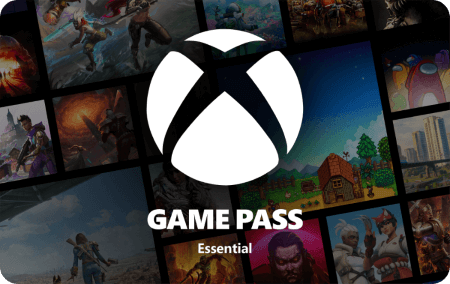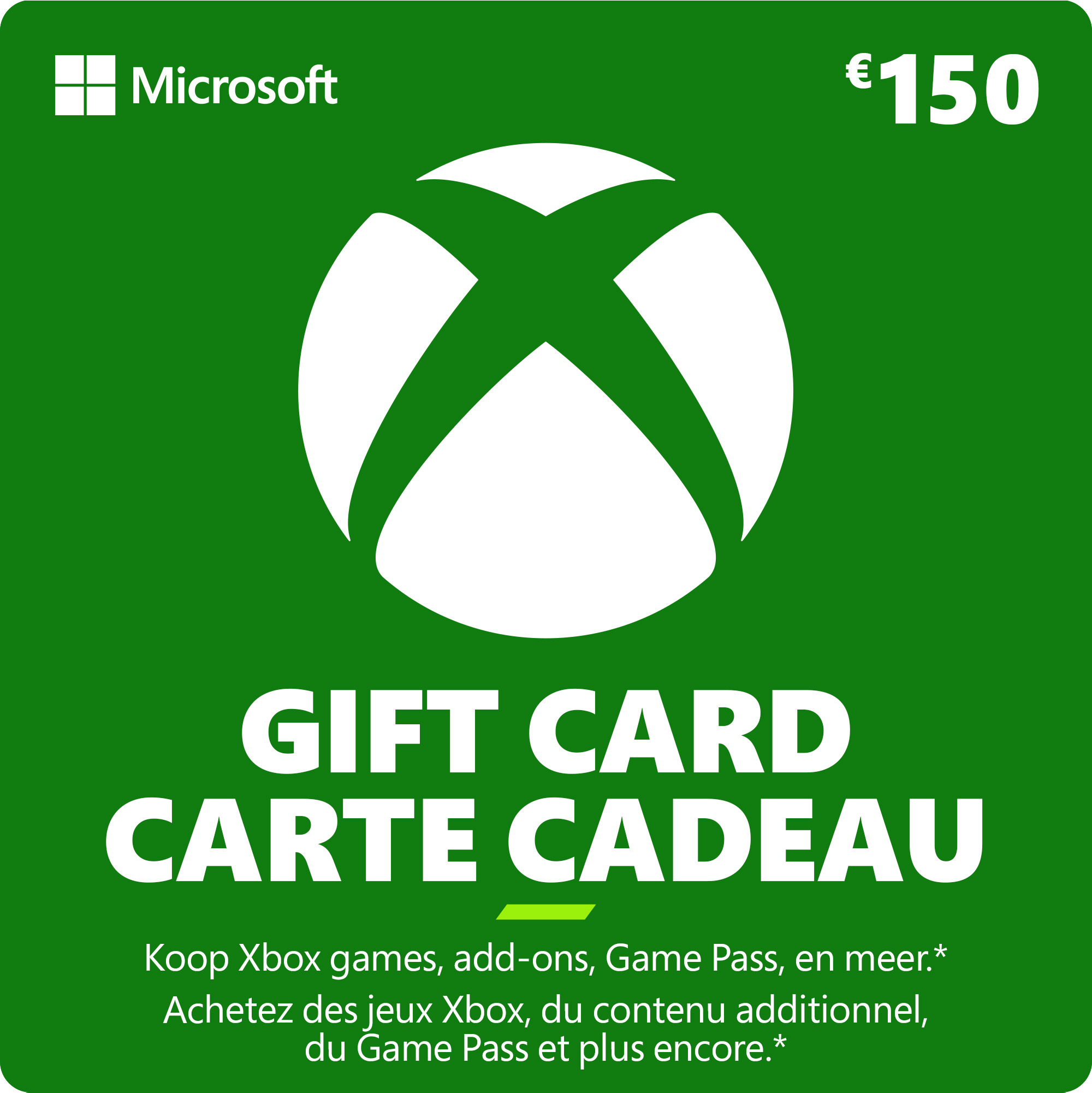
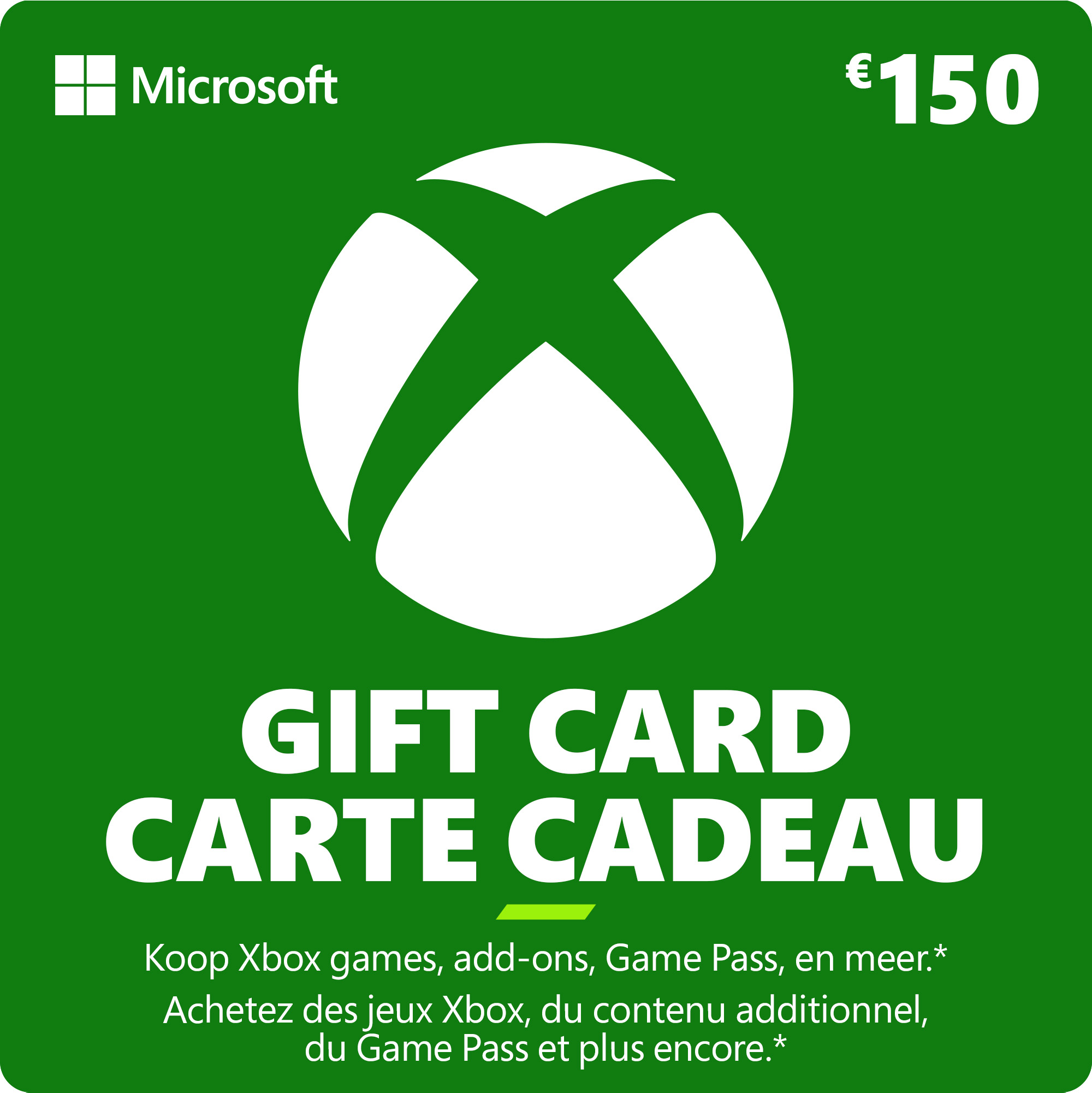
Xbox Gift Card €150
- Buy apps, games, in-game credits, music, movies and TV shows.
- Use it yourself or gift to a friend, the choice is yours!
- We are official Microsoft suppliers
Information
What is a €150 Xbox Gift Card?
A €150 Xbox Gift Card gives you plenty of credit to spend on games and digital content from the Xbox and Microsoft Store. Redeem the digital code on your Microsoft account and the €150 is added to your balance, ready to use whenever you want. Xbox credit is also a convenient way to shop without linking a credit card, making it easier to control your spending. The same balance can be used across supported Microsoft services, giving you plenty of freedom to decide how to spend it.
What can I buy with €150 Xbox credit?
With €150 to spend, you have plenty of options. Buy a major new release or Ultimate Edition, choose several games, or keep some of your Xbox balance for future purchases. Your Microsoft account balance can be used for eligible digital content such as:
- Xbox and PC games
- DLC, expansions and add-ons
- in-game content and virtual currency
- apps and other Microsoft Store content
- Xbox Game Pass subscriptions
You don't need to spend the €150 at once. Any unused Xbox credit remains in your Microsoft account for later.
Which Xbox consoles can I use my Xbox Code with?
An Xbox Code isn't tied to a specific console. Once redeemed, the credit is added to your Microsoft account. This means you can use your Xbox Code for Xbox Series X, Xbox Series S and Xbox One, as long as you use the same Microsoft account. You can also spend your balance on eligible products in the Microsoft Store, including supported PC games and digital content.
Can I gift an Xbox Gift Code to someone else?
Yes. A digital Xbox Gift Code is an easy gift for an Xbox player because they can decide exactly what to buy. Instead of choosing a particular game, you give them €150 in Xbox credit to spend themselves. At Gamecardsdirect, you can also use our gift-wrap option to turn your Xbox Gift Card code into a personalised digital gift.
What's the difference between an Xbox Gift Card and a Microsoft Gift Card?
Xbox Gift Cards and Microsoft Gift Cards both add credit to your Microsoft account. Once redeemed, the balance can be used for eligible purchases across the Microsoft Store and Xbox ecosystem. An Xbox Gift Card is therefore useful for more than just buying Xbox games. Depending on the product, you can use your Microsoft balance for games, add-ons, Game Pass and other eligible digital content.
Where can I buy a €150 Xbox Gift Card online?
You can buy a €150 Xbox Gift Card online at Gamecardsdirect, the one-stop gift card shop. As an official supplier of Xbox digital products, we offer a reliable way to buy Xbox credit online. Add the Xbox Gift Card to your cart, choose your preferred payment method like Wero or Paypal, and complete your order. Your Xbox Gift Card code will be delivered by email, ready to add to your Microsoft account and spend on the games and content you want.
Description
Terms and conditions
Redeem instructions
Is it your first time using a gift card and you do not know how to redeem your code? Have no fear, we will help you. Read our step-by-step guide to redeem your code quick and easy. After all, we do not want to waste precious game time, right?
Activating your Xbox Gift Card via the Xbox website
Please follow these steps to redeem your code via the Xbox website.
- Go to Xbox.com/redeem and select Redeem Now;
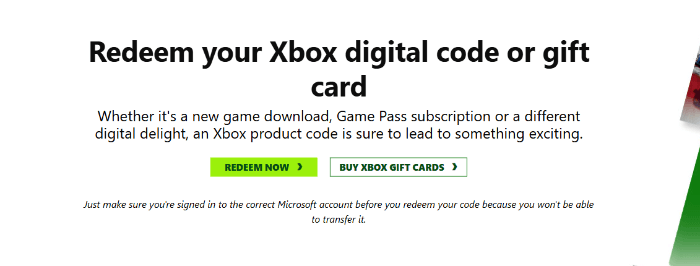
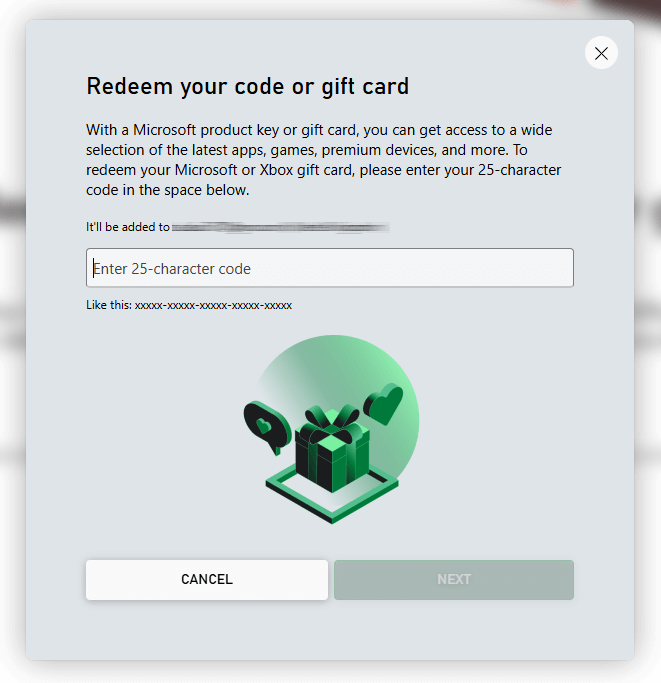
- Enter the code that consists of 25 characters, click next and confirm one last time. Have fun!
Activating my Xbox Gift Card via the Xbox One
Do you want to redeem your Gift Card using your Xbox One Console? First, make sure you are signed in to the right account before redeeming. Follow these steps to activate your Gift Card:
- Use the Xbox button (
 ) to open the guide;
 - Go to Home;
- Scroll to the Store tab;

- Choose Redeem;

- Enter the code that consists of 25 characters, click next and confirm one last time. Have fun!
Activating your Xbox Gift Card via your Xbox Series X|S
Do you want to redeem your gift card using your Xbox Series X|S Console? First, make sure you are signed into the right account before redeeming. Follow these steps to activate your gift card:
- Use the Xbox-button () to open the guide;
- Select the option Store;
- Press the View button to open the side menu, and then select Redeem;
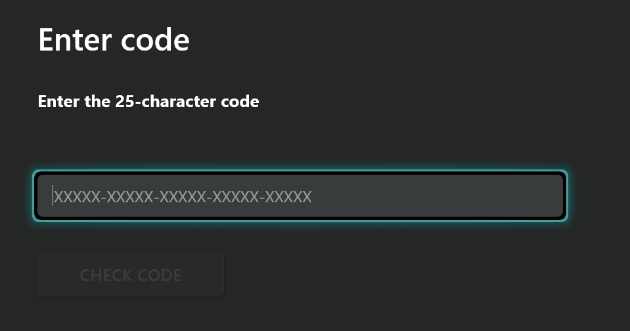
- Enter the code that consists of 25 characters, click Next and confirm one last time. Have fun!
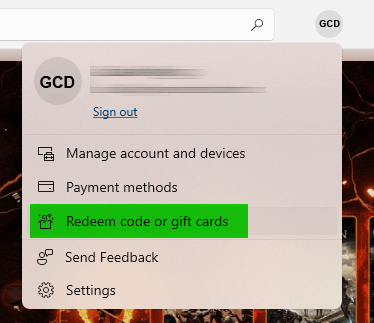
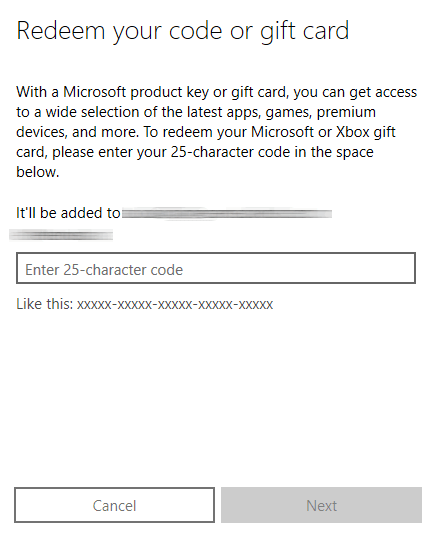
Activating your Xbox Gift Card via the Microsoft Store app
Do you want to redeem your gift card code through the Microsoft app? Make sure you are signed in with the account you want to redeem the code with!
- Go to the Microsoft Store via the Start button (
 );
); - In the Microsoft Store you can select Redeem code in the drop down menu;
- Enter the code that consists of 25 characters, click next and confirm one last time. Have fun!
- Instant email delivery
- Excellent customer service
- Telephone: +31(0)85 047 75 36
- E-mail support in the weekends
- 1.100.000+ satisfied customers
Limited customer service
during the holidays.
Due to the heat, this week our customer
service team will be available from 07:00 to 15:30.
We are currently experiencing delays in delivering emails to Microsoft email accounts. We are doing our best to have all codes delivered soon.
Contact
You might like this as well