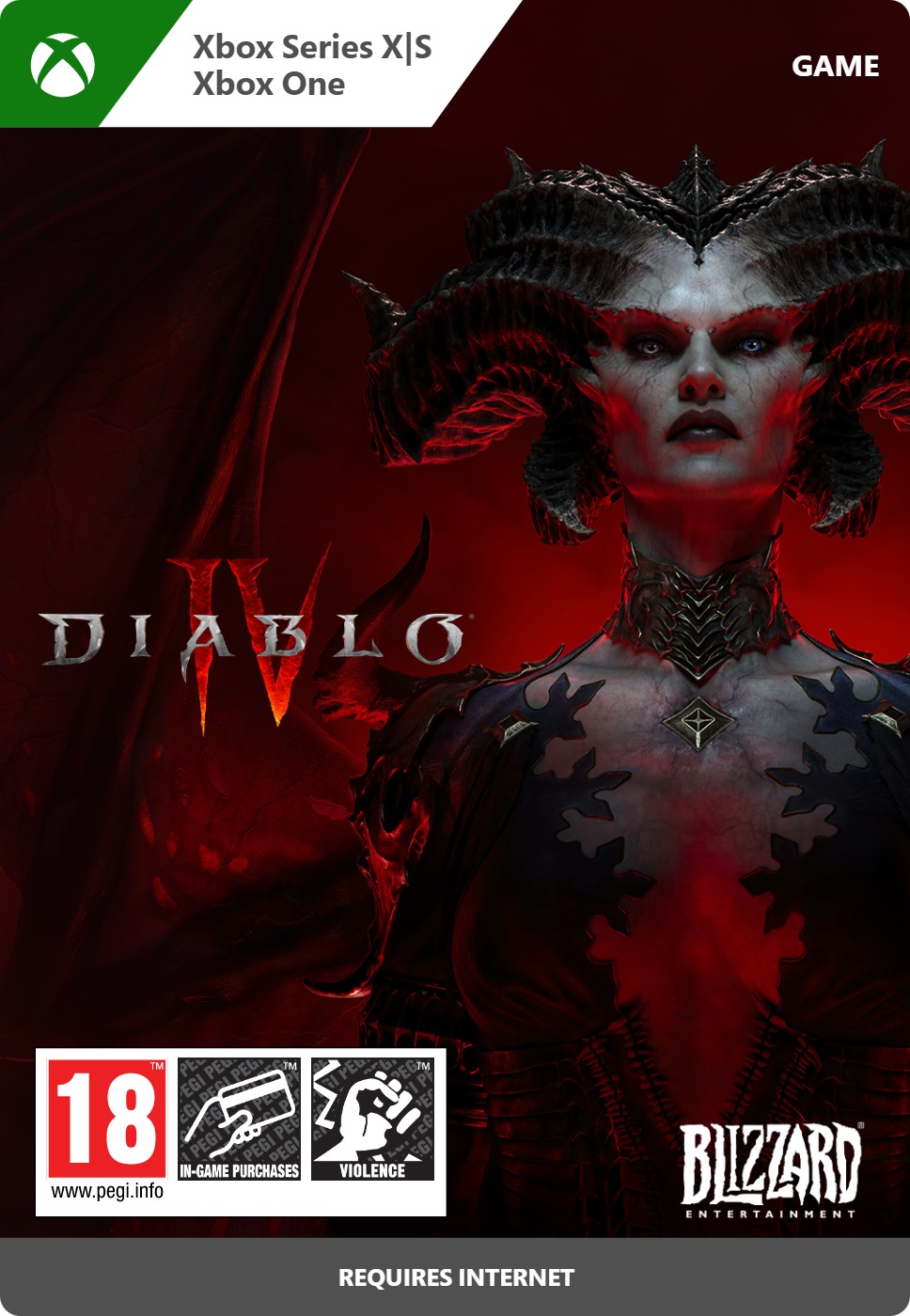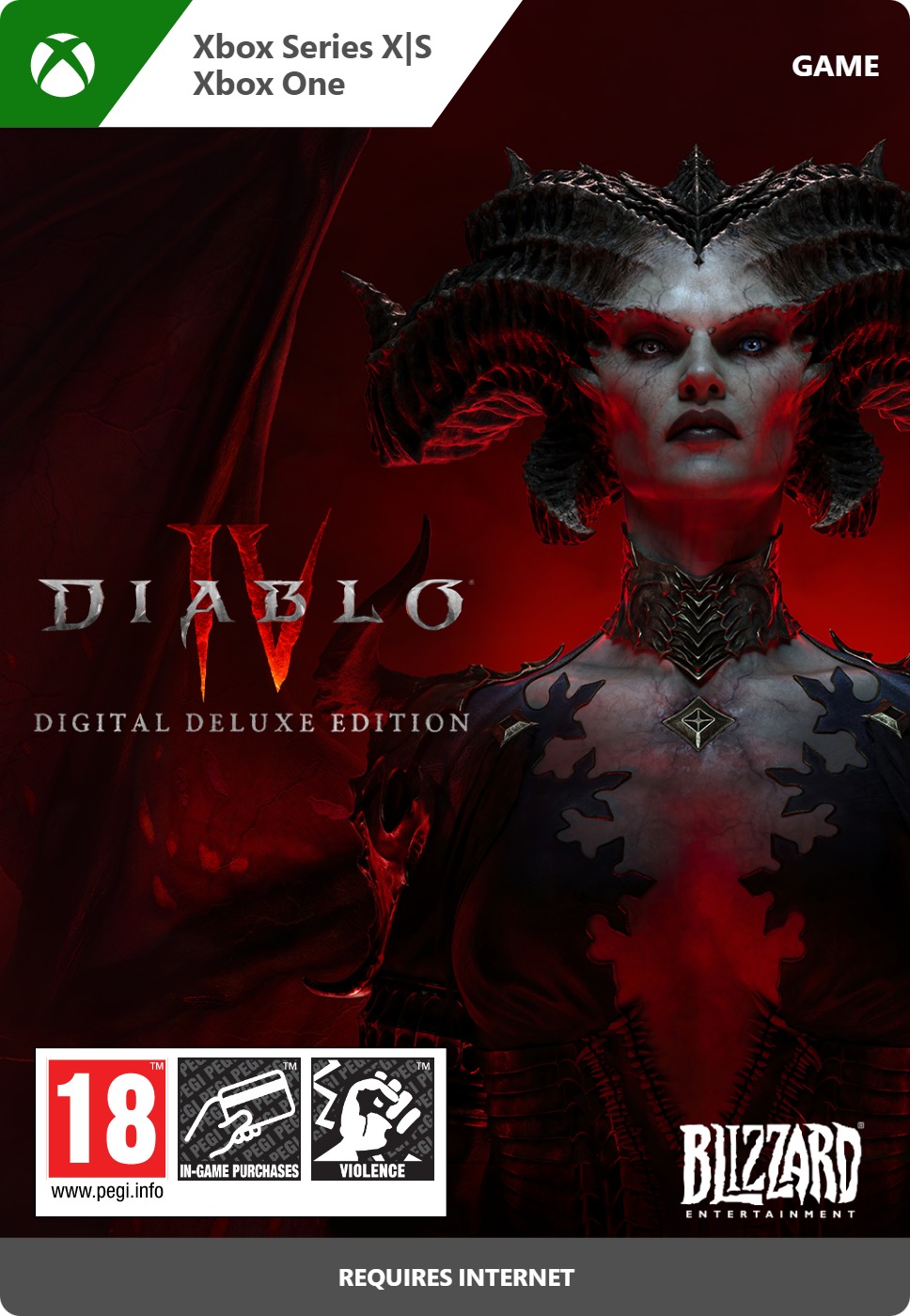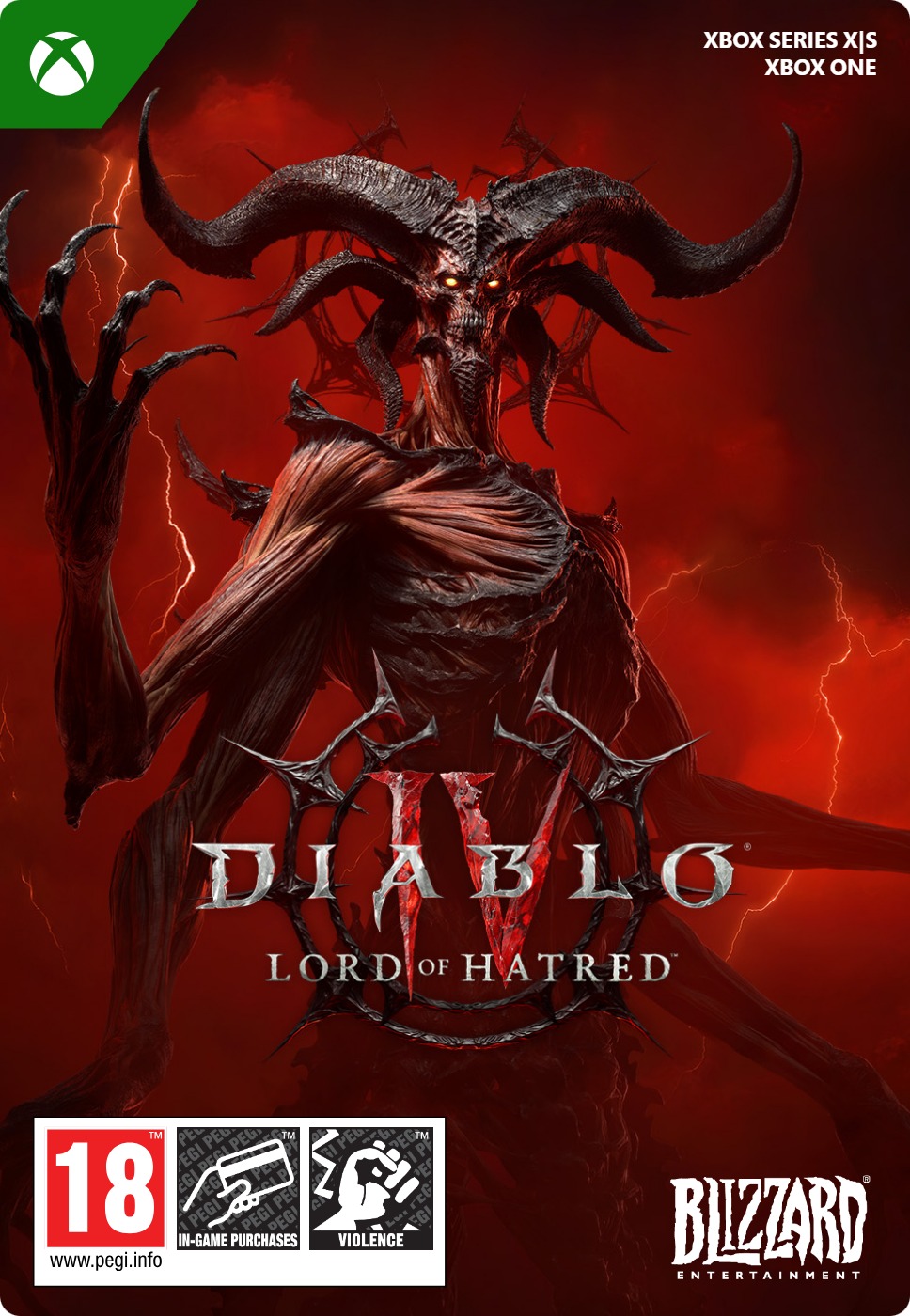
Diablo IV: Lord of Hatred Standard Edition
- Explore the new holy region of Skovos
- Master two new classes, the Paladin and the Warlock
- Includes the Vessel of Hatred expansion
Information
What is Diablo?
Diablo is one of the most iconic video game franchises ever created and has set the standard for dungeon crawling action RPGs since its debut. The franchise currently consists of four main titles. The most recent installment, Diablo IV, launched in 2023. Lord of Hatred is the second big paid expansion for Diablo IV, after Vessel of Hatred.
What is Lord of Hatred about?
Lord of Hatred continues the dark saga of Sanctuary. A new demonic threat, Mephisto, rises from the shadows, spreading corruption across unfamiliar lands and drawing players into a deeper conflict. The expansion introduces the brand-new region of Skovos to explore, fresh story chapters, challenging endgame activities, new enemy types, dungeons, fishing, and powerful loot. With expanded systems and additional gameplay features, Lord of Hatred builds on the open world foundation of Diablo IV while raising the stakes even higher. Two new classes are available to players:
- Paladin - A holy warrior who brandishes their faith as a weapon to vanquish evil and bring back hope to the people.
- Warlock - A powerful wizard capable of bending the forces of Hell to their will, using the very corruption that threatens Sanctuary to protect it.
What’s included with the Standard Edition of Lord of Hatred?
The Standard Edition of Lord of Hatred includes the following:
- Vessel of Hatred expansion
- Lord of Hatred expansion
- Paladin class early access
- 1 Extra stash tab
- 2 additional character slots
- 3 decor items for World of Warcraft
All items except the Lord of Hatred expansion itself are unlocked immediately upon purchase if you prepurchase this expansion before its release on 28 April 2026.
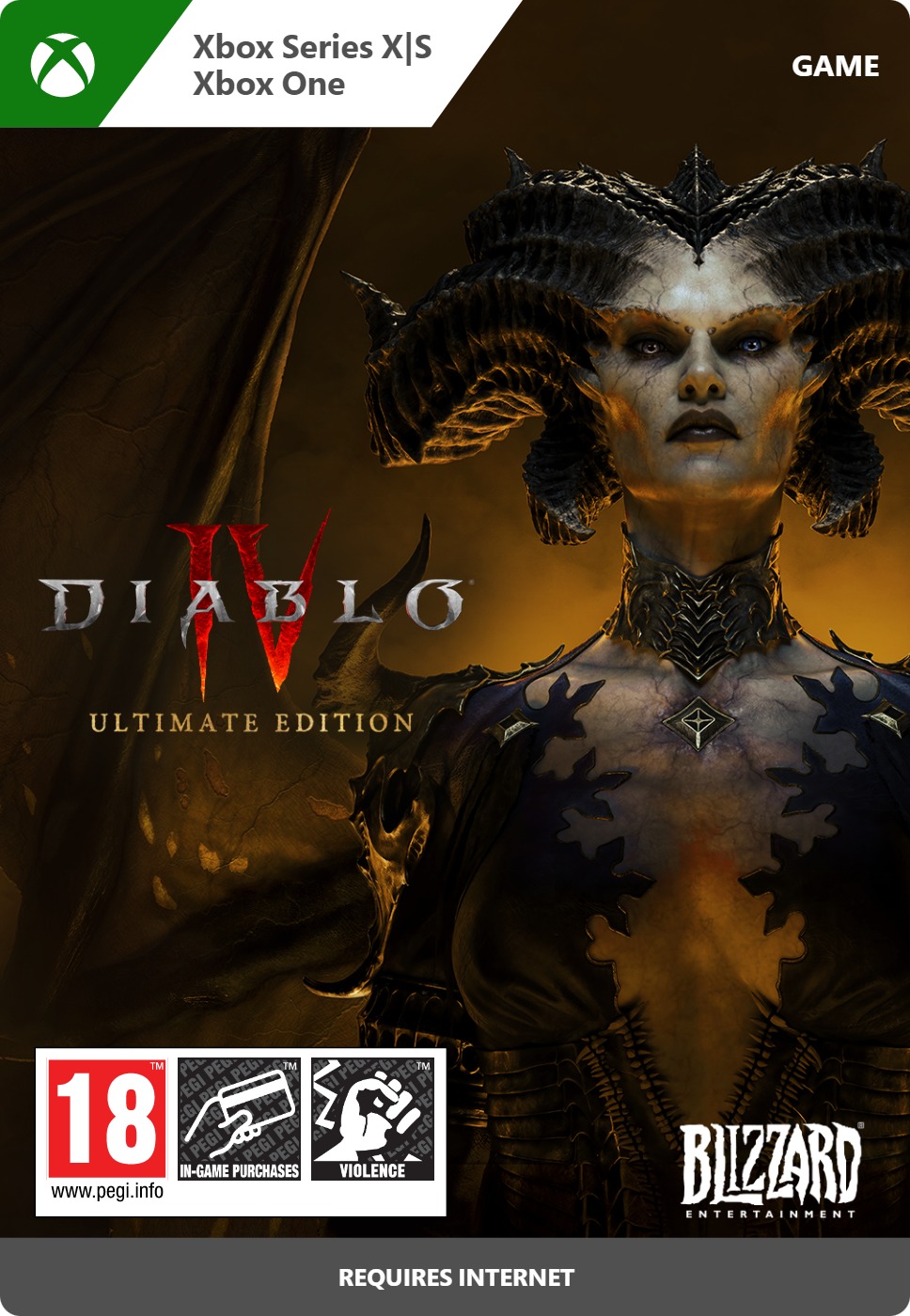
You can find other editions of this expansion at Gamecardsdirect, too. Both the Deluxe Edition and Ultimate Edition include a Premium Battle Pass and varying numbers of skins and other goodies. There is also the Age of Hatred Collection, that offers the exact same content as this Standard expansion but also includes the base game, which is great for people that never played Diablo IV.
What is Diablo 4 Platinum?
Diablo IV Platinum is the premium in-game currency used in Diablo IV, including on Xbox consoles. With Platinum, you can purchase exclusive cosmetic items such as character skins, armor sets, mounts, and other visual upgrades to personalize your hero. It can also be used to unlock the Diablo IV Battle Pass, which grants access to seasonal rewards and additional content. You can safely and easily buy your Diablo IV Platinum at Gamecardsdirect, the one-stop gift card shop.
Where to Buy Diablo IV: Lord of Hatred for Xbox?
You can purchase Diablo IV Lord of Hatred Standard Edition for Xbox right here at Gamecardsdirect, the one-stop gift card shop. As an official supplier of Xbox digital products, we guarantee a secure purchase and fast delivery. After completing your order with one of the many available payment methods, your digital download code will be sent to your email immediately. You can redeem it on your Xbox console or choose to send it as a gift using our free digital gift wrap option at checkout.
Redeem instructions
How to redeem your new Xbox DLC?
So you got a code for a new shiny Xbox Downloadable content, but don’t know how to use it? Don’t worry, we’re here to help! You can proceed in any of the following ways, whichever is more convenient for you!
Redeeming your Xbox DLC on your Xbox Series X|S
When you want to redeem your new Xbox add-on directly on your Xbox Series X|S console, just do as follows:
- Click the Xbox button to open the guide;
- Select the Store option;
- Click the View button to open the side menu, and click on Redeem;
- Enter the code, click Next and confirm one last time.
- Have fun with your new DLC!
Redeeming your Xbox DLC on the Xbox One
When you want to redeem your new Xbox content directly on your Xbox One console, just do as follows:
- Click the Xbox button to open the guide;
- Go to Home;
- Scroll to the Store tab;
- Choose Use a code;
- Enter the 25-character code you received from us, click Next and confirm again.
- Enjoy your new DLC!
Redeeming your Xbox content via the Xbox website
Please follow these steps if you prefer to redeem your DLC code via the Xbox website.
- Visit Xbox.com and select Sign in;
- Click on the Games drop-down menu in the top bar;
- Select Redeem code;
- Enter your code, click Next and confirm one last time.
- It’s done, you can now download your new Xbox DLC to your console.
Redeeming your Xbox add-on via the Microsoft Store app
If you instead choose to use the Microsoft Store app on your PC, these are the steps to follow:
- Click the Start button to open the Microsoft Store;
- Select Redeem code in the drop-down menu that appears when you click on your picture;
- Enter the code you receives, click Next and confirm one last time.
- Download the add-on content to your Xbox console and have fun!
- Instant email delivery
- Excellent customer service
- Telephone:
+31(0)85 047 75 36 - E-mail support in the weekends
- 1.100.000+ satisfied customers
Limited customer service
during the holidays.
You might like this as well