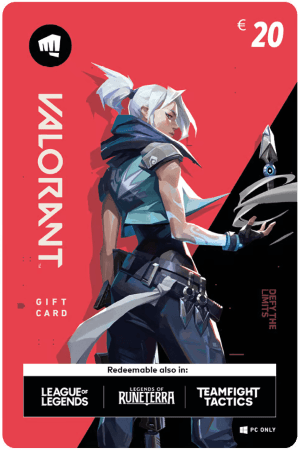
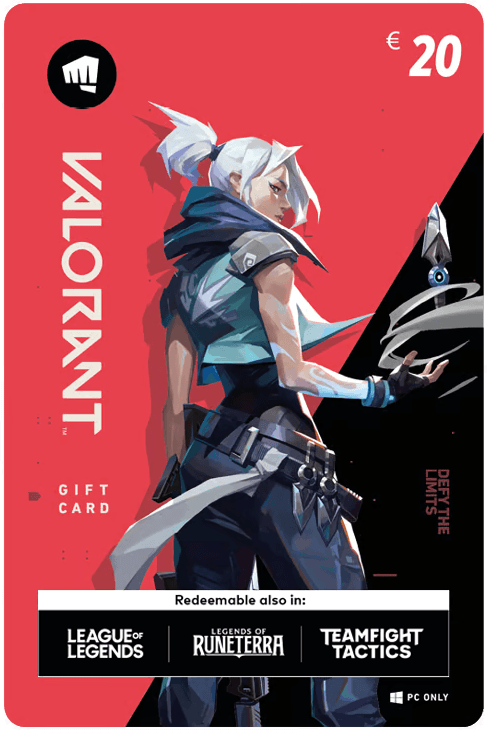

Valorant Gift Card €20
- Equals 2050 VP*
- Usable on PC, Xbox and PlayStation
- Can be used for other Riot games
Information
What are Valorant Points and what are they used for?
Valorant Points, often abbreviated as VP, are the premium in game currency in Valorant. This free to play tactical shooter from Riot Games features intense five versus five matches where players control Agents with unique abilities. Valorant Points can only be obtained by purchasing them with real money. Once added to your Riot account, VP can be spent on various cosmetic items and upgrades that personalize your gameplay experience.
What can you buy with €20 worth of Valorant Points?
A €20 Valorant gift code usually redeems for 2050* Valorant Points, although the exact amount may change over time. This balance allows players to unlock more valuable content in the in game store. Some popular ways to spend Valorant Points include:
- Weapon bundles - Riot frequently releases themed bundles containing weapon skins and other cosmetics. Purchasing a full bundle often gives better value than buying skins individually.
- Battle Pass upgrades - The premium Battle Pass unlocks additional seasonal rewards such as weapon skins, sprays, banners and other cosmetic items.
- Radianite Points - These points allow you to upgrade certain weapon skins with new visual effects, colors and animations.
- Agent unlocks - Valorant offers a wide roster of Agents with unique abilities. While they can be unlocked by playing the game, VP allows you to unlock them immediately.
*The prices of Valorant Points may change without notice.
What kind of Riot gift code will you receive?
The codes available on this page are Riot gift codes that work across several Riot Games titles. When redeemed in the Valorant client, they automatically convert into Valorant Points. However, you could also redeem the code in other Riot games such as League of Legends, Legends of Runeterra or Teamfight Tactics to receive their respective in game currency. Once redeemed in a specific game, the credit becomes linked to that title and cannot be transferred elsewhere.
Can Valorant Points be used on consoles?
Valorant Points and account progression are shared across every device connected to the same Riot account. This means the VP you redeem, as well as your skins and other cosmetics, will be available whether you play Valorant on PC, Xbox or PlayStation. PC players can redeem their Riot gift code directly in the Valorant game client by following the instructions listed on the product page. For Xbox and PlayStation players the process is slightly different. Console users cannot redeem the code from inside the game. Instead, visit Riot’s official redemption page, log in to your Riot account and enter your code there. Once the code is redeemed, the Valorant Points will be added to your account and will appear in the game shortly. In most cases the credit is available instantly, but it may take up to 24 hours before the Points show up in your Valorant balance.
Where can you buy a €20 Valorant gift card online?
You can safely purchase a €20 Valorant gift card at Gamecardsdirect, the one-stop gift card shop. Simply add the code to your shopping cart, enter your email address and choose your preferred payment method. Once the payment is completed, your Riot gift code will be delivered to your inbox within minutes, ready to redeem in the Valorant client.
Redeem instructions
Valorant Gift Cards can be redeemed for in-game credits in Valorant, but also in the following games: League of Legends, Legends of Runeterra and Teamfight Tactics. The only way to redeem your Valorant Gift Card is through the official game client of the game you are interested in. This is how you can exchange your code for Valorant Points:
- Open the game client and log in with your account;
- Click on the button in the upper right, next to 'Store';
- Choose the 'Prepaid Cards and codes' option and enter your code;
- Select 'Submit'.
- Your Valorant Points are now on your account.
Don't have a game client or an account yet? First, create an account and download the client to your PC or Mac.
- Instant email delivery
- Excellent customer service
- Telephone:
+31(0)85 047 75 36 - E-mail support in the weekends
- 1.100.000+ satisfied customers
Limited customer service
during the holidays.