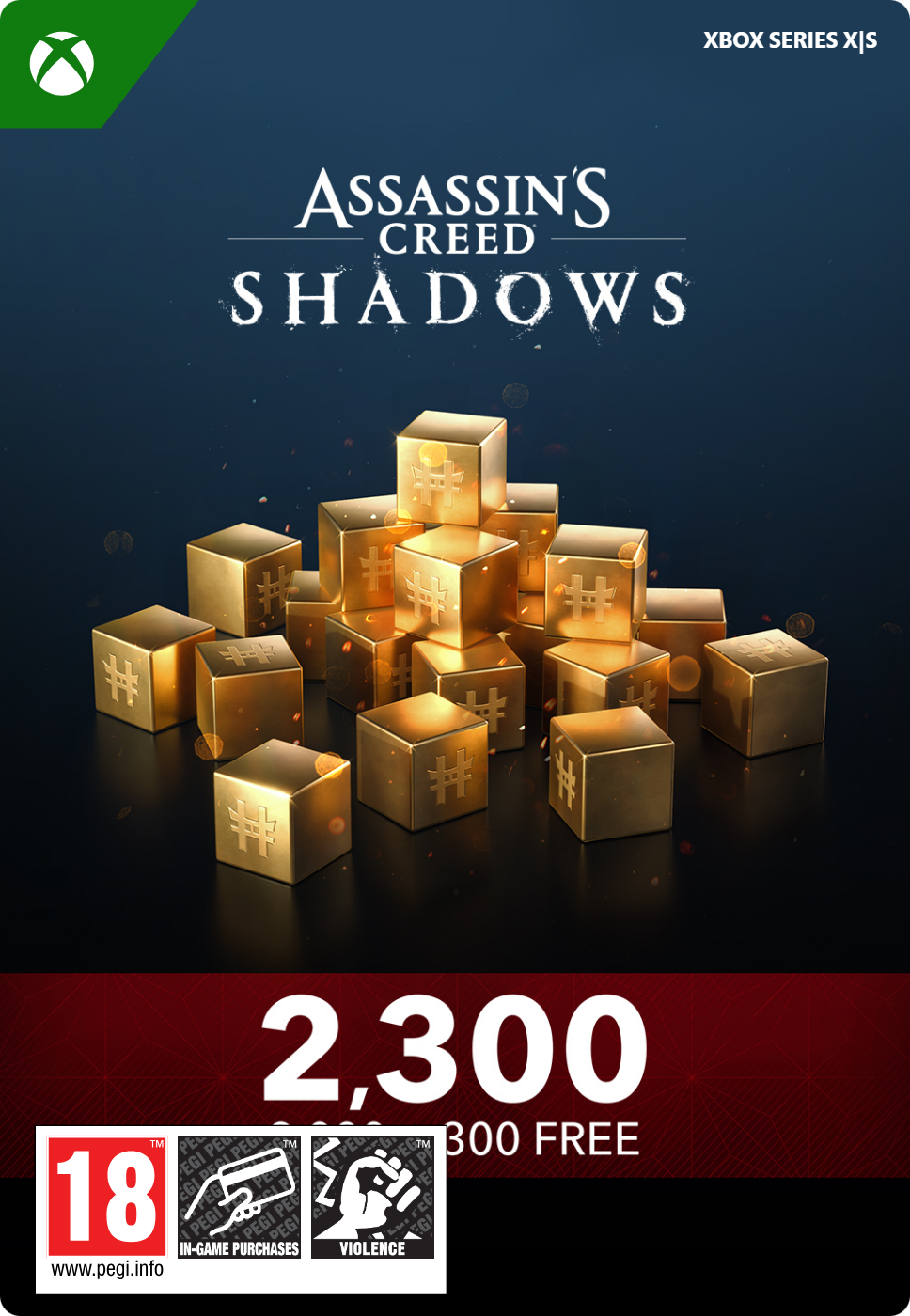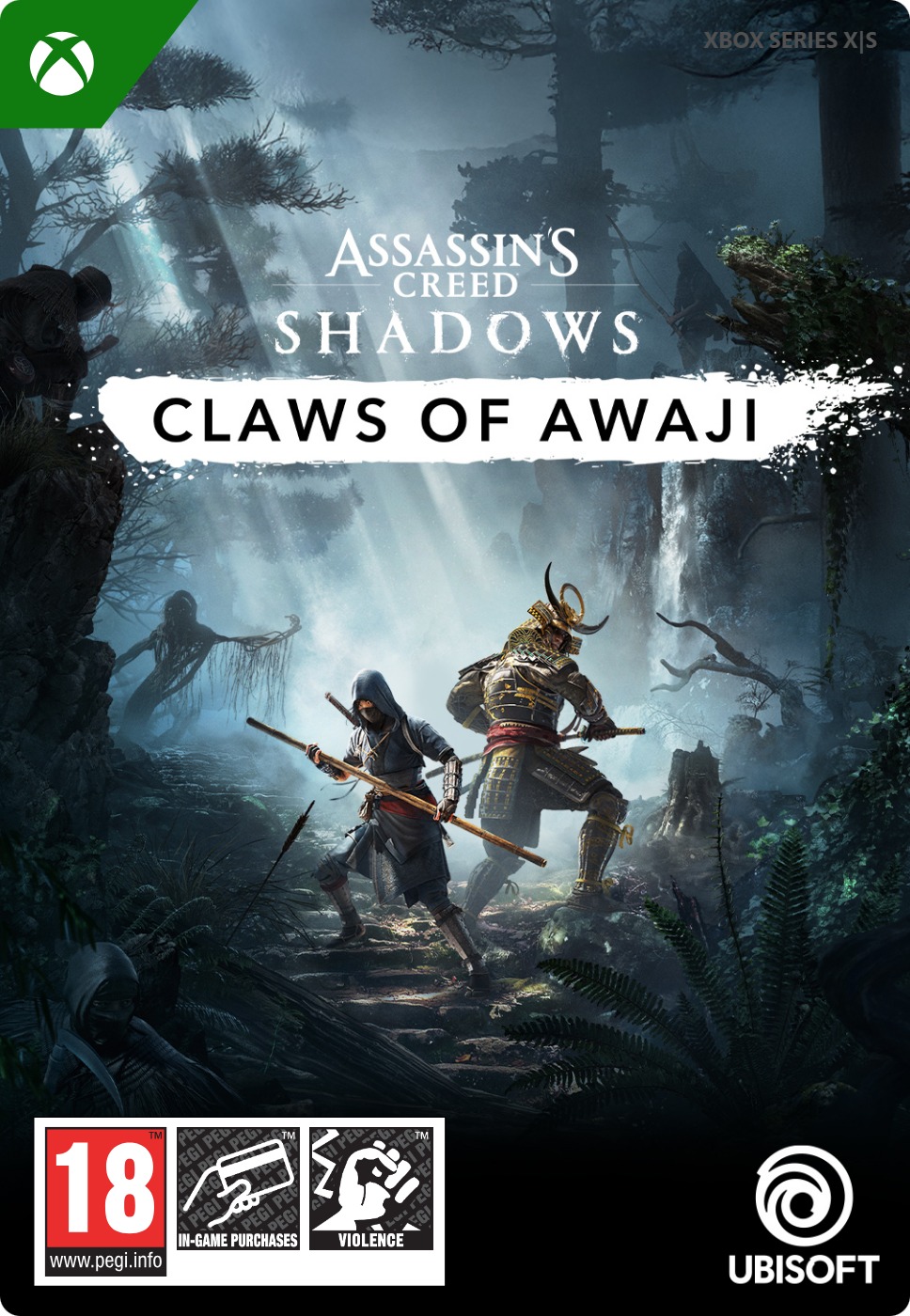
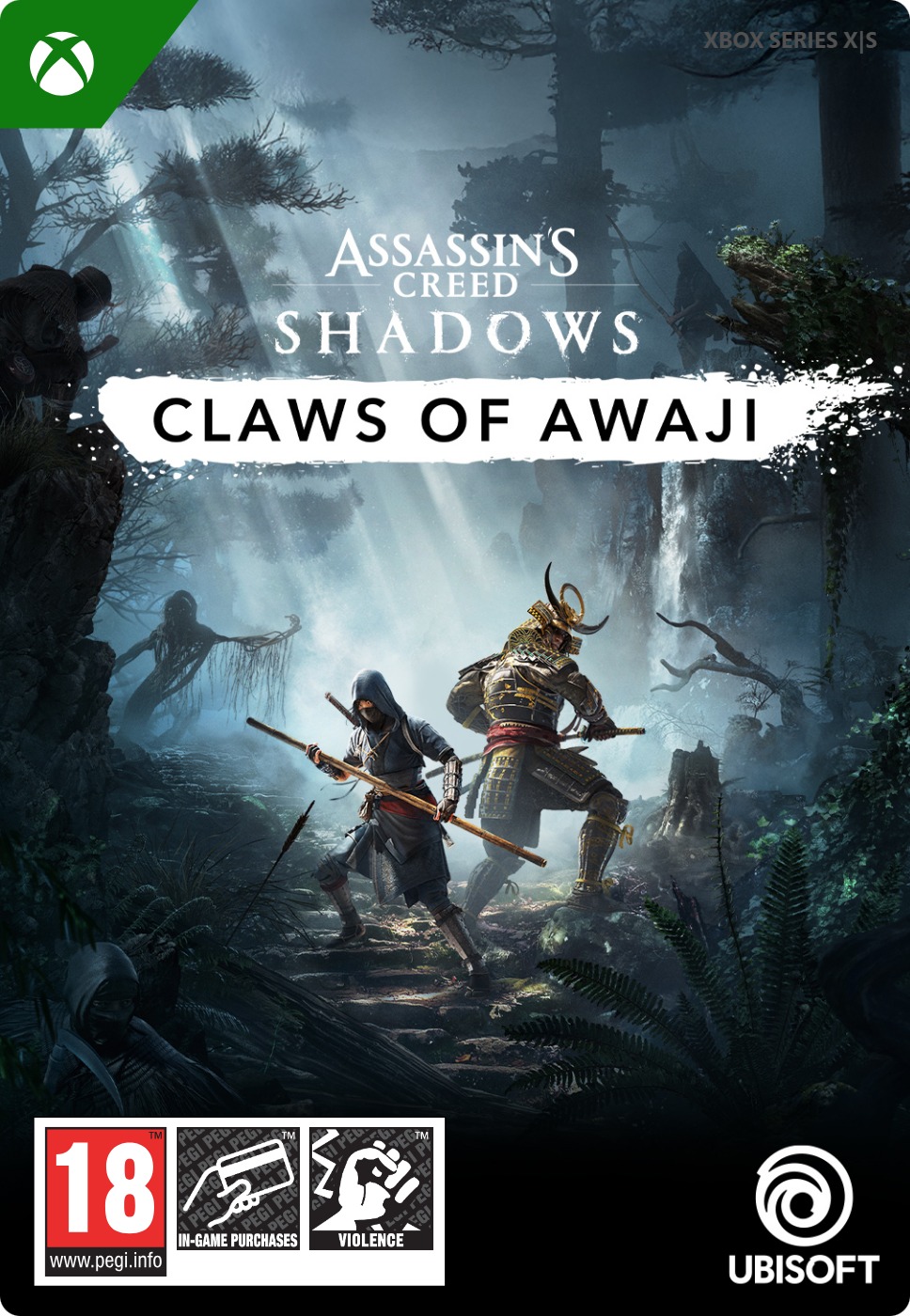





Assassin’s Creed Shadows: Claws of Awaji
- Over 10 hours of new content
- New Bo weapon for Naoe
- Sanzoku Ippa faction hunts you
Information
What is Claws of Awaji?
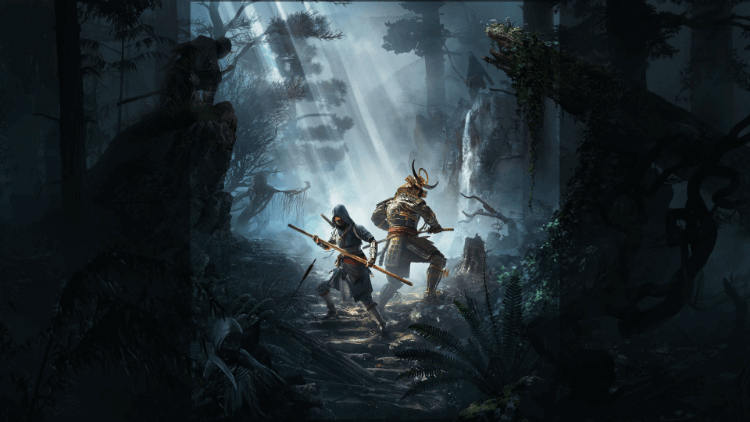
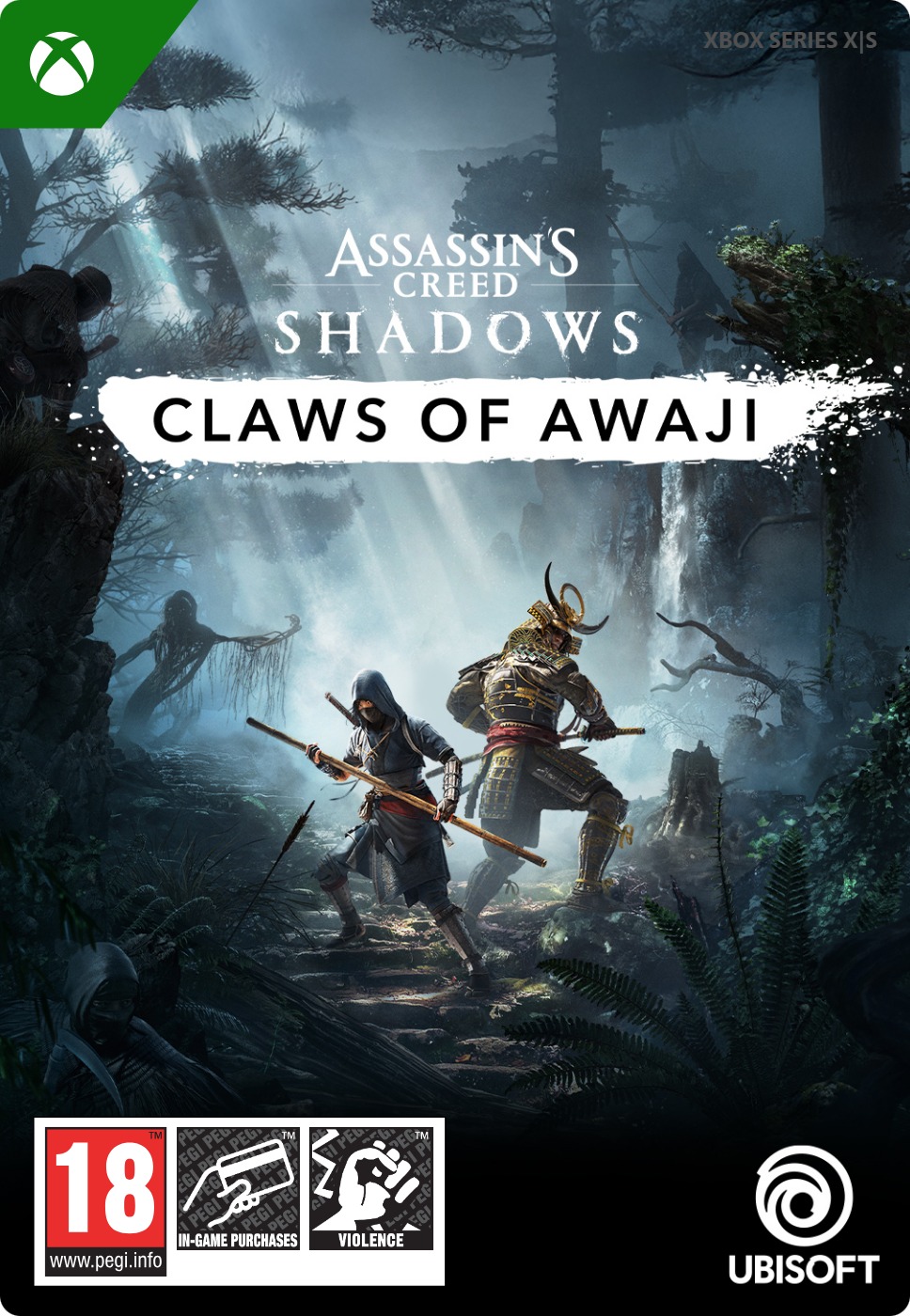
Claws of Awaji is the first additional content released for Assassin’s Creed Shadows. It is set after the end of the main story, on the island of Awaji in Osaka bay. Yasuke and Naoe travel to the island in search of a lost treasure, continuing the storyline of the main game, and will be confronted by the spooky Sanzoku Ippa faction, who hunts and lays ambushes to our heroes.
What is the game Assassin’s Creed Shadows?
Assassin’s Creed Shadows is the latest Assassin’s Creed game, set in Japan towards the end of the tumultuous Sengoku Era (second half of the XVI century). It features dual protagonists: the big powerful Yasuke, who excels at fighting, and the kunoichi (female ninja) Naoe, who is quick and excels at stealthy assassinations. As with all Assassin’s Creed games, the made-up story of the game is intertwined with real historical events and set in the real world, including notable historical figures. That’s a big part of the appeal of the whole AC franchise, and ancient Japan proved very fascinating.
Is Awaji island a real place?
Yes, Awaji is a real island located not far from Osaka, and is known for its traditional puppet theater. It’s also regarded as the birthplace of Japan, because according to myth, that is where the deities Izanami and Izanagi stirred the sea with the Heavenly Jeweled Spear, and with their union gave birth to all the islands of Japan. It’s a place filled with history and myth, a perfect setting for the story of this DLC.
What can we expect from the Awaji DLC?
The Claws of Awaji add-on doesn’t only add several hours of story and gameplay. It also introduces new game mechanics and a fresh set of enemies.
- Naoe gets a new weapon, the Bo (basically a long stick), complete with a lot of new combat animations
- The Sanzoku Ippa faction fights a little differently from other enemies, employing ninja techniques not unlike Naoe’s, and ambushing players at every opportunity. Feel like what’s like being hunted, for once.
- Many new outfits and Legendary gear are added to the game
Where can I buy Claws of Awaji for Xbox online?
You can buy the Claws of Awaji DLC right here at Gamecardsdirect, the one-stop gift card shop. As official suppliers of Xbox digital products, we can guarantee a trouble-free purchase and quick delivery. Simply add the add-on to your cart, enter your email address and choose any payment method you like, for example iDeal or PayPal. We will send your code in a matter of moments, and you can redeem it on Xbox to download your new content. Please note that we only sell digital codes, not physical products.
Description
UNLOCK NEW WEAPON AND SKILLS Master Naoe’s new weapon, the Bo — her most agile weapon yet — and unlock fresh skills, outfits, and perks for both protagonists. All new gear can be carried back into the main game to expand your arsenal.
A NEW CHAPTER IN THE ASSASSIN'S CREED SHADOWS STORY Become Naoe and Yasuke once again and discover this new chapter of their stories as they follow the path of a mysterious shinobi and face the dangerous Sanzoku Ippa clan. Players will need the base game to access this expansion. The expansion includes 10+ hours of content.
Available for free to all Assassin’s Creed Shadows players who pre-ordered the game.
Redeem instructions
How to redeem your new Xbox DLC?
So you got a code for a new shiny Xbox Downloadable content, but don’t know how to use it? Don’t worry, we’re here to help! You can proceed in any of the following ways, whichever is more convenient for you!
Redeeming your Xbox DLC on your Xbox Series X|S
When you want to redeem your new Xbox add-on directly on your Xbox Series X|S console, just do as follows:
- Click the Xbox button to open the guide;
- Select the Store option;
- Click the View button to open the side menu, and click on Redeem;
- Enter the code, click Next and confirm one last time.
- Have fun with your new DLC!
Redeeming your Xbox DLC on the Xbox One
When you want to redeem your new Xbox content directly on your Xbox One console, just do as follows:
- Click the Xbox button to open the guide;
- Go to Home;
- Scroll to the Store tab;
- Choose Use a code;
- Enter the 25-character code you received from us, click Next and confirm again.
- Enjoy your new DLC!
Redeeming your Xbox content via the Xbox website
Please follow these steps if you prefer to redeem your DLC code via the Xbox website.
- Visit Xbox.com and select Sign in;
- Click on the Games drop-down menu in the top bar;
- Select Redeem code;
- Enter your code, click Next and confirm one last time.
- It’s done, you can now download your new Xbox DLC to your console.
Redeeming your Xbox add-on via the Microsoft Store app
If you instead choose to use the Microsoft Store app on your PC, these are the steps to follow:
- Click the Start button to open the Microsoft Store;
- Select Redeem code in the drop-down menu that appears when you click on your picture;
- Enter the code you receives, click Next and confirm one last time.
- Download the add-on content to your Xbox console and have fun!
- Instant email delivery
- Excellent customer service
- Telephone:
+31(0)85 047 75 36 - E-mail support in the weekends
- 1.100.000+ satisfied customers
Limited customer service
during the holidays.
You might like this as well