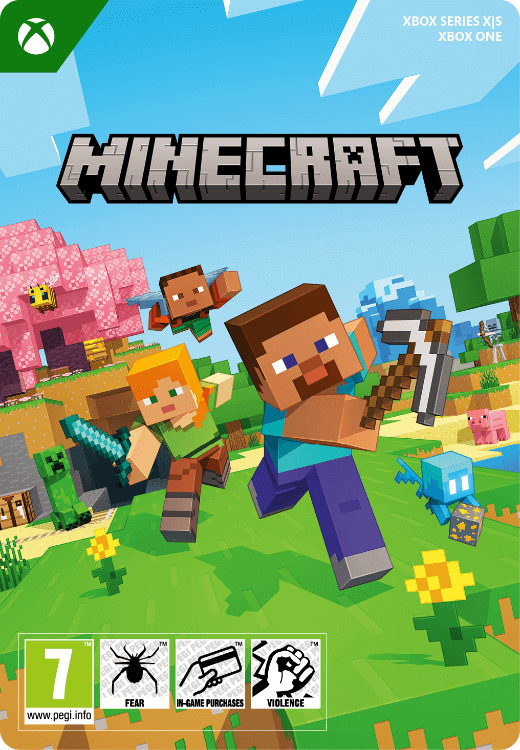


Minecraft Xbox One - X|S
- Explore a fascinating blocky world
- The absolute best-selling game of all time
- Only compatible with Xbox One and Series X|S
Information
What is Minecraft?
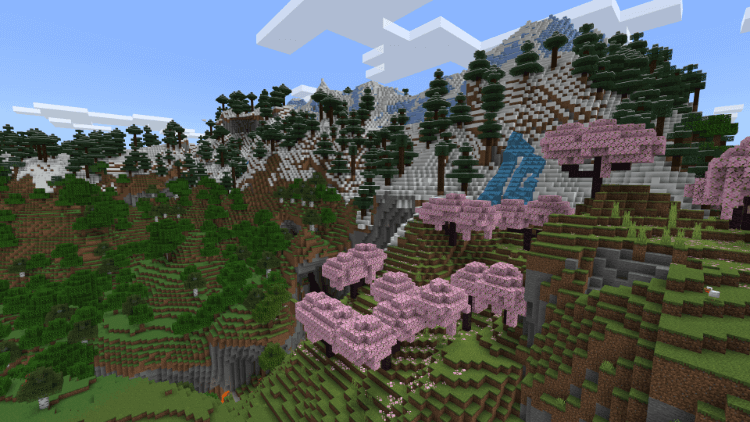
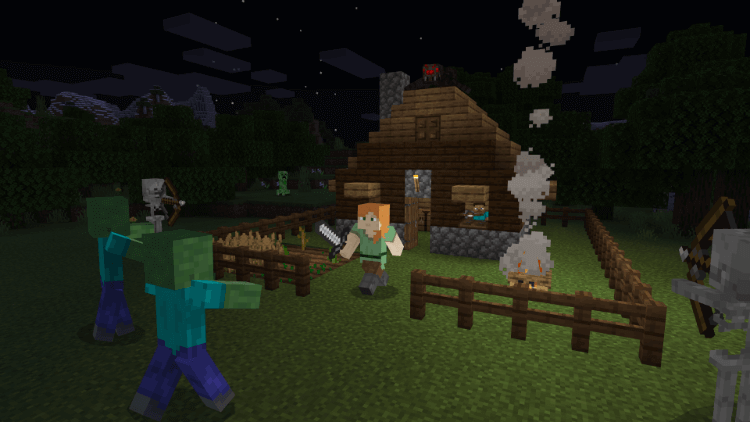
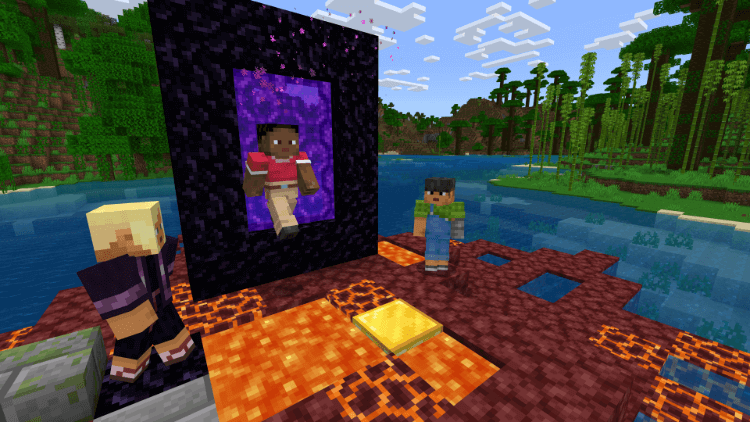
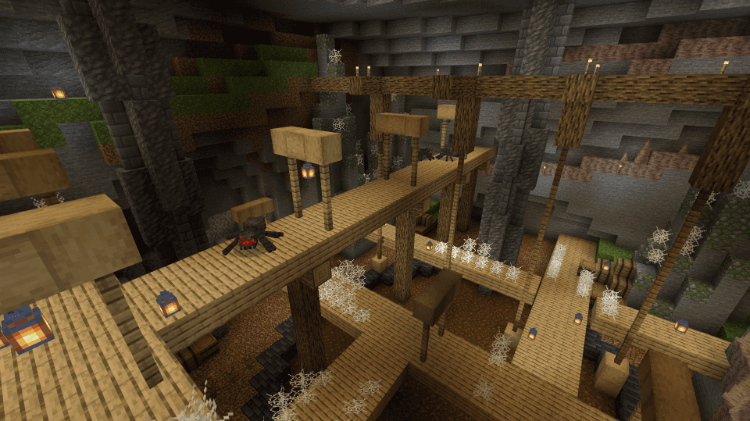
Minecraft is the best-selling game of all time. With over 350 million copies sold and about 170 million active players, it is way more than a game: it’s a self-contained universe where almost everything is possible. The core mechanics of the game involve collecting resources by mining, and then building tools and houses to survive the onslaught of monsters during the night. The game is updated regularly with new features and content, so it never gets boring.
What makes Minecraft so popular?
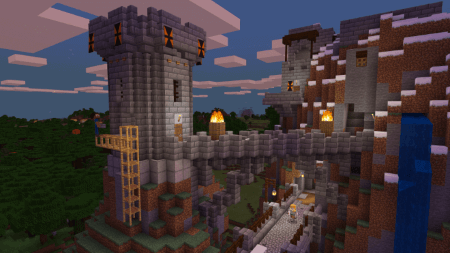
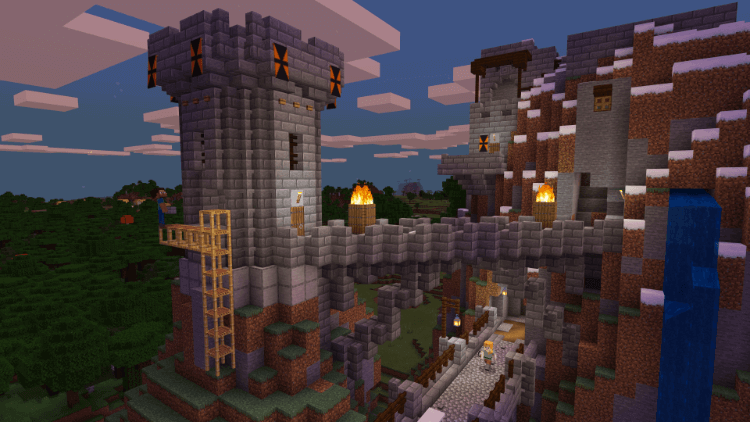
Despite being an apparently simple game, Minecraft enjoys huge popularity all over the world thanks to its almost endless potential for creativity. When playing in sandbox mode you can freely build whatever you like without having to worry about monsters and such. People have built incredible things in Minecraft, including a worldwide library, huge statues, a working computer and more.
Can I use Minecoins?
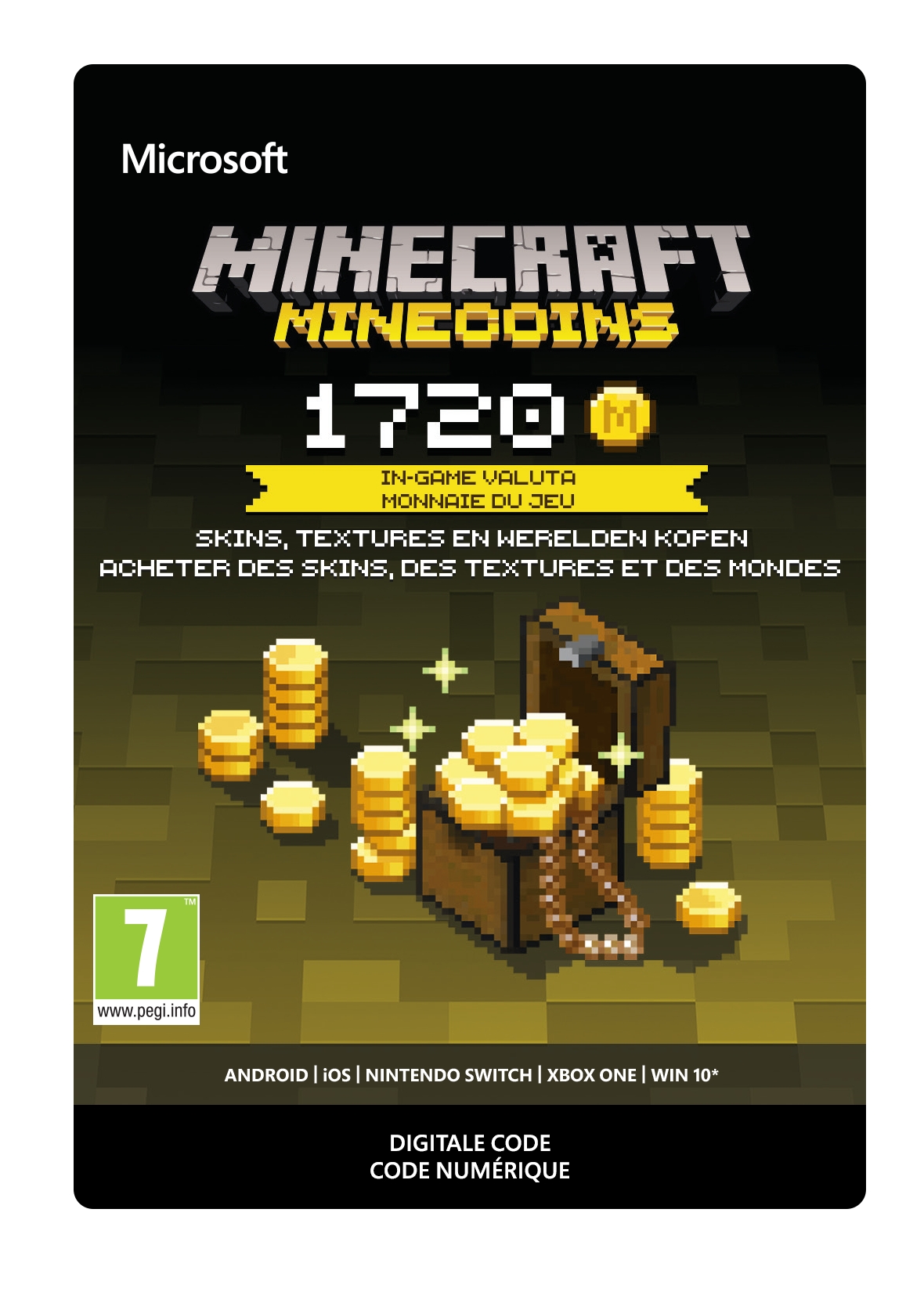
Yes, Minecoins can be used in Minecraft for Xbox to buy whatever you want from the in-game store. The choice is not limited to skins and texture, you can find add-ons that place whole new elements in your world, like dinosaurs or planes. You can also buy pre-made structures, sold by other players, and even whole worlds to play in!
Do I need Game Pass to play online?
Yes, an active Game Pass subscription is required to play Minecraft online and make use of its more advanced social features. You can easily buy or renew your Game Pass subscription right here at Gamecardsdirect. We also sell the Deluxe Collection of Minecraft for Xbox, which comes with several extra items, in-game currency and more.
Can you give Minecraft as a gift?
Yes, it is very easy to give Minecraft as a gift with our gift-wrap option. All you have to do is select the free digital gift-wrap option at checkout. This will let you prepare a personalized email that we’ll send to your friend along with the code, while you will receive the proof of payment.
Can I buy Minecraft for Xbox online at Gamecardsdirect?
Yes, you can. Gamecardsdirect is an official supplier of digital Microsoft products, which means you’ll find a wide range of popular Xbox and Windows games in our webstore. Just add the product to your cart, enter your email address, and choose from our many available payment methods. In a few moments, you will receive a code that can be redeemed on the Microsoft Store to download the game. Please note that we only sell digital codes, no physical products will be shipped.
Description
Redeem instructions
How to redeem your new Xbox game?
So you got a code for a sparking new Xbox game, but don’t know how to use it? We’re here to help! You can proceed in any of the following ways, whichever is more convenient for you!
Redeeming your Xbox game on your Xbox Series X|S
To redeem your new Xbox game directly on your Xbox Series X|S console, just do as follows:
- Use the Xbox button to open the guide;
- Choose the Store option;
- Press the View button to open the side menu, and click on Redeem;
- Enter the 25-character code, click Next and confirm one last time.
- Have fun with your new game!
Redeeming your Xbox game on the Xbox One
To redeem your new Xbox game directly on your Xbox One console, just do as follows:
- Use the Xbox button to open the guide;
- Go to Home;
- Scroll to the Store tab;
- Select Use a code;
- Enter the code you received from us, click Next and confirm again.
- Enjoy your new game!
Redeeming your Xbox game via the Xbox website
Please follow these steps to redeem your code via the Xbox website.
- Go to Xbox.com and select Sign in;
- Open the Games drop-down menu in the top bar;
- Click on Redeem code;
- Enter your Game Pass code, click Next and confirm one last time.
- It’s done, you can now download your new Xbox game to your console.
Redeeming your Xbox game via the Microsoft Store app
If you instead prefer to use the Microsoft Store app on your PC, these are the steps to follow:
- Click the Start button to open the Microsoft Store;
- Choose Redeem code in the drop-down menu that appears when you click on your picture;
- Enter the code we sent you, click Next and confirm one last time.
- Download the game to your Xbox console and have fun!
Age verification

- Instant email delivery
- Excellent customer service
- Telephone:
+31(0)85 047 75 36 - E-mail support in the weekends
- 1.100.000+ satisfied customers
Limited customer service
during the holidays.
You might like this as well