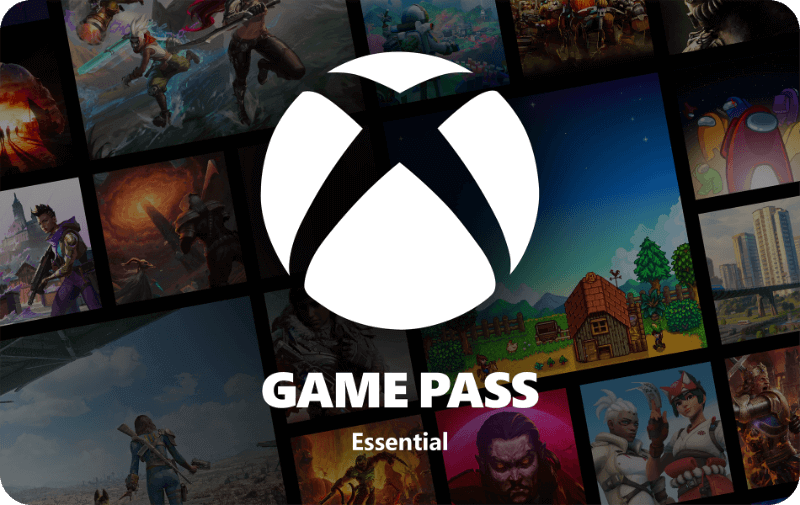

Xbox Game Pass Essential - 6 month
- 6 months of Game Pass Essential
- Enjoy more than 50 games included in the Essential library
- Stream the Essential games, and even select ones you own
Information
Description
Play a library of 50+ games like Fallout 4, Stardew Valley, Grounded, and more on any screen. Dive into legendary franchises. Download and play games on Xbox console, PC, and supported handhelds. Skip the download and stream games (including select games you own) on any eligible device, including mobile, tablet, TV, and VR headset. Join your friends to play, chat, and explore together with online console multiplayer. Get in-game benefits in the biggest games like League of Legends, Call of Duty: Warzone, and Rainbow Six Siege. Enjoy discounts on games, partner benefits, and more. Play and earn up to 25,000 points a year in the Store with Rewards. Find your community with Xbox and play anywhere you want.
Redeem instructions
How do you activate your Xbox Game Pass subscription?
Do you want to buy a Game pass subscription (or maybe have already purchased one) but don’t know how to activate it? There are many ways you can do it, check out which is more convenient for you!
Activating an Xbox Game Pass subscription on the Xbox One
Do you want to activate your Game Pass using your Xbox One console? Follow these steps:
- Log in to the account that will have the subscription;
- Use the Xbox button to open the guide;
- Go to Home;
- Scroll to the Store tab;
- Select Use a code;
- Enter the code that you received from us, click Next and confirm. Done!
Activating an Xbox Game Pass subscription on your Xbox Series X|S
To activate your Game Pass subscription on the Series X|S you can follow these steps:
- Log in to your account;
- Open the guide with the Xbox button;
- Go to the Store;
- Open the side menu with the View button and select Redeem;
- Enter the 25-character code, click Next and confirm again. It’s done!
Activating your Xbox Game Pass subscription via the Xbox website
Please follow these steps if you choose to activate your Game Pass via the Xbox website.
- Sign in to your profile on Xbox.com;
- Click on Games in the top bar;
- Select Redeem code;
- Enter your Game Pass code, click Next and confirm one last time.
- Your Game Pass is now active!
Activating your Xbox Game Pass subscription via the Microsoft Store app
Do you want to activate your Game Pass through the Microsoft app?
- Open the Microsoft Store app via the Start button;
- Select Redeem code in the drop-down menu that appears when you click on your picture;
- Enter the code you received from us, click Next and confirm again. Have fun!
- Instant email delivery
- Excellent customer service
- Telephone:
+31(0)85 047 75 36 - E-mail support in the weekends
- 1.100.000+ satisfied customers
Limited customer service
during the holidays.