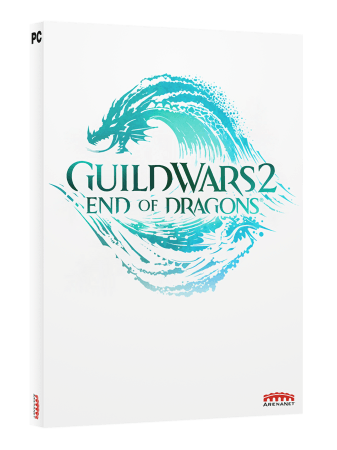
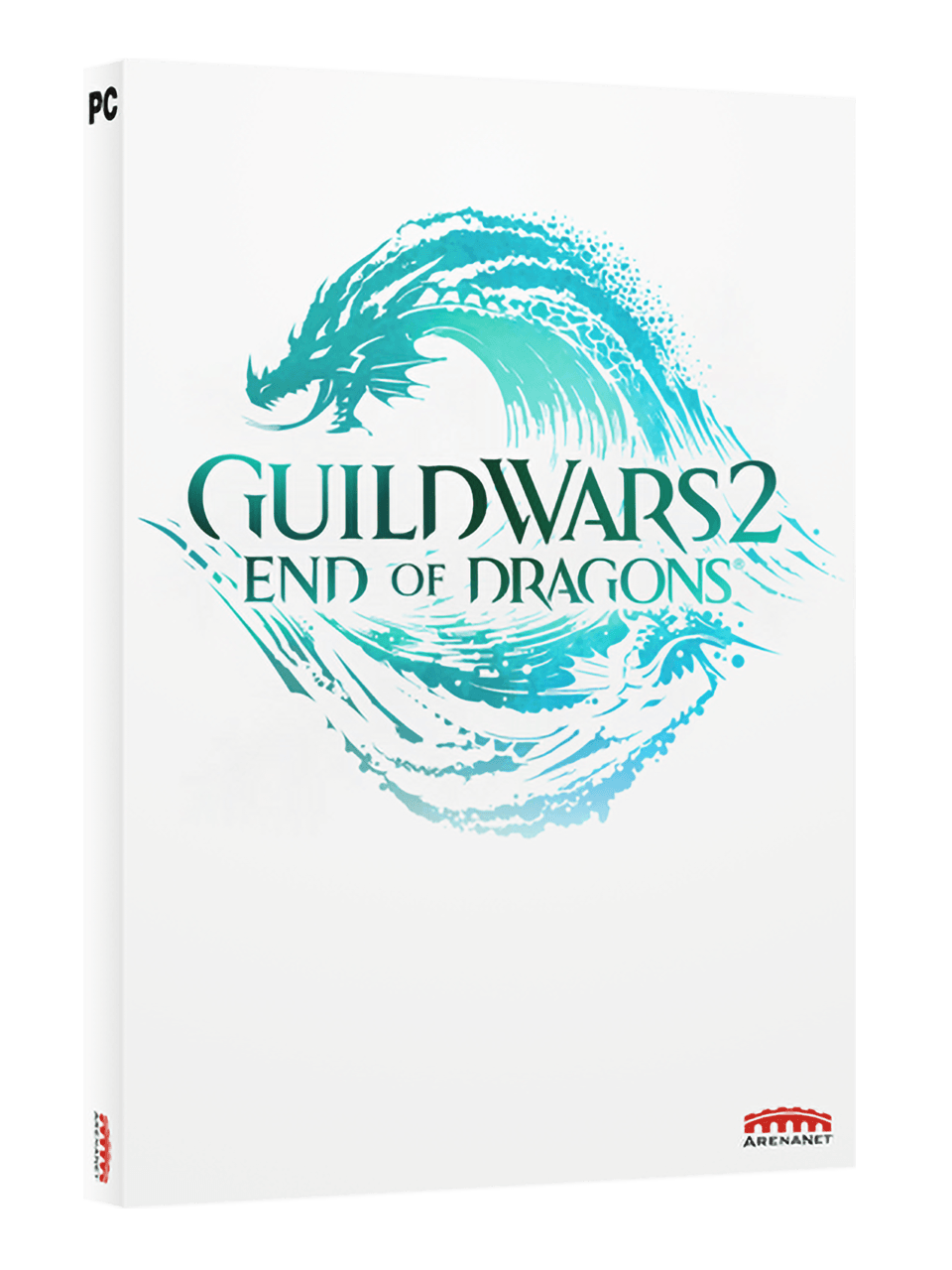


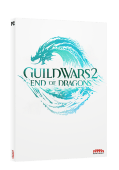

Guild Wars 2: End of Dragons Standard Edition
- The final part of the Elder Dragon Saga
- Return to Cantha, from Guild Wars 1
- New mount made for co-op
Information
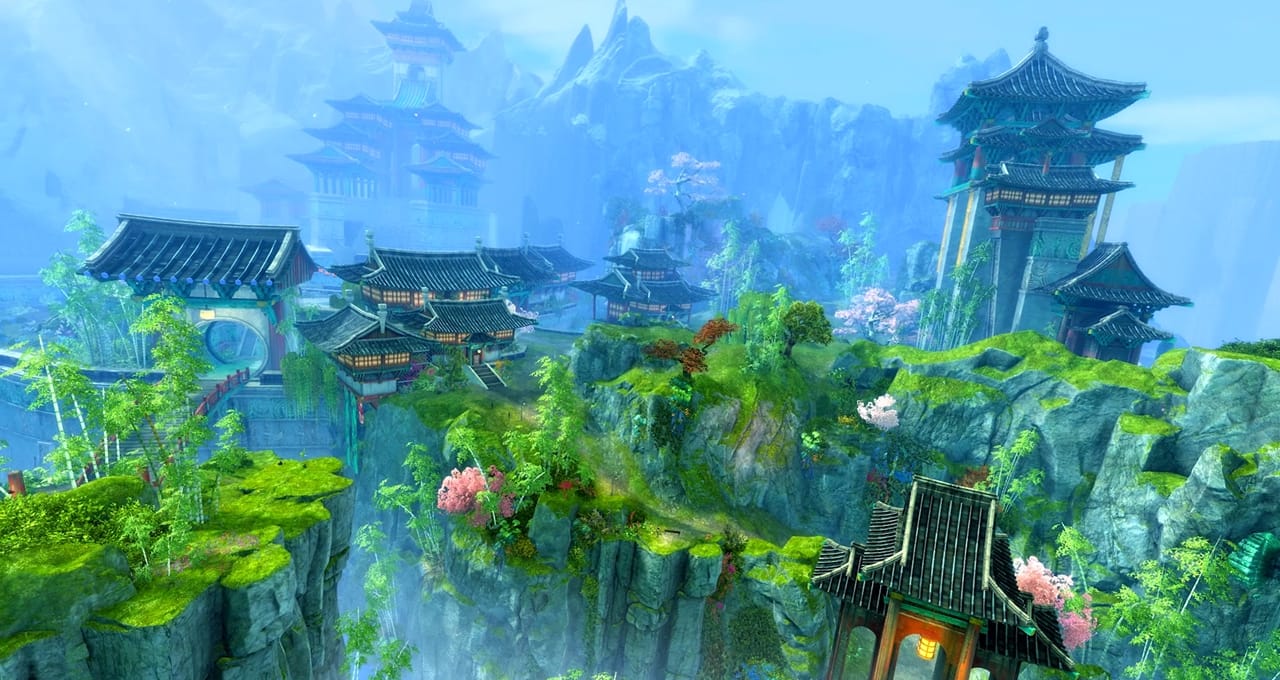
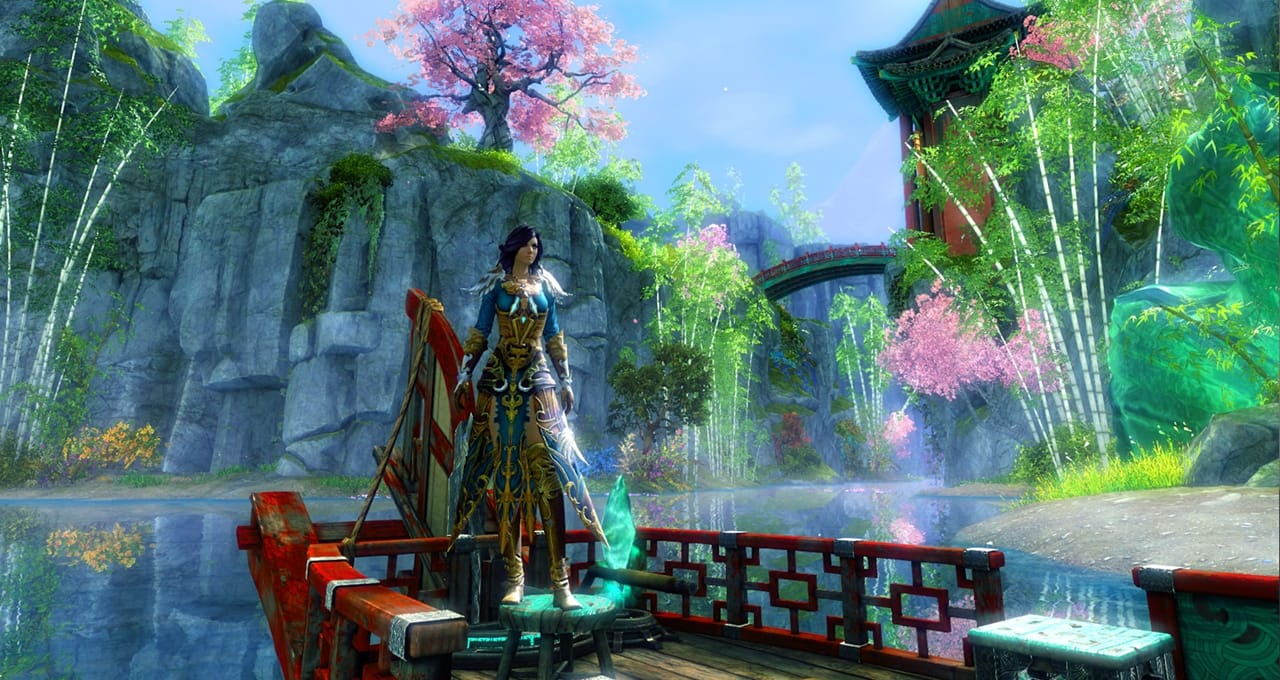
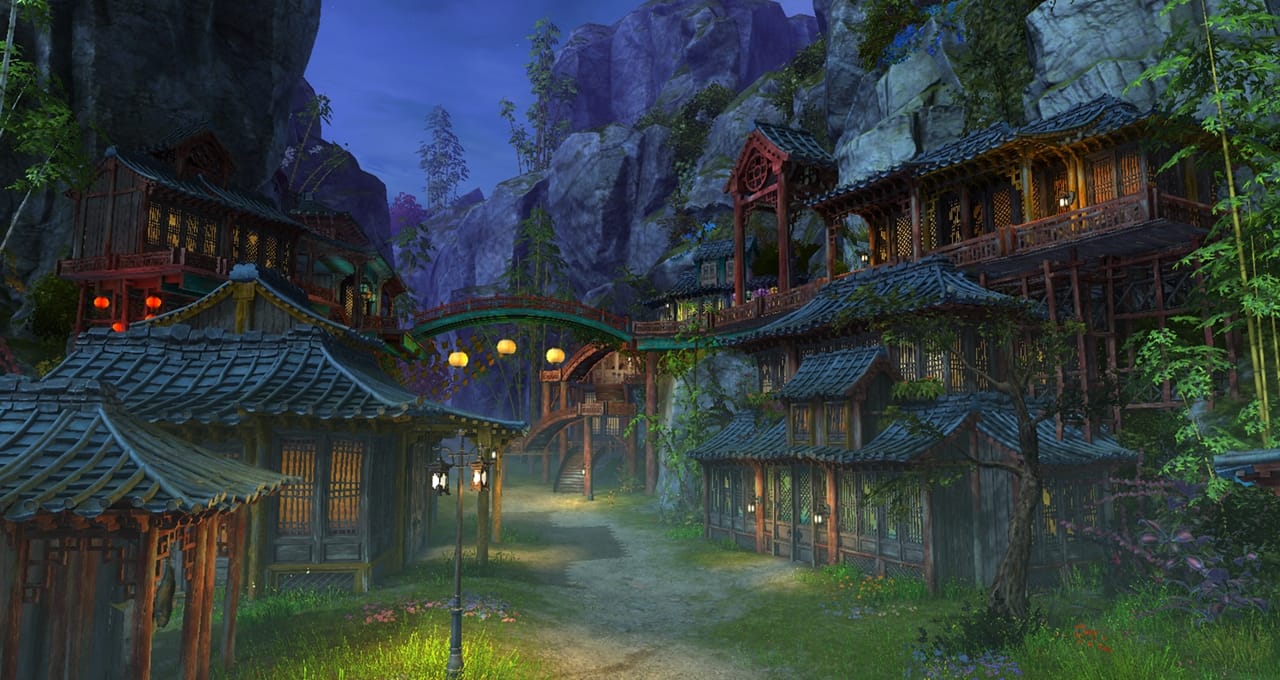
Explore Cantha in GW2 End of Dragons
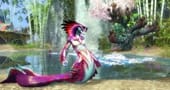
Guild Wars 2: End of Dragons is the third expansion of the award-winning and critically acclaimed MMORP game Guild Wars 2. The dragons' cycle that has made Tyria powerful and strong for eras is collapsing. The choices of a group of brave mortals will decide the future and the existence of their world. Fight for the land of Tyria in Guild Wars 2: End of Dragons! Discover the gorgeous continent of Canthan, travel to mystical worlds, go fishing with your friends in your own boat, unlock nine new specialties, and much more...
What are the new contents of End of Dragons?
Purchasing the Standard Edition of the Guild Wars 2: End of Dragons expansion will get you the following new and special launch content:
- Shared Inventory Slot
- Level 80 Booster
- Siege Turtle mount with co-op functionality
- New elite specializations for all professions
- Fishing and skiffs
What do you need to play Guild Wars 2: End of Dragons?
When you want to play the expansion Guild Wars 2: End of Dragons, you need the following:
- A Guild Wars account, which can easily be made on account.arena.net/register.
- The basic game Guild Wars 2
- The expansions of Guild Wars 2 that came before End of Dragons
Where can I buy Guild Wars 2 Gems?
In order to expand your possibilities in Guild Wars 2 and get the coolest skins and additional items, you may want to buy a bunch of premium in-game currency. It is easy to buy GW2 Gems right here at Gamecardsdirect,the one-stop gift card shop.
How to buy the End of Dragons expansion online at Gamecardsdirect
Buying this expansion of Guild Wars 2is very simple at Gamecardsdirect. You will receive a download code for this expansion directly in your email, so you won’t have to waste any time jumping right into the game! Ordering at Gamecardsdirect works as follows: Choose the Guild Wars 2: End of Dragons Standard Edition, and click on “Order Now”. Fill out your name and email address, so we know who to send the order to. Choose the payment method of your own choice, and finish the ordering process. As soon as the order is finalized you will receive your order by email, and you can immediately start playing.
Terms and conditions
Redeem instructions
How to redeem your DLCs for PC?
The method to redeem DLCs may vary according to the product. On this page you will find all the available methods, choose the one appropriate to the product you bought.
Guild Wars 2 Expansion DLCs
In order to redeem any Guild Wars 2 expansion code found on this page you will need to use the Account Management page in your ArenaNet account. These codes will NOT work on Steam.
- Log in your ArenaNet account and go to the Account Management page;
- Click on the ‘Redeem a Code’ button on the 'Overview' page;
- Enter your code into the ‘Enter Registration Code’ field;
- Click ‘Submit’ to redeem the code and add it to your account.
Please note that if you do it while you’re logged into the game, you will need to log out and back in for the new content to appear.
Windows keys via Microsoft store:
- Open the Microsoft Store.
- Select your personal icon at the top of the app and then select ‘Redeem code or gift cards’.
- Enter the code you received by email, and then select Redeem. Don’t worry about hyphens, the system takes care of those for you.
- Instant email delivery
- Excellent customer service
- Telephone:
+31(0)85 047 75 36 - E-mail support in the weekends
- 1.100.000+ satisfied customers
Limited customer service
during the holidays.
You might like this as well