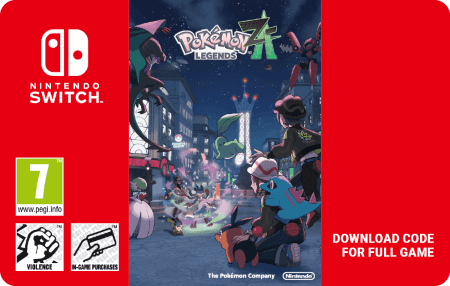

Pokémon Pokopia
- Attract Pokémon to your village
- Learn more abilities from your villagers
- Shape the terrain in sandbox multiplayer
Information
What is Pokémon Pokopia for Nintendo Switch 2?
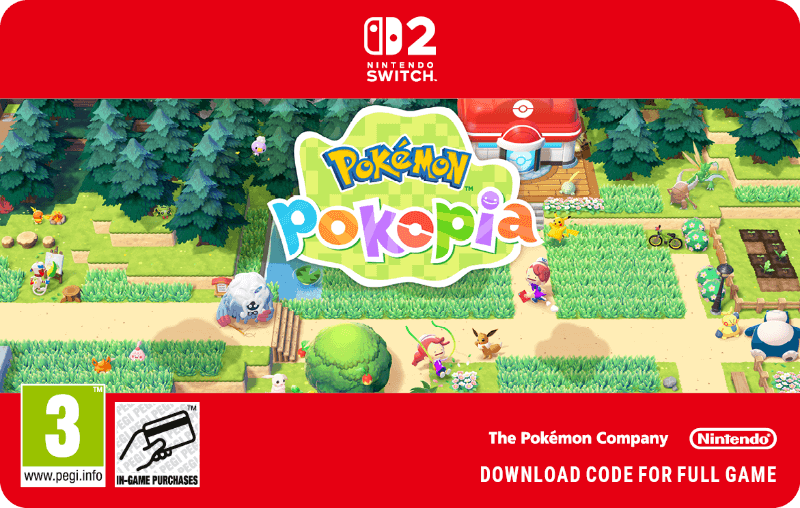
Pokopia is the new cosy Pokémon game for Switch 2 from Nintendo. Think Animal Crossing, but with Pokémon instead of random animals. You can play solo, or join with up to three other players in local or online co-op for shared world-building. Pokémon Pokopia has all the markings to become a huge success, considering how it puts together hugely popular and beloved characters with cosy, relaxing mechanics. Let’s see how the two game modes work!
How do you play Pokopia in single player?
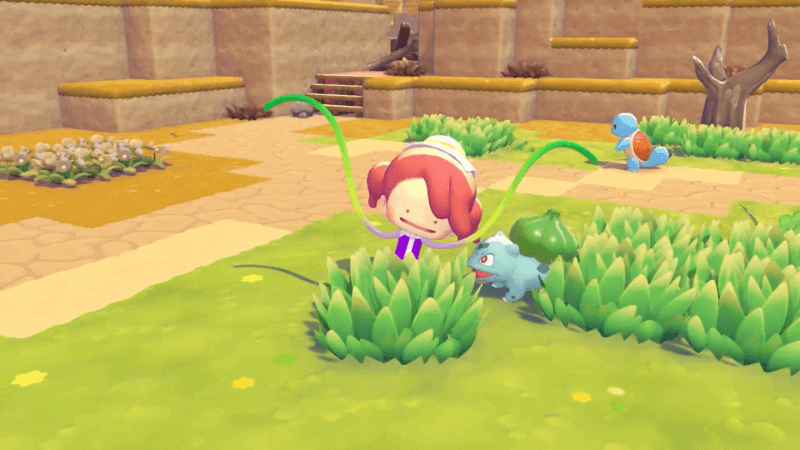
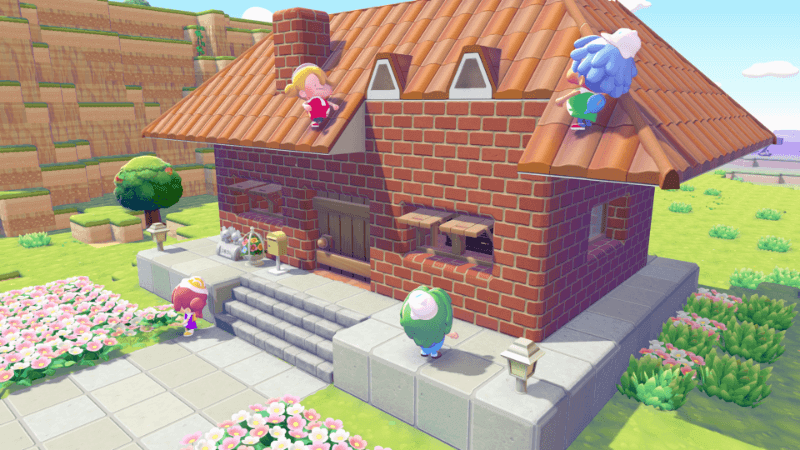
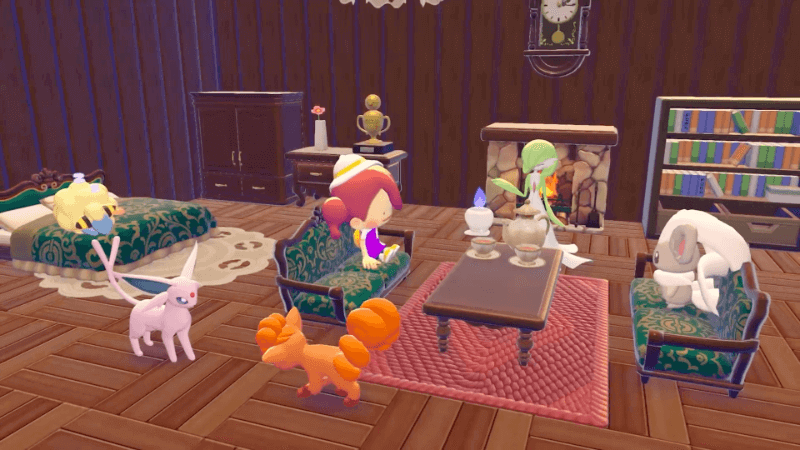
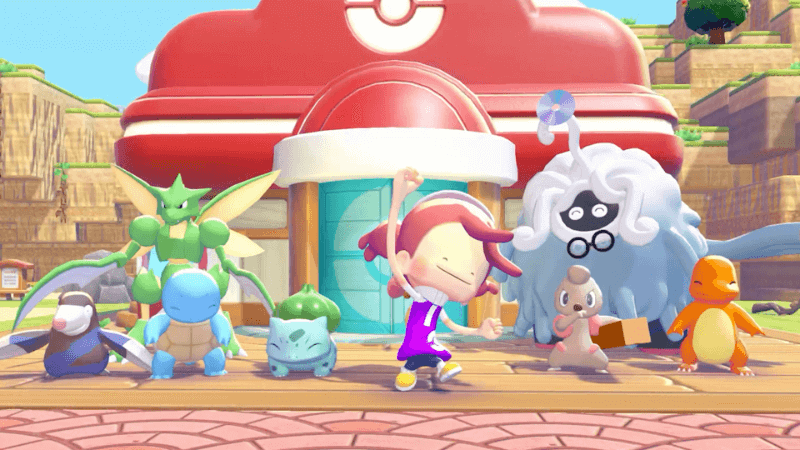
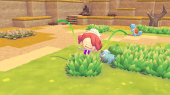
When you play Pokopia solo, you control a Ditto who assumes the appearance of its former trainer (which you can fully customise). Humans are nowhere to be found anymore, and wild Pokémon are rare. Your goal is to build a nice environment for other Pokémon to come and live in your village. You can do so by creating suitable habitats for the Pokémon you wish to attract, like a campfire to attract a Charmander. Since you are a Ditto, you can learn abilities from other Pokémon, so your options will expand with almost every new Pokémon you manage to attract. This time it’s not “catch ’em all”, rather “charm and have fun with ‘em all”.
How does Pokémon Pokopia co-op work?
Pokopia lets you team up with up to 3 friends in co-op multiplayer, either locally or online. The game supports game sharing, so if you play locally your friends don’t need to buy it. For online you will need a Nintendo Online subscription. That is standard procedure. The multiplayer mode in Pokémon Pokopia for Switch 2 works differently from most Pokémon games, resembling Minecraft more than Animal Crossing. The co-op progress is completely separate from your single player game, so you need to do everything from scratch. You are assigned a “world” that other players can visit even when you are not online, so your friends can contribute (or wreak havoc) even if you cannot find the time to be online at the same time. Also like Minecraft, it is possible to alter the terrain and build structures using blocks. Just imagine the possibilities!
Can you play Pokémon Pokopia on the first Switch?
No, Pokémon Pokopia is not available on the original Nintendo Switch. Pokopia is a game developed exclusively for the Nintendo Switch 2, and there is no version available for the older console.
Where can you safely buy Pokémon Pokopia for Switch 2 online?
When you want to buy Pokémon Pokopia online, the best place to do so is an official Nintendo supplier, like Gamecardsdirect. Once you have added the game to your cart and entered your email address, all you have to do is choose one of the many payment options and you will receive the Nintendo eShop code in your inbox in a matter of minutes. Please note that we don’t sell physical products, what you buy is a digital code that you can redeem in the Nintendo Store to download your game.
Description
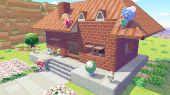
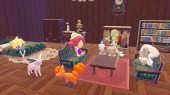
Play as a Ditto to shape an empty land into a beautiful home for a variety of Pokémon. There’s so much to do, including collecting berries, rocks and wood, building furniture, growing vegetables in fields you’ve tilled, creating homes for Pokémon you meet, and more.
- Game size: - GB
- Supported controllers: -
- Supported features: -
- Nintendo Switch Online: Supported
- Play modes: TV mode, Tabletop mode, Handheld mode
- Supported languages: English, French, Italian, German, Spanish
- Console/system: -
- Type: -
- Original console/system: Nintendo Switch 2
- Multiplayer modes: Local wireless (2-4 players), Online (1-4 players)
- Players: 1
- Age rating: PEGI 3
- Copyrights: ©2025 Pokémon. ©1995–2025 Nintendo / Creatures Inc. / GAME FREAK inc. ©KOEI TECMO GAMES
- Release date: 05/03/2026
Terms and conditions
Redeem instructions
IMPORTANT: This code can be redeemed on Nintendo eShop on your Nintendo Switch console, or directly via our website at https://ec.nintendo.com/redeem.
- From the HOME Menu, select
 and then select your Nintendo Account to open Nintendo eShop.
 - Once in Nintendo eShop, select REDEEM CODE, enter the 16-figure download code and follow the on-screen instructions.
- Instant email delivery
- Excellent customer service
- Telephone:
+31(0)85 047 75 36 - E-mail support in the weekends
- 1.100.000+ satisfied customers
Limited customer service
during the holidays.
You might like this as well